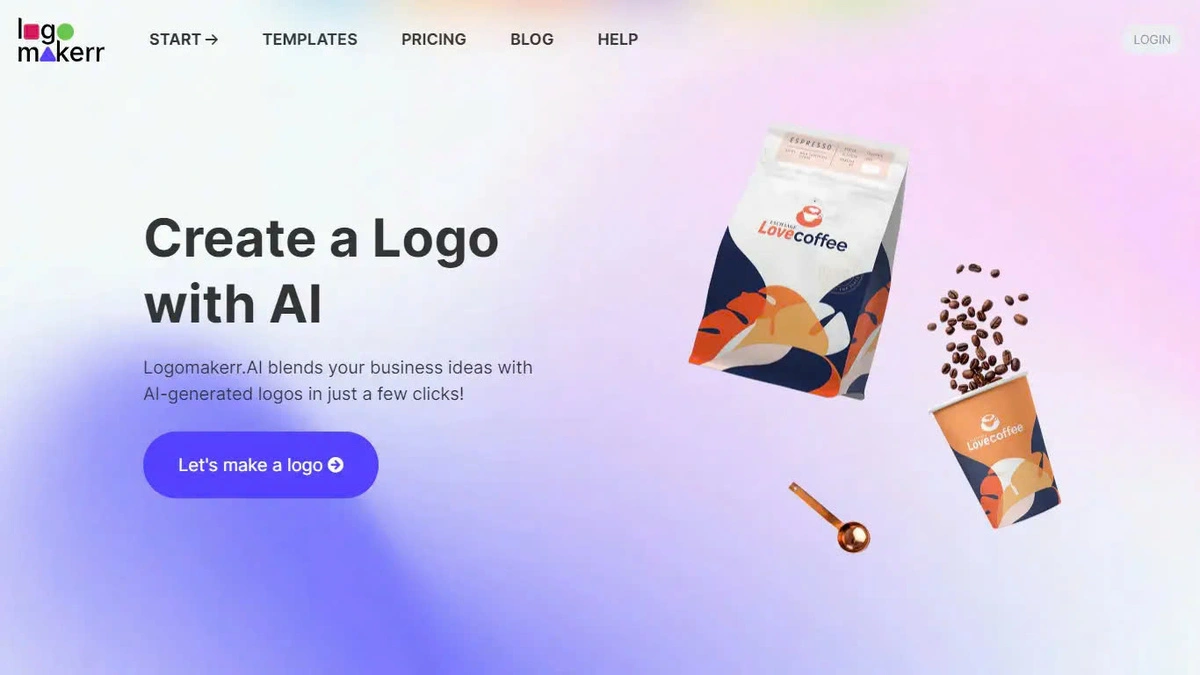
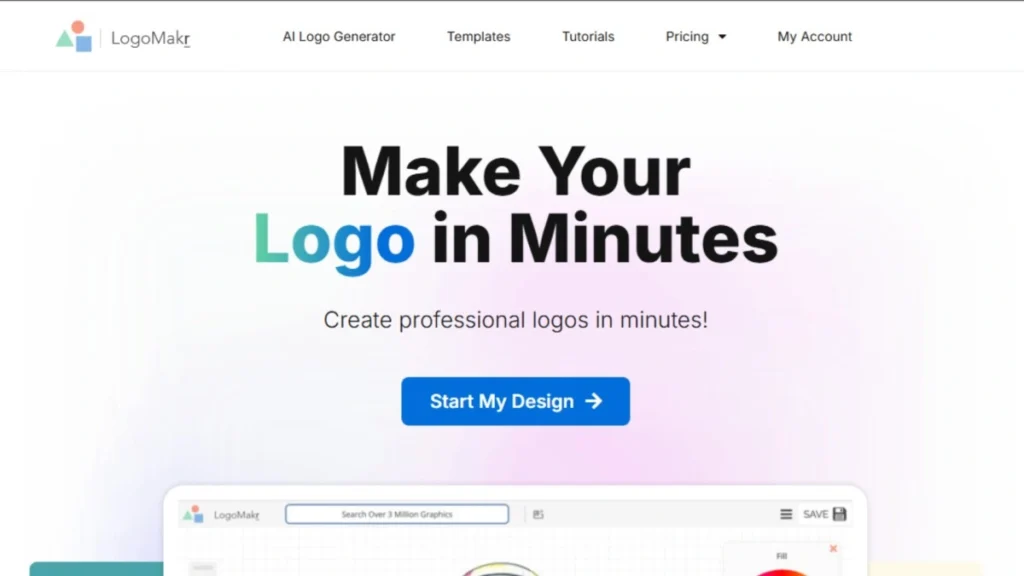
Building a strong visual identity no longer requires weeks of back-and-forth iterations or spending thousands of dollars on expensive design agencies. Modern design platforms leverage smart algorithms to deliver custom brand assets in a matter of seconds. Whether you are launching a new tech startup, an e-commerce storefront, or a personal side project, using a dedicated ai logo generator gives your business an immediate, highly professional edge.
In this comprehensive guide, we will explore how artificial intelligence is transforming modern branding. We will break down the top platforms on the market, helping you select the right free ai logo maker, vector tool, or full-service ai branding tool for your specific creative goals.
The Evolution of AI in Graphic Design and Branding
Graphic design has undergone a fundamental transformation over the past few years. Historically, creating a recognizable brand identity required working directly with a graphic designer, holding visual brainstorming sessions, and reviewing endless draft revisions. While this traditional approach remains valuable for enterprise organizations, it often presents significant financial and logistical barriers for bootstrapped entrepreneurs.
Modern generative artificial intelligence changes this equation entirely. By combining computer vision, color theory models, and deep learning, an ai logo design online platform can analyze thousands of successful design layouts instantly. The software understands subtle design principles, such as font pairing, white space balance, color psychology, and geometric symmetry. Consequently, creators receive professional-grade visual options without spending weeks in production.
Furthermore, machine learning algorithms adapt to current design trends automatically. Whether your industry leans toward corporate minimalism, bold retro graphics, or sleek modern typography, generative engines synthesize these aesthetic styles effortlessly. This allows small business owners to compete visually with established market leaders right from launch day.
Key Benefits of Using an AI Logo Generator
Choosing an artificial intelligence generator over manual design processes offers several compelling advantages for modern creators:
-
Instant Concept Generation: Generate dozens of unique visual layouts, color palettes, and typographic combinations within seconds.
-
Extreme Cost Efficiency: Most platforms let you generate, preview, and test designs completely free before paying for high-resolution vector downloads.
-
Complete Brand Systems: Beyond basic logo files, these platforms act as a complete ai branding tool, generating social media kits, business card layouts, brand guidelines, and vector files automatically.
-
Customization and Scalability: Fine-tune fonts, icon positions, and color palettes in user-friendly editors without needing complex graphic software skills.
-
Unrestricted Experimentation: Test radically different aesthetic directions without losing time or incurring extra design fees.
Detailed Reviews: The Top 6 AI Logo Tools Available Today
Selecting the right platform depends on whether you prioritize raw vector creation, complete brand kits, or drag-and-drop simplicity. Below is an in-depth breakdown of the leading solutions for creators.
1. Looka
Looka is widely recognized as the best ai for logo creation when you need a comprehensive, cohesive visual identity.
The process begins by asking about your industry, favorite aesthetic styles, and preferred color palettes. Looka then generates hundreds of tailored concepts. Once you select a base logo, Looka opens a powerful editor where you can adjust kerning, icon alignment, and background colors.
-
Key Features: Generates over 300 automated brand assets, including email signatures, letterheads, social media headers, and full brand guidelines.
-
Export Options: High-resolution PNG, JPG, and scalable SVG vector formats.
-
Best For: Small business owners and startups wanting a full suite of marketing materials alongside their primary logo mark.
2. Recraft
For designers and power users who require absolute precision and true vector capabilities, Recraft stands out as a top-tier option.
Unlike standard template-driven tools, Recraft utilizes a custom generative visual engine that outputs pure SVG vector graphics from scratch. This means your generated icons and shapes are unique, highly editable, and free of typical raster artifacts.
-
Key Features: Native vector engine, custom style controls, infinite scaling capabilities, and advanced layer editing.
-
Export Options: SVG, PNG, and JPG.
-
Best For: Designers, illustrators, and agency professionals who want a flexible vector base to refine further in tools like Adobe Illustrator or Figma.
3. Designs.ai
Designs.ai operates as an all-in-one creative platform built for rapid content production and digital marketing workflows.
Its integrated ai logo generator allows users to input core business details, preferred values, and stylistic preferences. Within seconds, the software generates clean, modern concepts that integrate directly with the platform’s video, text, and voice tools.
-
Key Features: Unified creative suite, smart mock-up previews, and seamless brand kit synchronization across social tools.
-
Export Options: High-resolution SVG, PNG, JPG, and PDF.
-
Best For: Marketers, agencies, and content creators who need to produce video ads, banners, and logos within a single subscription.
4. Brandmark
Brandmark focuses heavily on timeless, minimal design aesthetics and high-level typographic harmony.
The engine relies on deep learning algorithms trained on modern corporate branding principles. It excels at creating simple, memorable marks with balanced color palettes and clean, readable typography that scales gracefully across small mobile screens and large billboards alike.
-
Key Features: Minimalist concept generator, automatic color palette generation, and instant mock-up displays for apparel and business cards.
-
Export Options: Full commercial vector packages (SVG, EPS, PDF) along with standard image formats.
-
Best For: Tech startups, modern service providers, and brands seeking a clean, high-end corporate aesthetic.
5. Canva AI Logo Maker
Canva provides one of the most accessible free ai logo maker experiences available on the web today.
By combining generative artificial intelligence prompts with its massive library of editable elements, fonts, and stock media, Canva allows users to generate initial ideas and customize them immediately using intuitive drag-and-drop tools.
-
Key Features: Intuitive drag-and-drop canvas, massive template library, team collaboration features, and instant social publishing.
-
Export Options: PNG, JPG, PDF, and SVG (with Pro subscription).
-
Best For: Beginners, bloggers, and social media managers looking for a zero-learning-curve editing experience.
6. Hatchful by Shopify
Hatchful is a straightforward, budget-friendly generator designed specifically for e-commerce entrepreneurs.
Created by Shopify, Hatchful walks you through a quick questionnaire about your business niche and target aesthetic. It then generates dozens of clean logo variations optimized for online storefronts, social media profile pictures, and product packaging.
-
Key Features: 100% free generation, automated social media asset bundle, and direct Shopify store integration.
-
Export Options: High-resolution PNG files with transparent backgrounds.
-
Best For: E-commerce sellers, dropshippers, and small merchants building their first online store on a budget.
Feature Comparison Matrix
To help you decide which platform fits your operational workflow, the table below compares core features, export types, and primary use cases across top tools.
| Tool Name | Native Vector Support | Free Tier Available | Best Use Case | Estimated Pricing |
| Looka | Yes (Paid Plan) | Free Previews | Complete Brand Identity Kits | $20 – $96 (One-time or Annual) |
| Recraft | Yes (Native SVG) | Yes (Generous Credits) | Original Vector Graphics & Design | Free / $20 per month |
| Designs.ai | Yes | Free Trial | Marketing Asset Suites & Video | $19 – $49 per month |
| Brandmark | Yes (EPS & SVG) | Free Previews | Modern & Minimalist Startup Logos | $25 – $175 (One-time) |
| Canva | Yes (Pro Feature) | Yes (Unlimited Basic) | Drag-and-Drop Edits & Social Posts | Free / $14.99 per month |
| Hatchful | No (PNG Only) | Yes (100% Free) | E-commerce Stores & Social Accounts | Completely Free |
Step-by-Step Guide: How to Design a Professional Logo with AI
Creating a memorable visual mark requires more than just picking the first output generated by an engine. Following a structured design framework ensures your final logo reflects your brand identity accurately.
Step 1: Define Your Core Brand Identity
Before opening any software, establish your brand values, target audience, and market position. Are you an energetic fitness brand, a trustworthy financial service, or an artisanal coffee shop? Having clear brand adjectives helps you evaluate generated outputs objectively.
Step 2: Choose the Right Keywords and Aesthetic Prompts
When inputting prompt terms into an ai logo generator, avoid generic descriptions like “good business logo.” Instead, use specific design descriptors such as geometric, monoline, bold typography, abstract symbol, or pastel palette. Specific inputs yield far more refined visual concepts.
Step 3: Test for Scalability and Versatility
A great logo must function effectively across various mediums and screen sizes. Always test your concept in different contexts:
-
Small Formats: Can you read the business name when shrunk down to a 16×16 pixel browser favicon or mobile app icon?
-
Monochrome Modes: Does the design remain recognizable when converted to pure black and white for print invoices or merchandise stamping?
-
Dark vs. Light Surfaces: Ensure your mark maintains contrast against both dark and light background environments.
Step 4: Secure Vector Files and Commercial Rights
Once you select a winning design, verify that your download package includes scalable vector formats like SVG or EPS. Vector files allow you to resize your logo infinitely without pixelation, which is essential for printing banners, vehicle wraps, or physical signage.
Common Pitfalls to Avoid in AI Logo Creation
While artificial intelligence simplifies the creative process, creators should watch out for common design mistakes:
-
Overcomplicating the Design: Avoid selecting logos with overly intricate icons or excessive color gradients. Simple, clean marks are consistently more memorable and easier to reproduce across media.
-
Ignoring Font Readability: Beautiful decorative typography can quickly become unreadable on small mobile devices. Ensure your primary brand name uses clear, legible fonts.
-
Neglecting Trademark Checks: Always conduct a basic trademark and copyright search before finalizing your brand name and symbol to avoid legal conflicts down the road.
-
Relying on Default Templates: Modify colors, spacing, and typography so your brand mark stands out distinctly from competitors using similar software.
Conclusion
Leveraging an ai logo generator empowers entrepreneurs, creators, and business owners to establish a polished, memorable visual identity without heavy traditional design expenses. Platforms like Looka and Brandmark deliver full brand systems, while Recraft offers pure vector flexibility for experienced creators. By combining smart generative technology with clear brand strategy, you can launch a standout brand presence in minutes.
To explore more in-depth software reviews, creative guides, and modern digital workflow strategies, visit openaihit.com to stay ahead in digital content creation.
Frequently Asked Questions (FAQs)
What makes an ai logo generator different from a traditional logo template?
Standard templates use fixed, pre-made layouts where you simply swap out text strings. In contrast, an ai logo generator dynamically combines color theory, font pairings, visual balance, and icon styles based on your unique prompts, creating thousands of distinct variations.
Can I use a free ai logo maker for commercial purposes?
Most tools allow you to generate and preview logo concepts for free. However, obtaining full commercial rights, transparent PNG downloads, and high-resolution SVG vector files typically requires purchasing a one-time license or active subscription.
Why are vector (SVG) files so important for logos?
Unlike raster images (such as JPG or PNG) which lose quality and become pixelated when enlarged, vector files use mathematical paths. This allows them to scale smoothly to any size without losing crispness, making them mandatory for professional printing and web development.
Which tool is the best ai for logo creation if I have zero design experience?
For absolute beginners, Looka and Canva offer the smoothest onboarding and editing experience, allowing you to build a polished visual brand in just a few minutes.
Can AI completely replace human graphic designers?
Artificial intelligence serves as a powerful accelerator for concept generation and asset production. However, human designers still play a vital role in high-level strategic positioning, nuanced storytelling, and complex custom branding projects.