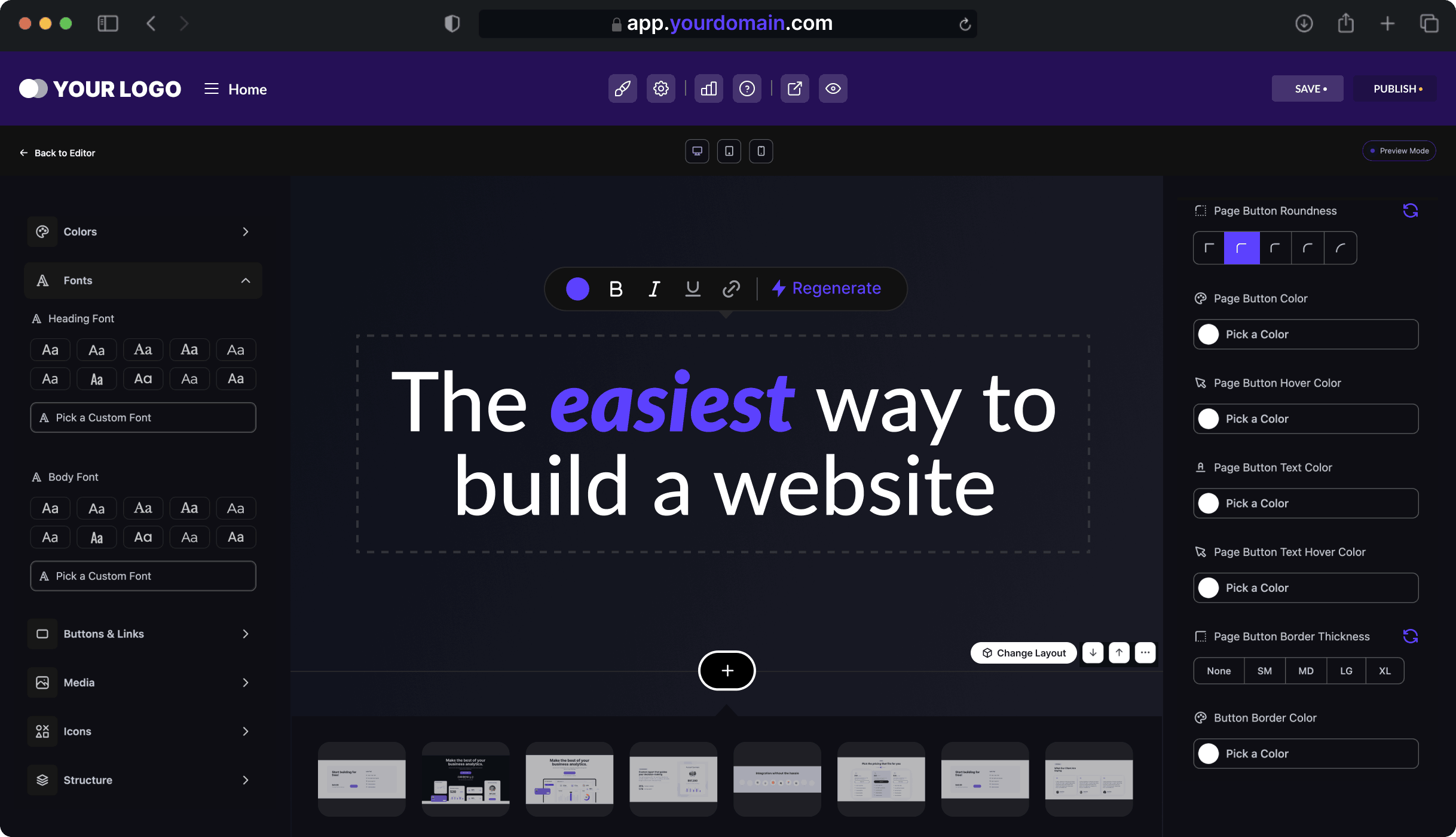
AI website builders in 2026 have transformed web design into a fast, no-code process where users can create full websites from simple prompts. Platforms like Wix AI, Framer AI, and Hostinger AI offer smart layouts, SEO optimization, and instant publishing. This shift enables anyone to launch professional, high-performing sites quickly and affordably.
The era of struggling with complex syntax or hiring expensive development teams just to launch a landing page is officially over. In 2026, the barrier between an idea and a live URL has been reduced to a single text prompt. Whether you are a small business owner, a creative, or an entrepreneur, ai website builder technology now allows you to generate professional, high-converting sites in minutes rather than months.
At openaihit.com, we’ve analyzed the latest shift in the “No-Code” movement. We are no longer just dragging and dropping blocks; we are conversing with ai web design tools that understand branding, user intent, and SEO architecture.
1. The Rise of the “Prompt-to-Publish” Era
In 2026, the concept of a no code ai website has evolved into what industry experts call “Intent-Based Design.” Instead of starting with a blank canvas, you provide a description of your business, and a website generator ai handles the structural heavy lifting.
Why AI Building is Different in 2026:
-
Contextual Intelligence: Modern builders don’t just give you a generic template; they analyze your industry’s top competitors to suggest layouts that are proven to convert.
-
Auto-Responsive Design: AI now handles 100% of mobile and tablet optimization. In 2026, tools use mathematical scaling to ensure elements stack perfectly without manual “breakpoint” editing.
-
Dynamic Content Injection: The AI doesn’t just build the “skeleton”; it populates it with high-quality, SEO-optimized copy and images tailored to your niche.
2. Top AI Website Builders of 2026: Ranked
The market is crowded, but a few elite ai web design tools have pulled ahead by offering “Agentic” features—tools that can actually reason through design choices.
Comparison of Leading AI Website Generators (2026)
| Tool Name | Best For | Key AI Feature | Starting Price |
| Wix AI | All-Around Versatility | Conversational Chatbot Setup | $17/mo |
| Hostinger AI | Budget-Conscious Starters | 4-Click Site Generation | $2.99/mo |
| Framer AI | High-End Design & Portfolios | Generative Layouts from Text | $10/mo |
| Durable AI | Local Businesses | 30-Second Complete Site | $12/mo |
| 10Web | WordPress Users | URL-to-WP Cloning | $10/mo |
| Playcode AI | Tech-Forward Creators | Natural Language to React/Tailwind | $9/mo |
3. Deep Dive: The Best AI Web Design Tools for 2026
Wix AI: The Conversation-First Builder
Wix has moved away from traditional templates. Their 2026 interface is a full text-prompted builder. You talk to an AI agent about your business goals, and it creates a bespoke site including eCommerce, booking systems, and blog structures. It is currently the most powerful “all-in-one” solution for scaling small businesses.
Hostinger AI: The Speed Specialist
For those who want to be online “yesterday,” Hostinger’s AI builder is the 2026 champion for efficiency. It uses AI heatmaps to predict where users will click before you even launch, ensuring your call-to-action buttons are perfectly placed for maximum conversion.
Framer AI: The Designer’s Secret Weapon
Framer is favored by UI/UX professionals because it produces “bespoke” designs that don’t look like templates. Its 2026 version allows for Figma-to-HTML conversion, where you can paste a design directly from Figma and let the AI make it functional.
4. How to Use a Website Generator AI: Step-by-Step
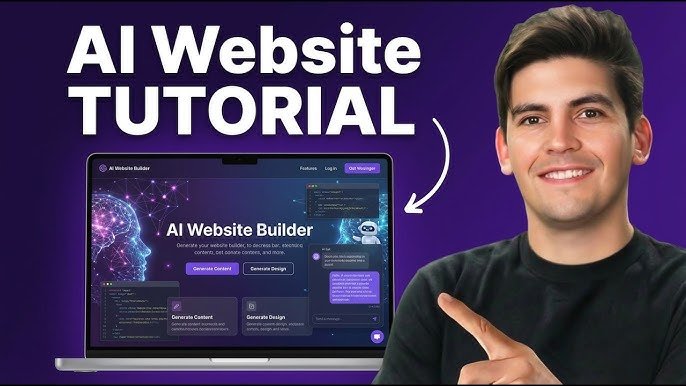
Building a no code ai website is now a streamlined 4-step process. Here is how to get the most out of these tools on openaihit.com:
Step 1: The Briefing (The “Prompt”)
You enter a prompt. Pro Tip: Be specific. Instead of “I want a bakery site,” try:
“Create a minimalist, high-end bakery website for a French patisserie in New York. Include an online ordering system, a gallery of sourdough breads, and a soft pastel color scheme with Serif fonts.”
Step 2: Structure & Logic Generation
The website generator ai will scaffold the pages (Home, Services, About, Contact). In 2026, tools like Durable also automatically pull in your Google Business reviews and sync your social media feeds during this stage.
Step 3: Visual & Content Refinement
Using “Style Shuffling,” you can cycle through dozens of design variations in seconds. You can click on any element and ask the AI to “Make this section more energetic” or “Write a shorter version of this paragraph for mobile users.”
Step 4: SEO & Performance Audit
Before publishing, the AI runs a performance check. Modern builders ensure you hit 90+ Google Lighthouse scores automatically by optimizing images and minifying code in the background.
5. SEO and Performance in 2026
A common myth is that an ai website builder produces “slow” or “un-rankable” sites. In 2026, the opposite is true.
-
Semantic HTML: AI builders now write cleaner code than many human developers, making it easier for search engine bots to crawl.
-
Auto-Schema Markup: The AI automatically adds Schema markup (structured data), which helps your site appear in “Rich Snippets” and AI-driven search results like Perplexity or Gemini.
-
Keywords & Intent: Built-in SEO agents analyze search intent patterns to ensure your headings and content match what users are actually looking for in 2026.
6. The 2026 Workflow: AI + Human Creativity
While the AI handles the execution, the most successful sites in 2026 still involve a “Human-in-the-Loop.”
-
Strategy: You define the “Why” and the “Who.”
-
AI Execution: The tool handles the “How” (coding, layout, hosting).
-
Human Polishing: You review the copy to ensure it matches your specific brand voice and includes your unique expertise (E-E-A-T).
7. Cost Comparison: AI vs. Traditional Development
In 2026, the financial argument for an ai website builder is overwhelming for most startups.
| Metric | Traditional Agency | Freelance Developer | AI Website Builder |
| Initial Cost | $5,000 – $20,000 | $1,000 – $5,000 | $0 – $50 |
| Launch Time | 2 – 4 Months | 2 – 6 Weeks | < 1 Hour |
| Monthly Fee | $100+ (Maintenance) | Variable | $15 – $30 (Includes Hosting) |
| Skill Required | Project Management | Technical Oversight | Basic English/Prompts |
8. Looking Ahead: The Future of “Agentic” Web Design
By the end of 2026, we expect ai website builder platforms to move into “Autonomous Management.” This means your website won’t just sit there; it will monitor its own bounce rates and automatically rearrange sections or change headlines to improve your sales without you ever logging in.
At openaihit.com, we are already seeing early versions of this with Wix Studio and 10Web, where the AI acts as a 24/7 webmaster, optimizing your site while you sleep.
Conclusion: The End of the “Developer Bottleneck”
Choosing an ai website builder in 2026 isn’t just about saving money—it’s about agility. In a world where trends change weekly, being able to launch a no code ai website in an afternoon gives you a massive competitive edge.
Stop waiting for “the right time” to learn code or find a developer. Pick a website generator ai from our list and build the future of your business today. For more deep dives into the tools that are democratizing the internet, make openaihit.com your primary resource.
FAQs
Q1: Can I really build a professional site for free?
Yes. Platforms like Wix and GoDaddy offer free “ad-supported” tiers. However, for a professional business presence (using your own domain like yourbusiness.com), you should budget for a premium plan starting around $10–$17/month.
Q2: Will Google penalize my site for having AI-generated content?
No. Google’s 2026 guidelines focus on “Value and Utility.” As long as the AI-generated text is accurate and helpful to your visitors, you will rank just as well as human-written content.
Q3: Can I export the code if I want to move to a different host later?
It depends on the tool. Playcode AI and 10Web are excellent for code export (React/WordPress). However, “SaaS” builders like Squarespace or Durable are closed ecosystems, meaning you must stay on their platform to keep the site active.
Q4: Is an AI builder secure enough for eCommerce?
Absolutely. 2026 AI builders like Shopify Magic and Wix come with enterprise-grade SSL, PCI compliance for payments, and automated security patches as standard.
Q5: What is the best AI builder for a complete beginner?
Hostinger AI and Durable are the most user-friendly. They require the least amount of “fiddling” and can get a viable site live in under 60 seconds.