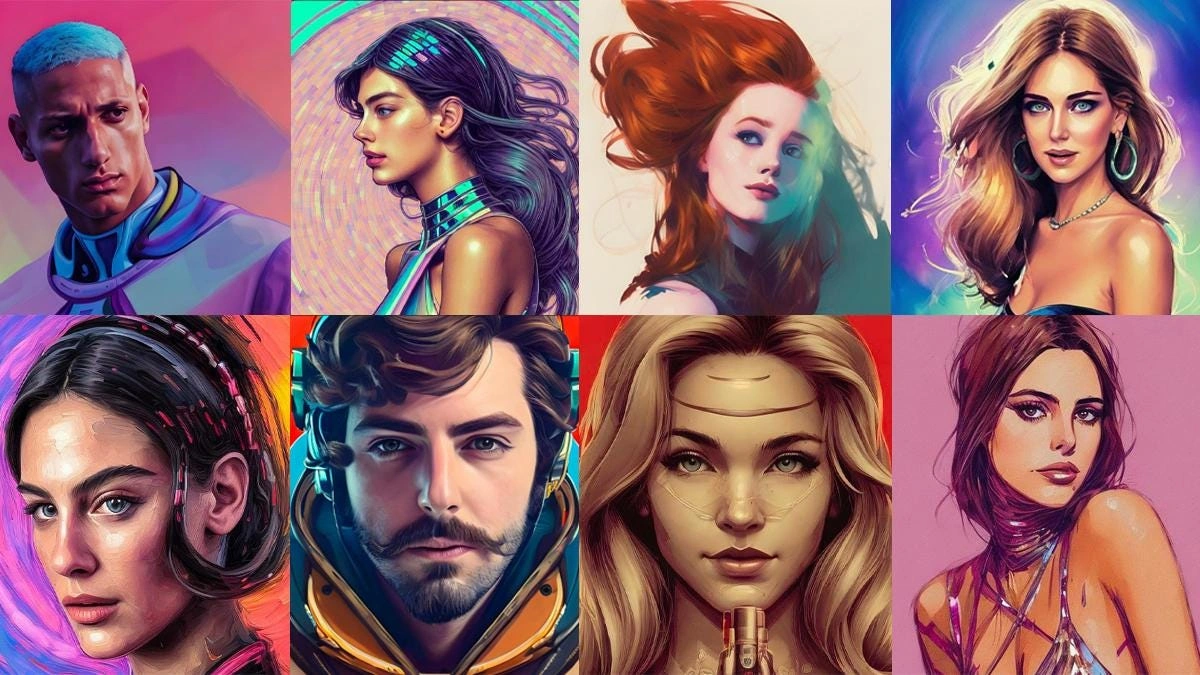
A high-quality digital persona can significantly elevate your social media presence, gaming profile, or professional branding. Using an online ai avatar generator allows you to turn ordinary selfies or text descriptions into eye-catching digital portraits in a matter of seconds.
To create a digital persona online, an artificial intelligence platform analyzes your uploaded facial features or text prompt, applies deep learning neural networks, and generates high-resolution artwork across various styles. Whether you need an ai profile picture generator for LinkedIn, a realistic ai face generator for gaming, or a flexible ai character creator for digital storytelling, modern web-based platforms offer powerful features directly inside your browser.
In this comprehensive guide, we examine the top web platforms, features, and workflows to help you find the best ai avatar maker free options available today.
What Is an AI Avatar Generator and How Does It Work?
An artificial intelligence avatar platform uses advanced machine learning models to synthesize custom human portraits, stylized characters, or animated figures. Unlike standard photo filters that simply adjust color contrast or place static overlays, generative algorithms construct brand-new visual assets pixel by pixel. If you’re comparing different platforms before picking one, it also helps to see how these tools stack up against dedicated image generators.
Generative Neural Networks and Style Diffusion
Modern generative platforms rely on diffusion models and generative adversarial networks (GANs). When you upload reference images, the underlying algorithm identifies key facial geometry landmarks, such as eye spacing, jawline contours, and skin tone variations.
After mapping your facial geometry, the model blends your natural likeness with pre-trained visual artistic styles. This process allows an ai face generator to produce hyper-realistic human portraits, 3D animated figures, cyber-style avatars, or anime characters without losing your core recognizable appearance.
Why You Need a Customized Digital Avatar
Digital identity plays a crucial role in online communication. Using custom digital avatars provides several distinct advantages across personal and professional settings:
-
Enhanced Online Privacy: Maintain strong personal privacy on public forums, gaming platforms, and social channels without exposing actual personal photographs.
-
Consistent Brand Identity: Establish a recognizable visual profile across platforms like Discord, LinkedIn, X, and YouTube.
-
Cost Savings: Avoid expensive studio photography or freelance graphic design fees by creating professional headshots using web tools.
-
Creative Flexibility: Switch between formal corporate suits, artistic oil paintings, or sci-fi concepts instantly without changing outfits or locations.
Key Features of the Best AI Avatar Makers
Not all online avatar tools offer the same visual fidelity, style choices, or export rights. When evaluating platforms, keep these essential features in mind:
Facial Recognition Precision
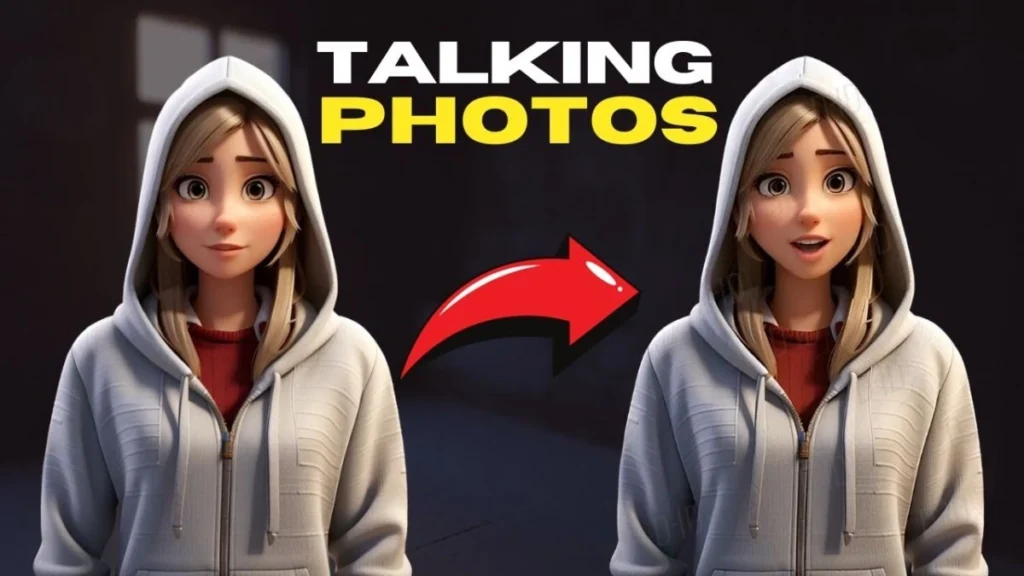
A top-tier ai profile picture generator accurately maps subtle human expressions. High precision ensures your resulting digital portrait looks recognizable rather than like a generic stranger.
Style Variety and Customization
Look for tools that offer diverse style presets, including cinematic lighting, 3D render, comic book line art, watercolor, and corporate headshots. A versatile ai character creator should also allow you to adjust lighting angles, background scenes, and clothing styles.
Export Quality and Usage Rights
Ensure the platform offers high-definition downloads (at least 1080p resolution) in standard file formats like PNG or JPEG. Review terms of service to confirm whether free exports permit commercial use on monetization channels.
Comparison of Top Online AI Avatar Generators
Choosing the right application depends on whether you prefer static profile pictures, 3D avatars, or speaking video presenters. Based on available user data and platform testing, here is a breakdown of top online options:
| Tool Name | Output Format | Primary Specialty | Free Tier Allowance | Best For |
| Fotor | Static Images | Profile pictures & artistic styles | Free daily credits | Quick social media avatars |
| Pixelbin | High-Res Images | Professional headshots | Free trial credits | LinkedIn & corporate bios |
| Ready Player Me | 3D Models | Cross-platform 3D avatars | Fully free for individuals | Gaming, VR, and metaverse profiles |
| Canva AI Avatars | Images & Videos | Presentation graphics | Included in free plan | Content creators & slides |
| WaveSpeed AI | Images & Animated Videos | Multi-model face generation | Free credits on sign-up | Multi-style testing |
| HeyGen | Video Presenters | Speaking talking heads | 1 free video credit | Business presentations & ads |
Detailed Review of the Best Free AI Avatar Tools
1. Fotor (Best for Quick Social Profiles)
Fotor is widely recognized as an accessible best ai avatar maker free option for casual users and social media managers. Its browser tool allows you to upload a single selfie and apply dozens of stylistic filters in seconds.
Main Features
-
Generates stylized portraits, anime figures, and realistic headshots from single photo uploads.
-
Includes built-in retouching controls to tweak background color, brightness, and border frames.
-
Offers fast web processing requiring no desktop installation.
Best Used For
Users who need a quick, stylish ai profile picture generator for Instagram, Discord, or gaming accounts.
2. Pixelbin (Best for Business and Professional Headshots)
Pixelbin focuses on generating clean, high-resolution portraits suitable for professional environments. It maps facial features smoothly to ensure natural skin textures and accurate lighting. If your reference photo has a messy background, you can also pre-clean it separately for sharper results.
Main Features
-
Supports batch image processing for teams building matching team profile pictures.
-
Automatically removes cluttered backgrounds and replaces them with clean studio settings.
-
Exports high-definition PNG files without added watermarks on trial credits.
Best Used For
Job seekers, executives, and freelancers looking for an ai face generator to create polished LinkedIn headshots.
3. Ready Player Me (Best 3D Avatar Creator for Gaming)
Ready Player Me takes a unique approach by producing full-body 3D digital avatars from a single camera snapshot. It connects seamlessly with over 1,000 games and virtual reality apps.
Main Features
-
Fully free for individual users with no hidden paywalls for custom exports.
-
Offers deep customization for hair, clothing, eye color, and accessories.
-
Exports standard 3D file formats compatible with major game engines like Unity and Unreal Engine.
Best Used For
Gamers, VR enthusiasts, and metaverse users who need a unified ai character creator across virtual worlds.
4. WaveSpeed AI (Best Multi-Model Style Platform)
WaveSpeed AI aggregates multiple generative image models into a single web workspace. This allows users to test different artistic interpretations of their face without jumping between separate websites.
Main Features
-
Combines static image generation, face animation, and style transfer in one dashboard.
-
Generates realistic, painterly, sci-fi, and fantasy character variants simultaneously.
-
Gives new users free credits upon registration to test various model presets.
Best Used For
Digital artists and creators who want to experiment with multiple visual themes using a versatile ai avatar generator.
5. Canva AI Avatars (Best for Graphic Design Integration)
If you already use Canva for design projects, its integrated avatar apps allow you to generate custom digital figures directly on your design canvas.
Main Features
-
Native integration with Canva design templates, presentations, and social graphics.
-
Simple controls for tweaking clothing, posture, and facial expressions.
-
Easy overlay capabilities for adding speech bubbles, graphic frames, and background patterns.
Best Used For
Marketers, educators, and presentation designers who want to drop custom digital characters into graphic assets.
Step-by-Step Guide: How to Create Your AI Avatar Online
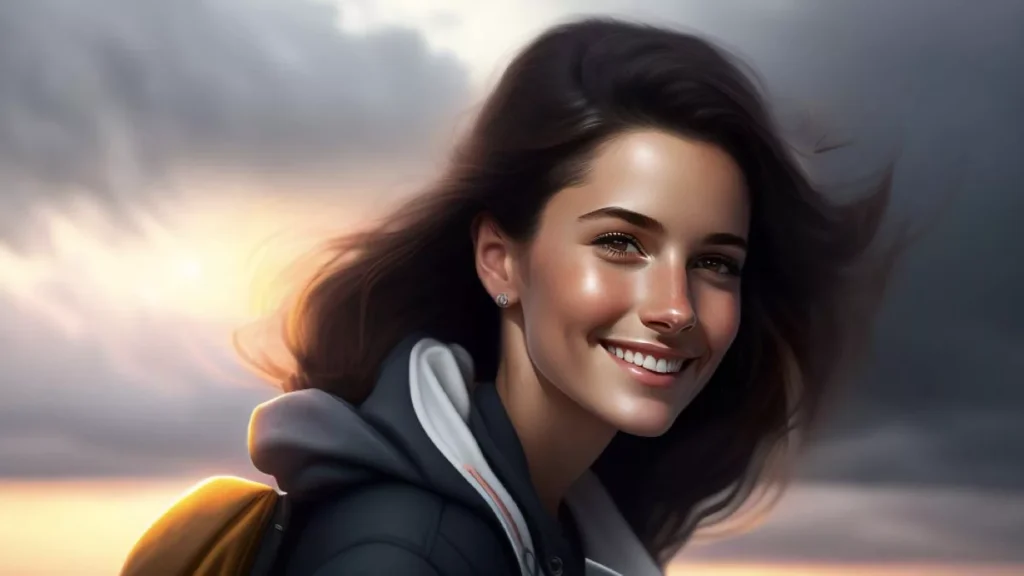
Creating a custom avatar is straightforward when using modern web tools. Follow this simple workflow to get optimal results on your first attempt.
Step 1: Select Your Preferred Platform
Choose a tool that fits your final goal. If you need a corporate headshot, pick a platform like Pixelbin or Fotor. If you want a gaming avatar, select Ready Player Me.
Step 2: Upload High-Quality Reference Photos
The quality of your output depends heavily on your input photos. Upload clear, well-lit selfies taken from different angles:
-
Ensure good natural lighting on your face without harsh shadows.
-
Avoid wearing sunglasses, hats, or heavy accessories that obscure eyes or facial shape.
-
Use photos where you are the only person in the frame.
Step 3: Choose Your Target Artistic Style
Select your desired style preset inside the ai avatar generator. Common options include realistic studio portrait, watercolor, 3D animated character, cyberpunk, or classic line art.
Step 4: Fine-Tune and Export
Review the generated preview. Adjust background contrast, crop dimensions, or color saturation if available. Download the final asset in high-definition PNG or JPEG format, ready for upload to your profile.
Best Practices to Get the Most Realistic AI Avatars
While automated generators are fast, applying a few simple tips can dramatically improve your final image quality.
Use Varied Facial Expressions
When uploading multiple reference images, include a mix of neutral faces and slight smiles. Giving the model varied training data produces more natural expressions in the final render.
Maintain Proper Image Aspect Ratios
Square 1:1 aspect ratios work best for standard profile pictures across platforms like X, LinkedIn, and Discord. Pre-crop your images to square dimensions so important facial features remain centered.
Avoid Over-Filtering
Extremely heavy stylized filters can blur distinctive features, making your digital portrait look generic. Balance artistic style with natural likeness so people can still recognize you.
Final Thoughts
Establishing a distinct online presence no longer requires hiring professional photographers or graphic illustrators. By leveraging a modern ai avatar generator, you can transform simple selfies into striking digital portraits, professional business headshots, or custom gaming characters in minutes.
Experiment with free tools like Fotor, Ready Player Me, or Pixelbin to find the visual style that best represents your personal or corporate brand. To explore more in-depth software reviews, step-by-step tech tutorials, and artificial intelligence guides, visit openaihit.
Frequently Asked Questions
What is the best free AI avatar generator online?
Fotor, Ready Player Me, and Canva represent three of the top free platforms available online. Fotor provides easy social media profile pictures, Ready Player Me offers complete 3D gaming avatars for free, and Canva integrates character creation directly into design layouts.
How does an AI profile picture generator protect user privacy?
Reputable online tools encrypt your uploaded photos during processing and automatically delete source files from remote servers after generation. Always check a platform’s privacy policy to confirm that your personal photos are not retained or used for public training datasets.
Can I use my AI avatar for commercial purposes?
Commercial rights depend on the platform’s specific terms of service. Many paid subscriptions and select free tiers grant full commercial rights, allowing you to use avatars in advertising, YouTube monetization, and corporate branding. Always verify licensing rules before launching commercial campaigns.
How many photos do I need to upload to generate an AI avatar?
Many modern web applications can generate an avatar from a single high-quality selfie. However, multi-photo platforms often request 5 to 10 photos taken from different angles to build a more precise 3D facial map.