AI Overview:
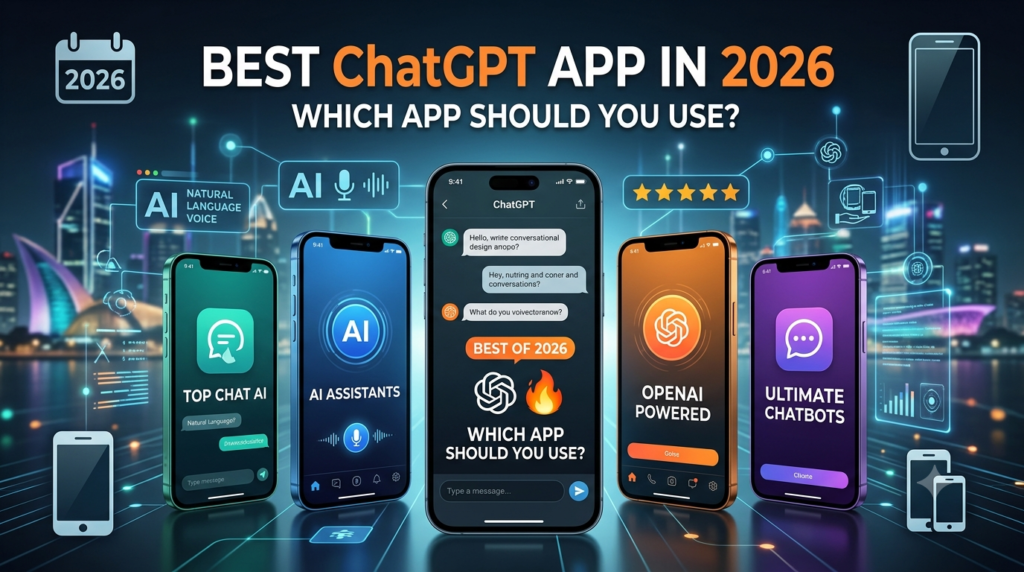
The official ChatGPT app is the best overall choice.
It offers the widest combination of conversational AI, voice, image generation, file analysis, web search, data analysis, memory, and cross-device access.
Key Takeaways
- Best for iPhone and iPad: Official ChatGPT iOS app
- Best for Android: Official ChatGPT Android app
- Best for Windows and Mac: Official ChatGPT desktop app
- Best for research with citations: Perplexity is a strong alternative
- Best for Google ecosystem users: Gemini is worth considering
- Best for long form writing: Claude is a strong alternative
- Avoid unofficial apps that simply imitate ChatGPT or use confusing branding.
What Is the Best ChatGPT App?
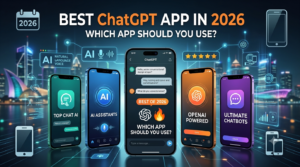
The official ChatGPT app published by OpenAI is the best ChatGPT app for most users in 2026.
That recommendation is based on more than simply putting ChatGPT in an app store search. The official application gives you direct access to the ChatGPT ecosystem and keeps your conversations connected to you..
Depending on your device and plan, ChatGPT can handle questions, writing, reasoning, web research, file uploads, image understanding, image generation, voice conversations, data analysis, and other tasks.
Why the Official ChatGPT App Is the Best Overall Choice
The official app stands out because it combines several AI capabilities in one interface.
1. It Supports Multiple Types of AI Work
ChatGPT is not limited to text conversations.
You can use it to:
- Explain difficult subjects
- Rewrite or summarize documents
- Analyze uploaded files
- Generate and edit images
- Research current information
- Analyze spreadsheets and data
- Practice languages
- Brainstorm ideas
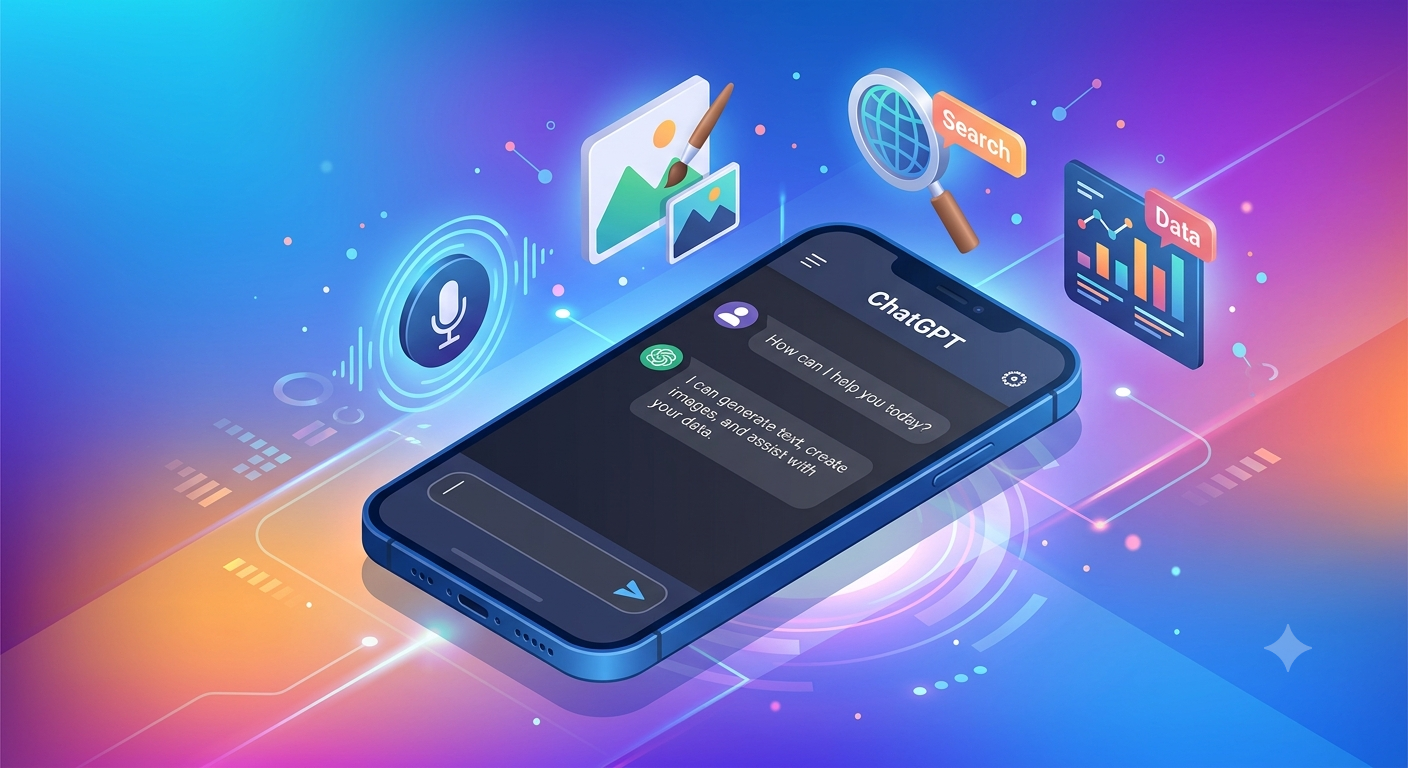
ChatGPT can work with uploaded images, documents, spreadsheets, and other files, while its available tools can include web search, deep research, image generation and data analysis.
2.Your Conversations Can Follow You Across Devices

One reason to choose the official application instead of an unofficial wrapper is continuity.
You can begin a conversation on your phone and continue it on your computer using the same account.Current desktop experience also supports continuing cloud Work conversations across web, mobile, and desktop.
3. Voice Makes the Mobile App More Useful
Typing is not always convenient.
The mobile ChatGPT app supports voice conversations, allowing you to interact with ChatGPT more naturally while doing other activities. The official iOS listing also highlights Advanced Voice Mode, image generation, and photo uploads.
Best ChatGPT App for iPhone and iPad
For iPhone and iPad users, the official ChatGPT app from OpenAI is the best choice.
It is especially useful if you regularly use:
- Voice conversations
- Camera and photo analysis
- Image generation
- Writing assistance
- Quick research
- Learning and brainstorming
Best ChatGPT App for Android
The official ChatGPT Android app from OpenAI is the best option for most Android users.
OpenAI specifically recommends searching Google Play for openai chat page and confirming that the application is published by OpenAI. The company lists Android 7.0 or newer as the minimum Android requirement when Google Play is available.
This is important because many third-party applications describe themselves as ChatGPT clients without being the official OpenAI application.
Best ChatGPT App for Windows and Mac
For desktop users, the official ChatGPT desktop app is the strongest choice.
Current desktop applications are available for both macOS and Windows. The latest version brings Chat and Work together under ChatGPT, alongside Codex.
It also introduced a browser for the desktop application, allowing users to browse websites, sign in when appropriate, download files, and work across pages without leaving ChatGPT.
Why Desktop Can Be Better Than Mobile
A desktop environment gives you more room for complex work.
For example, you might:
- Upload a spreadsheet.
- Ask ChatGPT to analyze it.
- Research supporting information.
- Create a report.
- Continue editing the work from the same desktop environment.
That workflow is more comfortable on a larger screen than on a phone.
ChatGPT App vs ChatGPT Apps: What Is the Difference?
This is where many best ChatGPT app searches become confusing.
There are two different meanings.
ChatGPT app usually refers to the official application you install on your phone or computer.
ChatGPT apps can also refer to integrations that work inside ChatGPT.
It describes these integrations as ways to bring external tools and data into ChatGPT so users can search, reference, and work without leaving the conversation.
Best ChatGPT Apps for Different Needs
If you are actually comparing AI assistant applications, there is no universal winner.
| AI app | Best for | Main strength |
| ChatGPT | Most users | Broad all purpose AI capabilities |
| Gemini | Google users | Google ecosystem integration |
| Claude | Writers and complex analysis | Strong long form writing and reasoning |
| Perplexity | Research | Search focused answers and sources |
| Copilot | Microsoft users | Microsoft ecosystem workflows |
| Poe | Multi-model users | Access to multiple AI models |
This comparison is useful because competitors can be better for specific workflows.
How to Choose the Best ChatGPT App Safely
Before installing an AI application, check three things.
Check the Developer
For the official ChatGPT application, look for OpenAI as the publisher.
Do not assume that an application is official simply because its name contains ChatGPT or GPT.
Use Official Download Sources
The official download page provides links for desktop and mobile versions of ChatGPT.
This is safer than downloading an APK or executable from an unknown website.
Check Permissions and Privacy
Review permissions and privacy settings before granting access. Convenience should never replace basic security awareness.
Are Third Party ChatGPT Apps Worth Using?
Sometimes but they are not automatically better.
Third party AI applications may offer useful interfaces, specialized features, or access to several AI models in one place. A third party wrapper can also create confusion about:
- Who operates the service
- Which AI model it actually uses
- How your conversations are stored
- What subscription you are paying for
Best ChatGPT App for Students, Writers and Professionals
The best app can also depend on what you do.
Students: ChatGPT is useful for explanations, study practice, brainstorming, summarizing permitted materials, and interactive quizzes. It recently expanded interactive quiz functionality across consumer ChatGPT plans on web and mobile.
Writers: ChatGPT can help with outlining, editing, rewriting, research, and brainstorming. Its file and Canvas capabilities can also support longer writing workflows.
Professionals: The combination of document analysis, data analysis, research, file handling, projects, and desktop workflows makes ChatGPT particularly versatile.
Is the Best ChatGPT App Free?
The official ChatGPT app can be downloaded for free, but ChatGPT also offers paid plans with different levels of access and usage.
The exact features and limits can change over time, so it is better to check the current plan information inside ChatGPT or rather than relying on an old pricing article.
Final Verdict: Which Is the Best ChatGPT App?
Navigating the AI tool landscape in 2026 requires knowing which applications are genuine and which offer the highest value. While competitors like Claude, Gemini, and Perplexity excel in niche areas like long-form writing or citation-backed research, the official ChatGPT app by OpenAI remains the undisputed overall winner for most users across iOS, Android, macOS, and Windows.
To protect your privacy and enjoy seamless cross-device synchronization, always ensure you download the official application published directly by OpenAI rather than unverified third-party wrappers. At Openaihit, we continually test and review the latest AI applications and features to help you build an efficient, secure, and modern digital workflow.
Frequently Asked Questions
What is the best ChatGPT app?
The official ChatGPT app from OpenAI is the best overall choice for most users. It is available for iOS, Android, Windows, and macOS, with features and availability varying by platform and plan.
Is there an official ChatGPT app?
Yes. OpenAI provides official ChatGPT applications for mobile and desktop platforms. Always check that OpenAI is listed as the publisher before installing.
What is the best ChatGPT app for Android?
The official ChatGPT Android app is the best choice for most Android users.It recommends finding it through Google Play and confirming the publisher is OpenAI.
What is the best ChatGPT app for iPhone?
The official ChatGPT iOS app is the best option for most iPhone and iPad users. It supports features such as voice conversations, image generation, and photo uploads.
Are ChatGPT apps the same as AI apps like Gemini and Claude?
No. ChatGPT is an AI assistant while Gemini and Claude are separate AI products from other companies. In addition ChatGPT apps can refer to integrations that operate inside the ChatGPT environment.