The world of digital content creation is moving faster than ever before. If you are a YouTuber, a social media manager, or an independent filmmaker, you already know that video production takes an immense amount of time, equipment, and editing skills. Fortunately, generative artificial intelligence has advanced to a point where anyone can turn a simple text prompt or a still image into a stunning video clip in a matter of seconds.
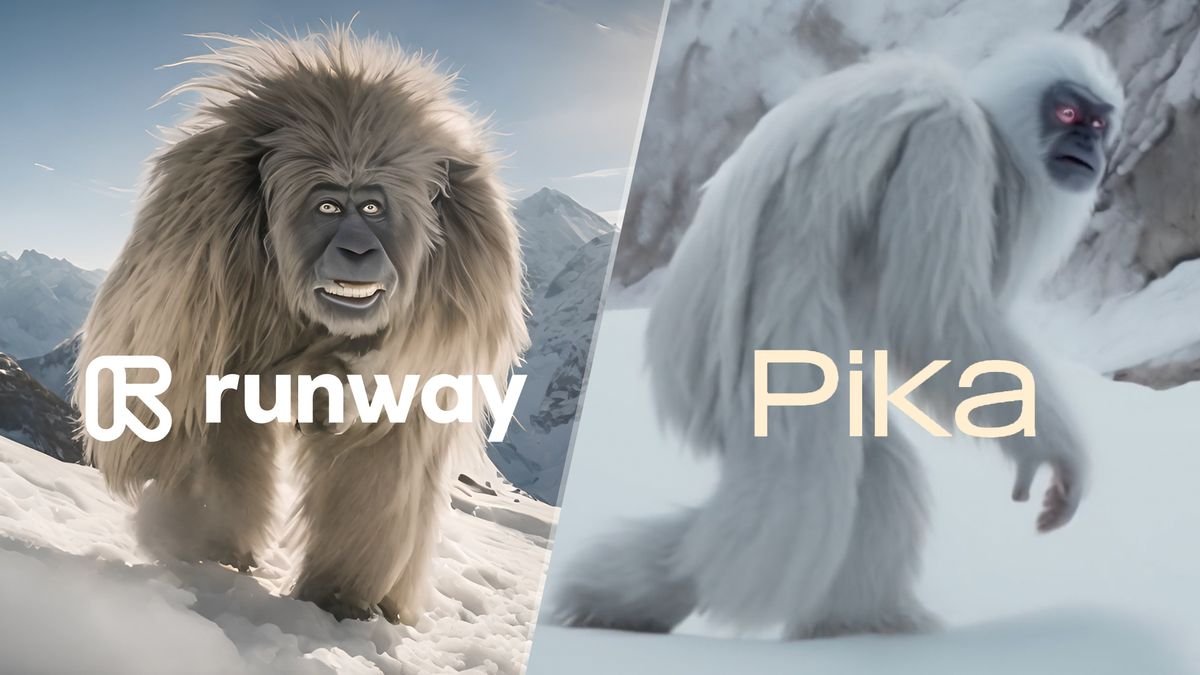
When conducting a direct runway vs pika ai comparison, the right choice for your workflow depends on whether you value cinematic precision or rapid creative experimentation. Runway is a professional powerhouse built for filmmakers and marketing agencies who need high-definition output, deep camera controls, and character consistency. Pika AI is an agile, ultra-fast platform designed for social media creators who need to generate a high volume of stylized clips, viral animations, and unique visual effects quickly. Both platforms stand out as contenders for the title of best ai video generator 2025 and 2026.
This comprehensive ai video creation tool comparison will break down the features, rendering speeds, pricing models, and real-world performance of both tools. Whether you want to produce a Hollywood-grade commercial or fill your TikTok feed with engaging short-form content, this guide will help you choose the right platform for your goals.
The Evolution of AI Video: What Creators Need to Know
Earlier versions of artificial intelligence video software often struggled with realistic physics. Characters would morph into abstract shapes halfway through a scene, backgrounds would flicker wildly, and human faces frequently looked unnatural.
Today, the technology has reached a point where generative video is genuinely useful for commercial projects. The top platforms use advanced neural networks that understand how gravity, light, and motion work in the physical world. However, because these tools require an immense amount of server power, they have developed different creative philosophies to serve different types of creators.
When exploring the runway ml vs pika matchup, it is important to realize that you are choosing between a highly structured virtual movie studio and a rapid special-effects workshop. Let us look closely at how each platform functions under real-world production demands.
Runway: The Professional Cinematic Powerhouse
Runway has established itself as an industry leader for high-end digital video production. The platform is not just a single text-to-video box. Instead, it offers a massive ecosystem of creative applications that fit directly into professional editing pipelines.
Flagship Models and High-Fidelity Output
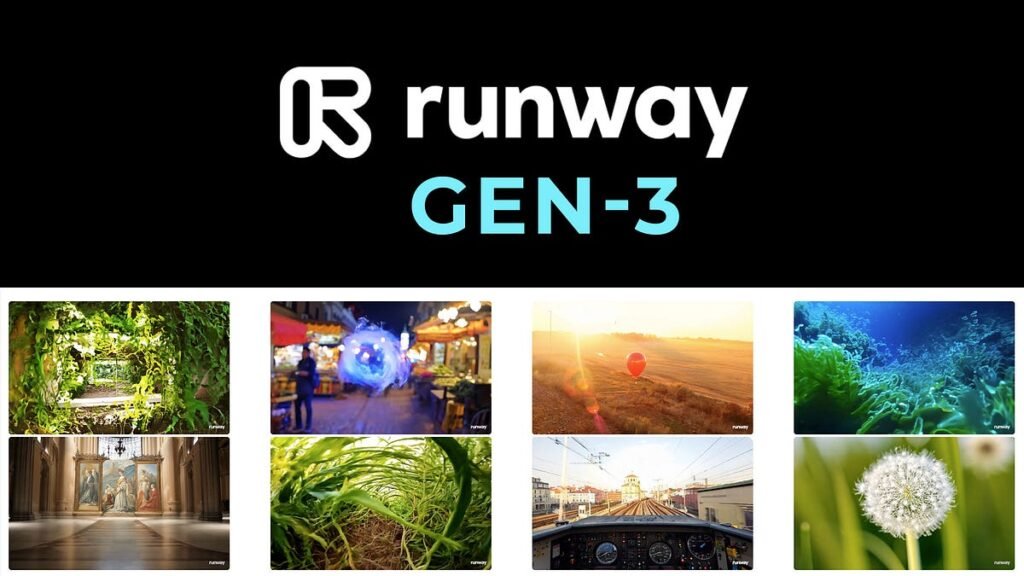
Runway provides access to elite generative models like Gen-3 Alpha and Gen-4. Based on available data, Runway regularly sits at the top of independent benchmarks for video fidelity and prompt adherence. The default output skews heavily toward a cinematic, film-ready look with rich color grading and sharp details. If you need 4K resolution for a major client campaign or a film festival entry, Runway has the infrastructure to deliver it.
Precise Camera Control and Motion Brushes
One of Runway’s biggest advantages is Director Mode. This feature allows you to act as a real cinematographer by scripting exact camera movements. You can tell the AI to slowly orbit around an object, pan left at a specific speed, or tilt upward while the lighting shifts from warm to cool.
Additionally, the platform features a Multi-Motion Brush. This tool lets you upload a still image and paint over specific areas to animate them independently. For example, you can select a waterfall to make the water cascade downward while keeping the surrounding rocks and trees perfectly still.
Advanced Character Persistence
Maintaining a consistent character across multiple different shots has historically been a massive headache in AI generation. Runway addresses this issue by allowing creators to lock in specific character assets and locations across separate generations. This continuity is a game-changer for narrative storytelling, ensuring your main character does not look like a completely different person from one shot to the next. If your workflow also involves animated transitions and design elements, exploring dedicated AI tools for motion graphics can further streamline your production process.
Pika AI: The Fast and Flexible Social Media Workhorse
If Runway is a heavy-duty camera rig, Pika AI is a highly optimized smartphone camera ready for immediate action. Pika focuses entirely on speed, ease of use, and playful, eye-catching visual effects that perform exceptionally well on modern algorithmic feeds.
Ultra-Fast Rendering and Turbo Models
When creators look for pika ai alternatives, they often struggle to find anything that matches Pika’s sheer rendering velocity. Pika’s specialized Turbo models can generate short video clips in as little as 20 to 40 seconds. This lightning-fast processing time allows social media managers to brainstorm an idea, generate multiple variations, and post a finished asset in the span of a single afternoon.
The Creative Effects Suite
Pika shines brightly with its unique special effects features, known as Pikaffects. Instead of just creating realistic landscapes, Pika lets you manipulate objects in fun, surreal ways. With simple commands, you can make objects explode, melt like candle wax, inflate like a balloon, or squish like jelly.
-
Pikaswaps: This feature allows you to select an item inside an existing video clip and replace it with something else entirely while preserving the original lighting and shadow layout.
-
Pikadditions: Creators can use this option to insert completely new characters or elements seamlessly into a pre-existing piece of footage.
-
Pikaframes: This advanced tool accepts a distinct start image and a different end image, then automatically generates a smooth transition between those two specific keyframes over several seconds.
Integrated Sound Effect Generation
Pika features an audio-reactive engine that automatically generates synchronized sound effects to match the action happening on screen. If something explodes or crashes in your generated clip, Pika can create the corresponding audio track instantly. This saves creators from spending hours hunting through third-party stock libraries for matching sound design.
Head-to-Head Comparison: Runway vs Pika AI
To help you decide which platform deserves a spot in your active creative stack, let us compare their primary operational components side by side. For creators still weighing multiple platforms, dedicated AI comparison tools can simplify the final decision.
| Feature / Metric | Runway | Pika AI |
| Primary Focus | Cinematic quality and precision control | Rapid social media volume and effects |
| Maximum Resolution | Up to 4K definition | Up to 1080p high definition |
| Generation Speed | Estimated 1 to 3 minutes per clip | Estimated 20 to 90 seconds per clip |
| Audio Capabilities | Custom voices and lip-sync tools | Automated actions and synced sound effects |
| Interface Style | Advanced virtual studio layout | Simple, intuitive web dashboard |
| Best Suited For | Filmmakers, agencies, commercial ads | TikTok, Instagram Reels, YouTube Shorts |
Understanding the Real-World Production Differences
The Physics and Motion Integrity Challenge
Choosing between these tools often comes down to how much realism your project demands. Runway understands spatial dimensions and real-world physics with immense accuracy. If you prompt a complex camera movement through an environment, the objects pass by the lens naturally without clipping or distorting.
Pika AI handles simple motions beautifully but can occasionally produce slight jittering or unusual object morphing during highly complex, fast-moving scenes. However, for stylized content, animated cartoons, or surreal marketing clips, these minor variations are rarely noticeable and can actually add a unique charm to the video.
Workflow Integration and Learning Curves
Runway features an expansive interface that can feel slightly overwhelming to a beginner. The sidebar is packed with professional tools like Edit Studio, its native video editing environment, Aleph for next-generation in-context video manipulation, and Act-Two, which translates human facial expressions into animated characters. It takes time to master, but it offers unparalleled creative freedom.
Pika AI is built for immediate access. The interface is clean, straightforward, and centered around a main prompt bar. You do not need a background in video editing or cinematography to get great results from Pika. It is highly accessible for creators who want to jump in and start generating immediately without a steep learning curve.
Understanding the Real-World Production Differences
The Physics and Motion Integrity Challenge
Choosing between these tools often comes down to how much realism your project demands. Runway understands spatial dimensions and real-world physics with immense accuracy. If you prompt a complex camera movement through an environment, the objects pass by the lens naturally without clipping or distorting.
Pika AI handles simple motions beautifully but can occasionally produce slight jittering or unusual object morphing during highly complex, fast-moving scenes. However, for stylized content, animated cartoons, or surreal marketing clips, these minor variations are rarely noticeable and can actually add a unique charm to the video.
Workflow Integration and Learning Curves
Runway features an expansive interface that can feel slightly overwhelming to a beginner. The sidebar is packed with professional tools like Aleph, an internal video editing environment, and Act-Two, which translates human facial expressions into animated characters. It takes time to master, but it offers unparalleled creative freedom.
Pika AI is built for immediate access. The interface is clean, straightforward, and centered around a main prompt bar. You do not need a background in video editing or cinematography to get great results from Pika. It is highly accessible for creators who want to jump in and start generating immediately without a steep learning curve.
Pricing and Value Analysis: Managing Your Creative Budget
Running AI video generations is highly resource-intensive, meaning both platforms utilize credit-based subscription models. Based on available data, individual standard plans for both services generally range from ten to thirty dollars per month, but they cater to different usage habits.
Runway offers a tiered system that scales from a basic Standard tier up to an Unlimited plan. The Unlimited plan is highly popular among professional creators because it allows you to generate endless video clips at a relaxed processing speed without worrying about running out of monthly credits.
Pika AI structures its costs around the total number of video clips or generations per month. Its premium tiers grant access to higher resolutions and commercial usage rights. Because Pika requires fewer iterations to get a fun, stylized result, its credit packs tend to last a long time for high-volume short-form creators.
Strategic Verdict: Which Tool Should You Choose?
You do not necessarily need to subscribe to both platforms to achieve great results. Instead, analyze your primary media distribution channel and choose the tool that eliminates your biggest workflow bottleneck.
-
Choose Runway if you are producing professional client commercials, working on narrative films, need precise control over camera angles, or require pristine 4K resolution output that holds up on large screens.
-
Choose Pika AI if your primary goal is growing a social media channel on platforms like TikTok or Instagram, if you want to experiment with surreal visual transformations, or if you need to create synchronized audio and video tracks at maximum speed.
Final Thoughts
The competition between these two platforms highlights how diverse the AI video market has become. There is no single winner, only the tool that matches your creative intent.
-
Runway remains the standard for cinematic authority, offering unmatched control brushes, professional editing environments, and high-fidelity text-to-video processing.
-
Pika AI dominates the speed and engagement categories, giving everyday creators the ability to churn out fun, audio-synchronized, special-effects heavy content with ease.
To discover more deep software comparisons, step-by-step creation tutorials, and the latest strategies to boost your digital media performance, visit our comprehensive resource center at openaihit.
Frequently Asked Questions
Which tool is better for creating TikTok and Instagram Reels?
Pika AI is generally better for short-form social media platforms due to its rapid generation speeds, built-in sound effects, and unique visual transformation filters that grab viewer attention quickly.
Can I use the videos I generate with these tools for commercial projects?
Yes, but you must be subscribed to a paid plan. Both Runway and Pika AI grant full commercial usage rights on their paid subscription tiers, while their free evaluation tiers usually come with watermarks.
Do I need a powerful computer to run Runway or Pika AI?
No. Because all the heavy processing and rendering happen on remote cloud servers owned by the tech companies, you can easily run both platforms using a standard web browser on a basic laptop or tablet.
How long can an individual AI video clip be?
Based on available data, most individual AI video generations range from 3 to 16 seconds long. Creators typically build longer videos by stringing multiple generated clips together inside a standard editing timeline.