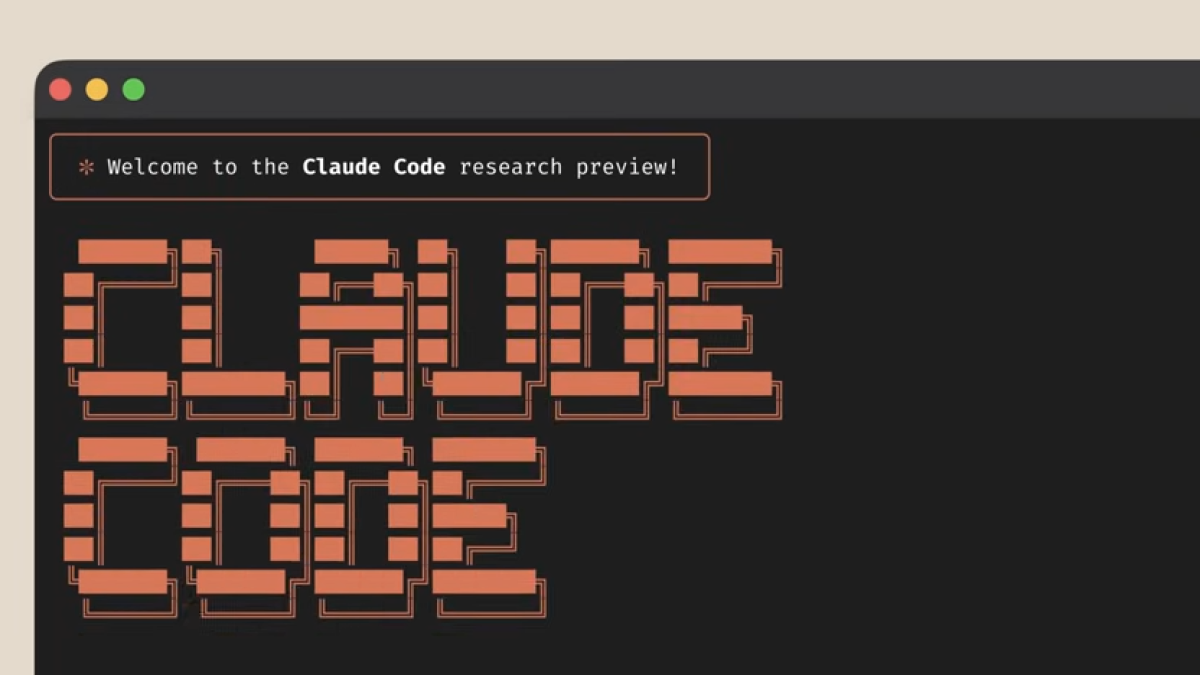
Terminal-based engineering has officially entered a new era. When Anthropic dropped its agentic command-line tool, developers quickly realized it required a completely different approach than a standard chat window. If you are copying your old web-browser instructions into the terminal, you are completely missing out on what makes this tool special. You need a dedicated claude code prompt library designed specifically for autonomous workflows.
Standard autocomplete extensions focus on writing the next line of text. Claude Code, on the other hand, operates at the project level—reading files, running tests, executing git commands, and fixing its own errors. To unlock this power, your development strategies must shift from telling the AI how to type to telling the AI what to accomplish. If you are wondering, What are good Claude Code prompts?, the answer lies in setting clear objectives rather than giving granular micro-instructions.
At Openaihit, our internal development teams use this tool constantly to manage production infrastructure. We have collected our most effective, battle-tested solutions into a reusable setup. Let’s look at the eight best configurations we use every single day to automate our software development.
1. The Codebase Orientation Blueprint
Dropping into a massive, unfamiliar repository is one of the most time-consuming parts of software engineering. This instruction instructs the agent to analyze the directory layout and explain the overall architecture.
“Give me a high-level overview of this codebase. Identify the primary architectural patterns, locate where the main entry points reside, and explain how data flows from the frontend down to the database layer.”
Instead of wasting your afternoon opening folders and reading random configuration files, this addition to your claude code prompt library outlines the entire project structure in seconds. It maps the dependencies so you can understand the layout immediately.
2. The Test-Driven Bug Destroyer
One of the biggest advantages of a terminal agent is its ability to interact with your local shell. This template forces the model to hunt down bugs by utilizing your actual test suite.
“The authentication test suite is currently throwing errors. Search the repository, locate the root cause of the failure, apply the fix, and run the test suite again to verify that everything passes completely.”
This highlight from our internal collection showcases true automation. The agent does not just guess what is broken; it reads your local test files, executes test routines, reviews the stack trace, edits the broken files, and verifies its own work. When learning how do you prompt Claude Code well?, integrating your terminal’s live feedback loop into the instruction is absolutely essential for complex debugging.
3. The Performance and Bloat Clean-Up
Over time, codebases accumulate technical debt, duplicate utility functions, and outdated modules. This prompt acts as an automated utility audit for your application.
When we ran this using our internal templates, the tool instantly found duplicate helper files that had been hidden for months. It cleanly refactored them without breaking dependent services. New users often get confused about how much context to supply and ask: Should you give the whole file? With this tool, you don’t need to manually feed text; it intelligently reads the relevant environment blocks on its own.
4. The Automated API Endpoint Builder
Building boilerplate endpoints manually is tedious. This template turns natural language requirements into complete, production-ready backend code.
“Create a new secure RESTful API endpoint for managing product inventory. Include input validation, proper error handling blocks, token-based authentication checks, and write corresponding integration tests following our existing testing layout.”
By pointing the agent to your existing files, it ensures the new code matches your specific formatting, naming conventions, and database models seamlessly. Understanding what patterns work best depends heavily on how well you reference your existing style guides within the terminal directory.
Technical Comparison: Standard Chat vs. Agentic Terminal Prompts
To understand why you need specialized approaches, it helps to compare how these instructions differ from traditional LLM chat platforms.
| Feature Area | Standard Browser Chat Prompts | Agentic Claude Code Prompts |
| Context Scope | Relies on manual code copy-pasting. | Automatically scans the entire local filesystem. |
| Task Execution | Generates text code snippets for you to copy. | Directly edits files, runs commands, and creates git branches. |
| Error Resolution | Requires you to manually paste terminal errors back. | Directly reads terminal output and self-corrects in a loop. |
| Prompt Focus | Focuses on line-by-line syntax generation. | Focuses on high-level goals and measurable outcomes. |
5. The Comprehensive Code Review and Security Hardening
Running a local security check before pushing code to a shared repository prevents broken production builds. This instruction acts as an automated gatekeeper.
“Review my uncommitted changes against our project style guidelines. Scan explicitly for security vulnerabilities, exposed secrets, or inefficient database queries, and flag any high-risk changes before I commit.”
This addition to our ai coding prompts framework reviews your active git diff, giving you an objective critique of your work before it ever hits a peer review.
6. The Documentation and Docstring Generator
Writing inline documentation is often neglected during fast development cycles. This prompt automates the entire process while matching your current style.
“Scan the modified modules in our current branch. Generate comprehensive, matching docstrings for all newly added functions and classes, including parameter definitions, return values, and clear edge-case examples.”
Because the tool reads your entire directory, the generated documentation perfectly matches your existing standards.
7. The Legacy Migration Engineer
Migrating code from old patterns to modern standards is a major hurdle. This prompt handles structural upgrades across multiple files simultaneously.
Instead of manually editing files one by one, the agent navigates your directory, updates the patterns, and uses your local development tools to verify the changes. If you are still exploring What are good Claude Code prompts? for large systems, try asking the agent to deprecate old modules across an entire folder simultaneously to witness its true multi-file processing capability.
8. The Pull Request Summary Creator
Once your code is complete, summarizing your changes for your team can take a lot of time. This prompt generates a clear, helpful breakdown of your work.
“Analyze the git diff between this feature branch and the main repository. Generate a clear, bulleted pull request description that outlines the major changes, fixed bugs, and modified architectural modules.”
The Blueprint for Agent Success: The absolute golden rule of writing best claude code prompts is to define the final objective rather than listing step-by-step instructions. Tell the agent what success looks like, provide a way for it to test its progress, and let the autonomous loop handle the intermediate steps.
Summary of the Ultimate Reusable Prompt Setup
To help your engineering team implement these workflows efficiently, we have organized the core components into a scannable structure:
-
Codebase Onboarding: Use high-level structural prompts to map out unfamiliar systems instantly.
-
Quality Assurance: Use integrated test loops to find, modify, and verify bug fixes without leaving your terminal.
-
Refactoring: Use context-aware commands to handle large-scale migrations across multiple files simultaneously.
-
Reviewing: Deploy local security audits to catch hidden vulnerabilities before pushing code to production.
Conclusion
Transitioning from browser-based chat boxes to an agentic command-line workflow requires shifting how you communicate with AI. Instead of using your setup to explain every tiny coding step, the secret to learning how do you prompt Claude Code well? is defining clear goals, pointing the agent toward your local testing tools, and letting its autonomous loops handle the file edits.
Building a personalized development workspace turns the terminal into a powerful assistant that handles onboarding, bug hunts, and codebase refactoring on its own. To extract real efficiency, monitoring what patterns work best for your specific framework will allow your engineering teams to eliminate tedious boilerplate tasks completely and keep their core focus on high-level system architecture.
Frequently Asked Questions
How do claude code prompts differ from standard ChatGPT coding templates?
Standard templates require you to manually copy and paste your files into a web browser. The best claude code prompts leverage the agent’s ability to browse your local file system, run shell commands, execute test files, and modify code directly in your workspace.
Can I save my favorite phrases inside the tool?
Yes. You can save your frequently used ai coding prompts as custom shortcuts or reusable shell scripts directly within your environment. This allows your team to trigger complex tasks like codebase audits or test runs with simple commands.
Do these autonomous prompts cost more in API tokens?
Because the agent runs in a continuous loop to check its own work, complex workflows can consume more tokens than a single chat response. However, because it targets specific files and plans its steps efficiently, it minimizes token waste on large refactoring tasks.
Is it safe to let these prompts run terminal commands automatically?
Claude Code operates with built-in permission safeguards. By default, the tool asks for explicit user approval before executing any major shell command or file modification, ensuring you maintain complete control over your workspace.