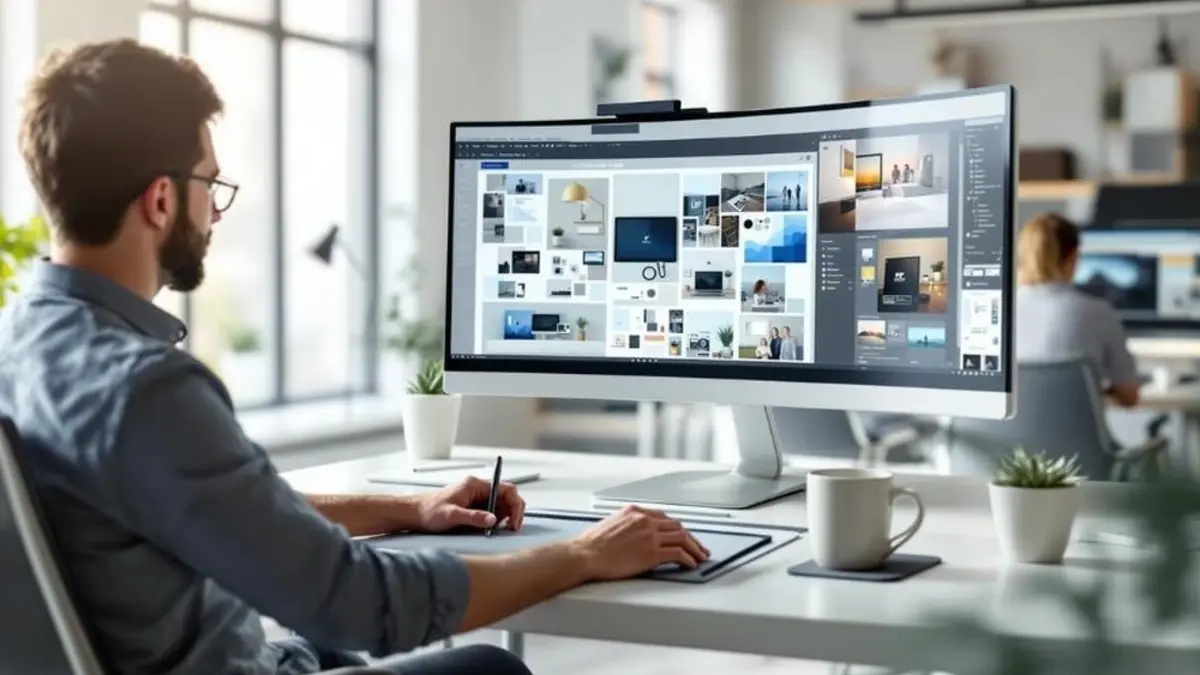
Midjourney makes it possible to create professional-looking images with the help of artificial intelligence. You do not need to be a professional designer or have advanced editing skills. You only need to describe the image you want, and Midjourney will turn your words into visual artwork. Whether you are a content creator, blogger, marketer, business owner, or graphic designer, Midjourney can help you create images for websites, social media posts, advertisements, presentations, and marketing campaigns.
However, getting good results is not just about entering a few words. You need to understand how to write clear Midjourney prompts, choose the right image style, adjust settings, and improve your results. In this image generation tutorial, you will learn how to use Midjourney step by step. We will cover everything from creating your first image to making professional visuals that match your ideas and creative goals.
AI Overview
Midjourney is an AI image-generation tool that creates images from written descriptions. Users enter a prompt explaining the subject, background, lighting, colors, and visual style they want. Midjourney then generates images based on that description.
It can create realistic photographs, digital artwork, product images, illustrations, character designs, and marketing visuals. By learning how to write detailed prompts and use its creative settings, beginners can produce high-quality images without advanced design experience.
Key Takeaways
- Midjourney creates images from simple text descriptions.
- Detailed prompts help produce more accurate and professional results.
- You can create realistic photos, illustrations, product visuals, and digital artwork.
- Aspect ratio settings help you prepare images for different platforms.
- Variations and editing tools help improve your generated images.
- Image references can help guide the visual style and composition.
- Clear instructions and repeated improvements lead to better results.
What Is Midjourney and How Does It Work?

Midjourney is an AI-powered image-generation platform. It uses artificial intelligence to understand written instructions and turn them into images. Like other AI image variation generators, it allows users to explore different visual styles and creative possibilities based on their ideas.
For example, you can enter a prompt such as:
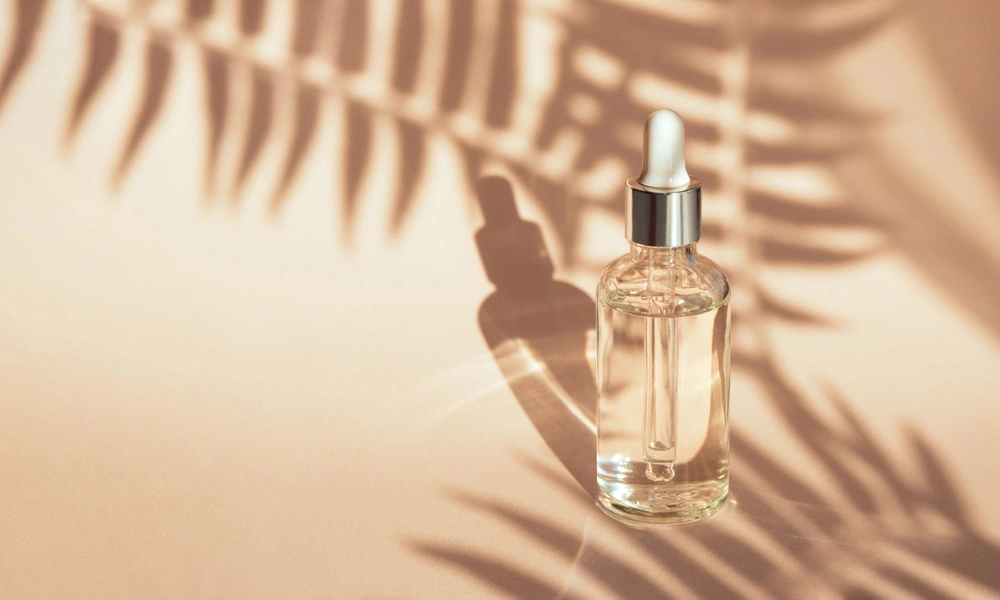
“A professional product photograph of a luxury skincare bottle on a clean white table, soft natural lighting, elegant background, realistic photography.”
- Website banners and blog images
- Social media graphics
- Product photography concepts
- Advertising visuals
- Digital illustrations
- Creative backgrounds
- Presentation images
- Brand and marketing concepts
How to Use Midjourney to Create Professional Images
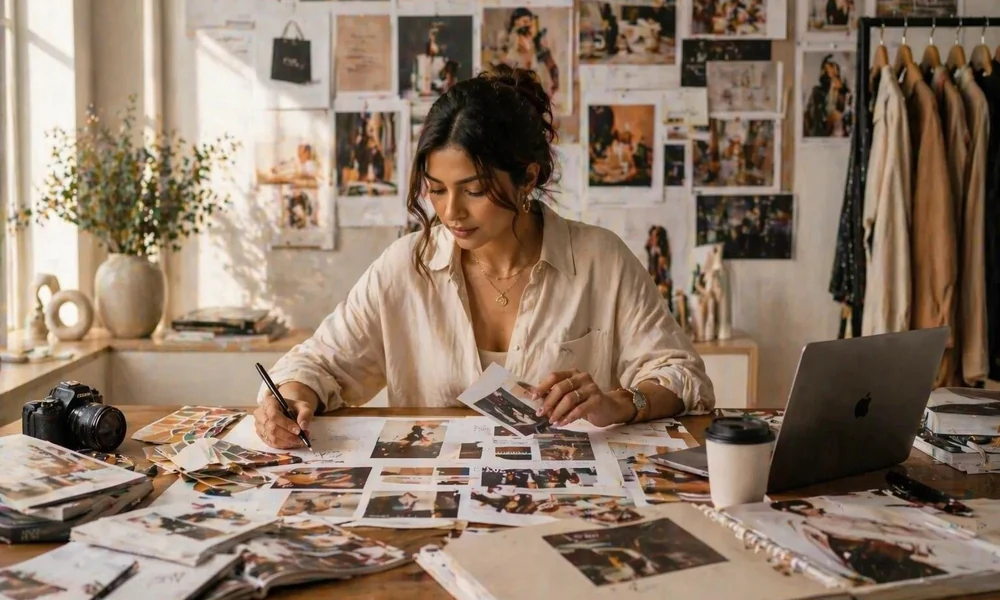
Create a Midjourney Account
First, visit the official Midjourney website and create an account.
After signing in, explore the platform to understand where you can enter prompts, generate images, and manage your creations.
Midjourney offers different subscription options, so check its official website for the latest plans before choosing one. Once your account is ready, open the image creation area to begin your first project.
Choose What Type of Image You Want
Before writing a prompt, decide what kind of image you need.
For example, you might want to create:
- A professional image for a blog post
- A product image for an online store
- A realistic photograph for an advertisement
- A creative illustration for social media
- A background image for a website
For example, if you are creating an image for a business website, you may want a clean background, professional lighting, and a simple composition. If you are creating artwork for social media, you may prefer bright colors and a more creative style.
Learn How to Write Effective Midjourney Prompts
Writing good prompts is one of the most important parts of using Midjourney.
A prompt is a written description that tells the AI what image you want. Instead of writing only a few general words, describe the subject and important visual details.
For example:
Basic prompt:
A modern office.
Detailed prompt:
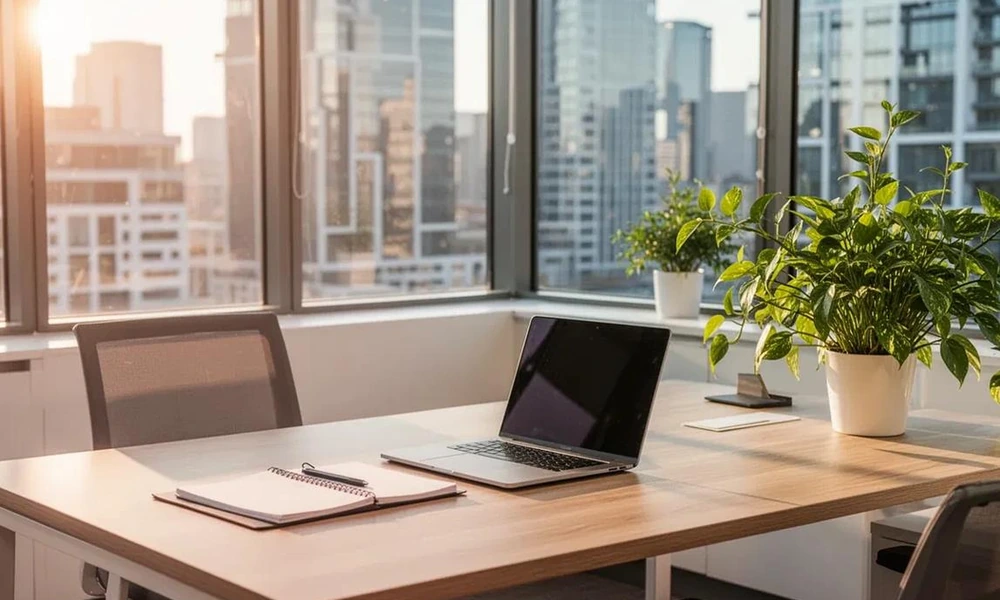
A modern creative office with large glass windows, comfortable furniture, indoor plants, natural sunlight, clean interior design, realistic professional photography.
| Prompt element | What to describe |
| Subject | The main person, object, or scene |
| Background | The environment behind the subject |
| Lighting | Natural light, studio lighting, or soft shadows |
| Colors | The main colors and overall color scheme |
| Style | Realistic photography, illustration, or 3D artwork |
| Composition | Camera angle, framing, and subject position |
| Details | Texture, materials, and small visual features |
Enter Your Prompt and Generate an Image
After preparing your prompt, enter it into Midjourney’s creation interface.
For example:
“A luxury perfume bottle on a marble table, soft studio lighting, elegant beige background, realistic product photography, detailed glass texture, premium advertising style.”
Review your description before generating the image. Make sure it explains the main subject, background, lighting, and style. Midjourney will generate image options based on your prompt. Look at each result and decide which one is closest to your original idea.
Choose the Right Image Style
Midjourney can create different visual styles. Choosing the correct style helps your images look more suitable for their purpose.
Some popular styles include:
- Realistic photography: Useful for product images, business websites, and professional campaigns.
- Digital art: Suitable for creative projects and imaginative visuals.
- 3D rendering: Helpful for product concepts, objects, and modern designs.
- Minimalist design: Works well for clean website visuals and simple backgrounds.
- Cinematic style: Useful for dramatic scenes and storytelling images.
- Illustration: Suitable for educational content, blogs, and creative projects.
For example, a business advertisement may need realistic product photography, while a fantasy book cover may need detailed digital artwork.
Adjust the Image Aspect Ratio
Aspect ratio describes the shape and proportions of an image. It is important because different platforms use different image sizes.
For example:
| Aspect ratio | Best use |
| 1:1 | Instagram posts and square graphics |
| 16:9 | Website banners and YouTube thumbnails |
| 9:16 | Reels, Shorts, and vertical content |
| 3:2 | Photography and landscape visuals |
| 4:5 | Portrait social media posts |
Improve Your Images With Variations
Sometimes the first generated image is good, but it may not match your idea perfectly.
You can use variations to:
- Explore different visual details.
- Try alternative compositions.
- Change the overall appearance.
- Find a result that better matches your requirements.
For example, if you generate a product image but the background looks too busy, adjust your prompt to request a cleaner background and generate another version.
Use Editing Tools to Refine Your Results
After generating an image, you may want to make further changes.
- Expand an image beyond its original frame.
- Change selected areas.
- Remove or replace visual elements.
- Adjust parts of the composition.
- Create a more suitable version of the original image.
For example, if you create a website banner but need more empty space on the left for a heading, you can use an image-expansion workflow or explore AI image editing tools to extend the image and create additional space.
Use Image References for Better Results
Sometimes written instructions are not enough to explain your exact idea.
For example, you might use a reference image to guide:
- A product’s appearance
- A character’s visual design
- A particular color scheme
- A general artistic style
- The composition of a scene
Review and Save Your Final Image
Before using your generated image, take a few moments to review it and make sure it fits your overall AI content workflow and publishing requirements.
Check whether:
- The main subject looks correct.
- The background matches your idea.
- The lighting looks natural.
- The composition is balanced.
- The image has the right dimensions.
- There are no unwanted visual details.
10 Useful Midjourney Prompts for Professional Images

1. Professional Website Banner
Create a modern business website banner showing a professional workspace with a laptop, notebook, indoor plants, and natural sunlight, clean composition, premium photography, wide landscape layout.
2. Product Photography
Create a realistic product photograph of a premium skincare bottle placed on a white marble surface, soft studio lighting, elegant neutral background, sharp details, luxury advertising photography.
3. Social Media Visual
Create a creative social media image featuring a modern lifestyle workspace, bright natural colors, attractive composition, soft shadows, clean background, professional digital photography.
4. Technology Background
Create a futuristic technology background with glowing digital elements, modern computer screens, blue lighting, clean visual design, realistic 3D rendering, high detail.
5. Professional Office Image
Create a modern office interior with glass walls, wooden furniture, indoor plants, large windows, natural daylight, minimal design, realistic architectural photography.
6. E-Commerce Product Image
Create a clean e-commerce product photograph of wireless headphones on a simple light background, balanced studio lighting, realistic materials, sharp product details, professional commercial photography.
7. Creative Blog Illustration
Create a modern digital illustration showing a content creator working on a laptop, creative workspace, colorful details, balanced composition, clean editorial illustration style.
8. Luxury Brand Visual
Create a premium luxury brand image featuring an elegant perfume bottle, dark background, dramatic studio lighting, beautiful reflections, sophisticated composition, realistic commercial photography.
9. Nature Photography
Create a realistic landscape photograph of a peaceful mountain lake surrounded by green forests, soft morning light, natural reflections, beautiful scenery, professional outdoor photography.
10. YouTube Thumbnail Background
Create an eye-catching technology-themed YouTube thumbnail background featuring a modern computer setup, glowing digital elements, dramatic lighting, bold visual composition, wide landscape format, no text.
These prompts are starting points. You can change the subject, colors, lighting, and background to create images that fit your own projects.
Tips for Creating More Professional Images With Midjourney
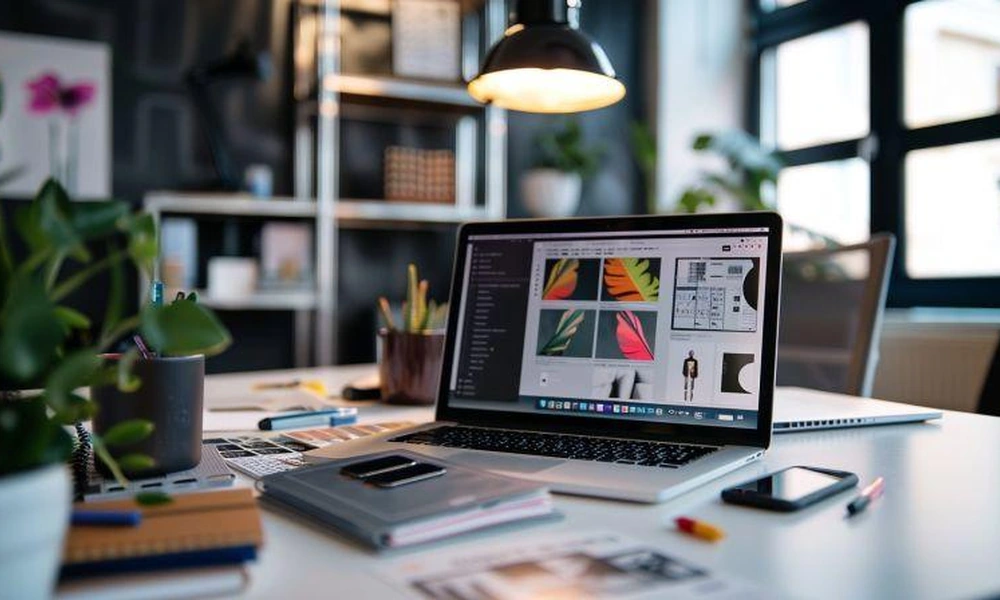
Use these practical tips to improve your image-generation process:
- Start with a clear image idea.
- Describe the main subject in simple words.
- Include useful details about lighting and background.
- Choose a visual style that matches your project.
- Use aspect ratios that fit your platform.
- Test different prompts to explore creative options.
- Use image references when you need visual guidance.
- Review images carefully before publishing them.
- Keep your prompts organized so you can reuse successful ideas.
- Check the final image at its actual display size.
These steps can help you create more consistent visuals and reduce the time spent correcting unsuitable results.
Midjourney Prompts
Midjourney prompts are written instructions used to generate images with artificial intelligence. They describe the subject, background, lighting, colors, and visual style of an image.
For example, a prompt can describe a professional product photograph with studio lighting and a clean background. Clear prompts help Midjourney understand your requirements and produce more relevant results.
Learning how to write effective Midjourney prompts is useful for bloggers, designers, marketers, and content creators who want to make professional visuals.
Image Generation Tutorial
An image generation tutorial explains how to create images using AI tools, starting with a basic idea and turning it into a finished visual.
This tutorial covers the main steps, including creating an account, writing prompts, selecting styles, choosing aspect ratios, generating variations, and refining images.
Following a clear image generation tutorial can help beginners understand the process and create better images without needing advanced graphic design skills.
Frequently Asked Questions
1. What is Midjourney used for?
Midjourney is used to create images with artificial intelligence. It can generate product visuals, digital artwork, website banners, social media graphics, illustrations, and creative designs from text prompts.
2. Is Midjourney easy for beginners?
Yes. Beginners can start by describing an image in simple words. As they learn how prompts, styles, and settings work, they can create more detailed and professional images.
3. How do I create professional images in Midjourney?
Start with a clear idea and write a detailed prompt. Include the subject, background, lighting, colors, and visual style. Generate images, review the results, and make improvements until you get the look you want.
4. Can I use Midjourney for product photography?
Yes. You can create product-style visuals by describing the product, background, lighting, camera angle, and overall appearance. These images can be useful for creative concepts and marketing materials.
5. Can Midjourney create realistic photos?
Yes. Midjourney can generate realistic-looking photographs with detailed subjects, natural lighting, and professional compositions. The final result depends on your prompt and selected settings.
6. What is the best aspect ratio for website images?
A 16:9 aspect ratio is a useful choice for many wide website banners and visual sections. However, the best ratio depends on your website layout and where the image will appear.
7. Is Midjourney free to use?
Midjourney’s access and subscription options can change. Check the official Midjourney website for the latest pricing and plan details before signing up.
Conclusion
Learning how to use Midjourney to create professional images can make your creative work easier and faster. You can generate website visuals, product photographs, social media graphics, digital illustrations, and many other types of images using written instructions.
The most important part is learning how to write clear prompts. Describe your subject, background, lighting, colors, and visual style so Midjourney can better understand your idea.
Use the steps in this guide to practice, test different Midjourney prompts, and improve your results. With regular practice, you can create professional-looking images that support your website, business, and creative projects.