
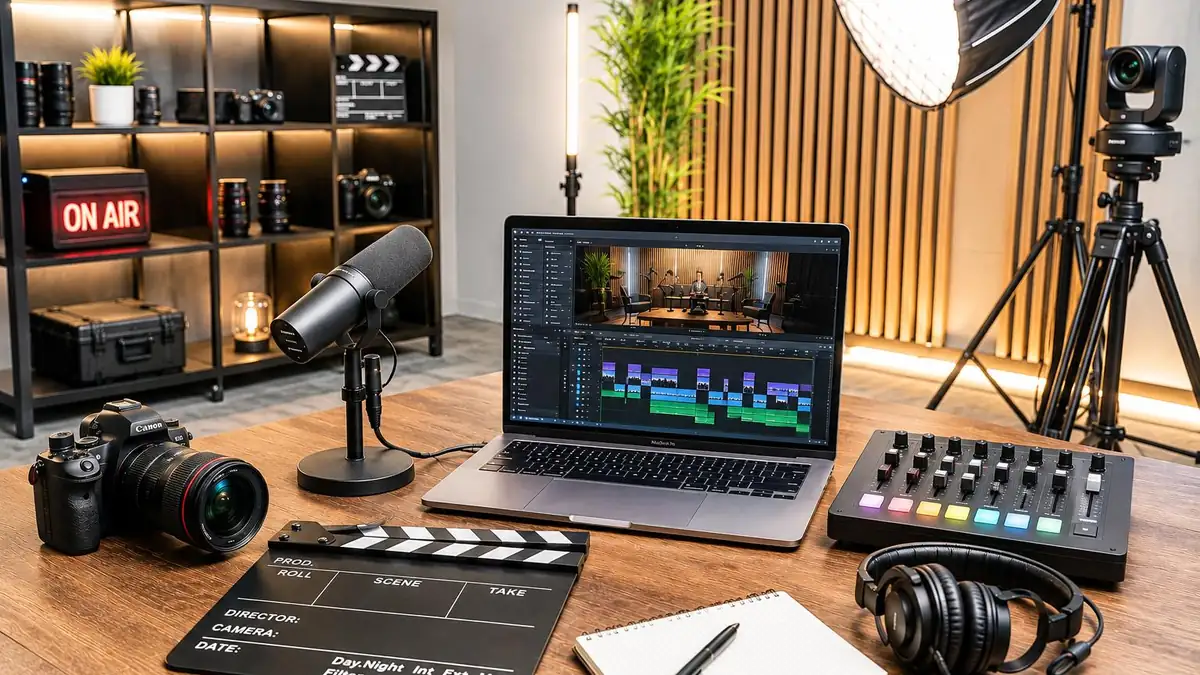
Creating professional videos is now easier with artificial intelligence. AI tools allow users to turn text prompts, images, and ideas into engaging videos without expensive equipment or advanced editing skills.
The best AI video generators help content creators, marketers, and businesses produce videos for YouTube, social media, advertisements, and other projects. With AI video creation and text-to-video software, anyone can create attractive video content while saving time and effort.
In this article, we will explore the best AI video generators, their features, and how to choose the right tool for your needs.
AI Overview:
AI video generators are online tools that use artificial intelligence to create videos from text prompts, images, scripts, or other input. Instead of recording every scene manually, users can describe what they want and let AI generate the video.
These tools can help with:
- Turning written prompts into video scenes.
- Converting images into moving videos.
- Creating product demonstrations and advertisements.
- Generating AI presenters and talking avatars.
- Producing short videos for social media.
- Making educational and training videos.
Key Takeaways
- AI video generators make video production faster and easier.
- Text-to-video software can turn written ideas into video clips.
- Some platforms specialize in realistic scenes and creative visuals.
- AI avatar tools are useful for training and business videos.
- The best tool depends on your content needs, budget, and editing requirements.
Best AI Video Generators for Creating Professional Videos
Google Veo 3.1 – Best for Realistic AI Videos

Google Veo 3.1 is a powerful choice for creating realistic videos from written prompts and images. It helps users turn creative ideas into video scenes with natural movement, detailed visuals, and sound.
- Creates videos from text and images.
- Generates realistic scenes and natural movement.
- Supports generated dialogue and sound effects.
- Helps create cinematic video content.
- Works well for creative and marketing projects.
Runway – Best for Professional Video Creation
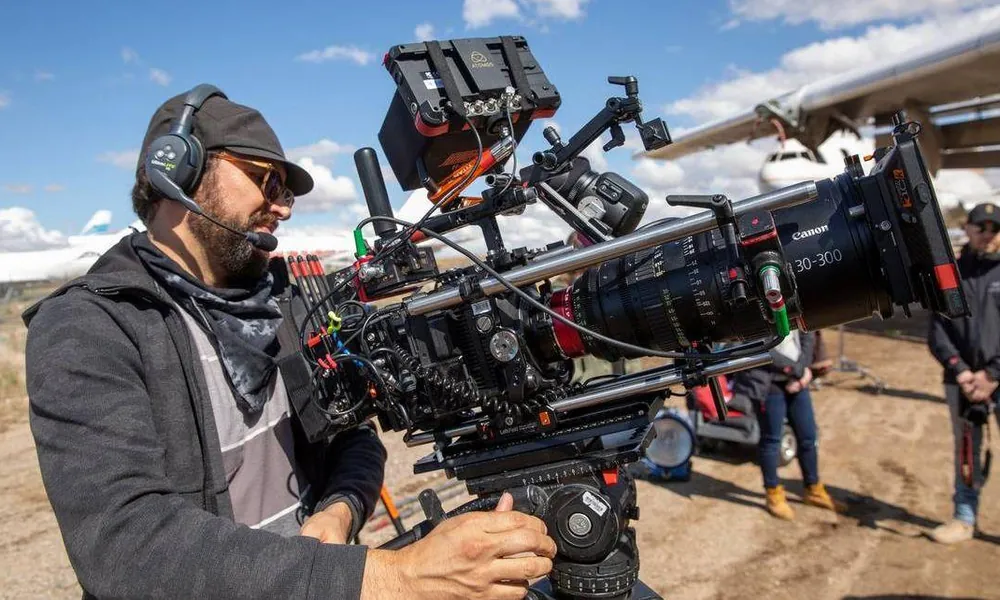
Runway is one of the most popular platforms for AI video creation. It offers tools that help users generate new video scenes and edit existing footage. Users can create videos from text prompts, images, and video clips.
- Text-to-video and image-to-video generation.
- AI-powered video editing tools.
- Background and object editing.
- Creative control over video scenes.
- Tools for professional content production.
Kling AI – Best for Cinematic Video Clips
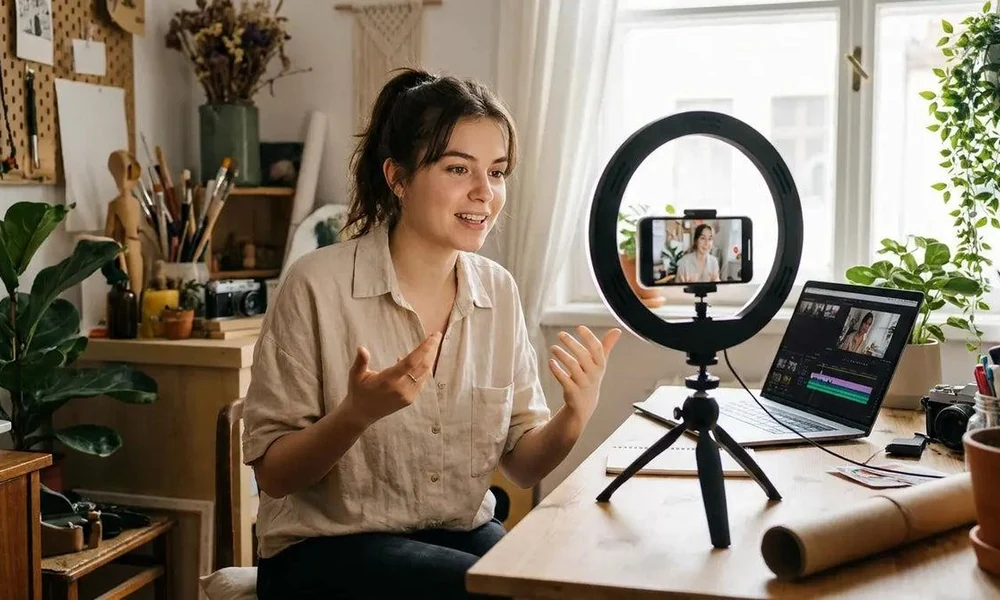
Kling AI helps users create detailed video clips from text descriptions and images. It is a useful option for people who want realistic movement and cinematic scenes without recording everything themselves.
- Generates videos from text and images.
- Supports realistic character movement.
- Offers creative control over scenes.
- Helps create cinematic video clips.
- Useful for product and storytelling content.
Pika – Best for Creative Social Media Videos
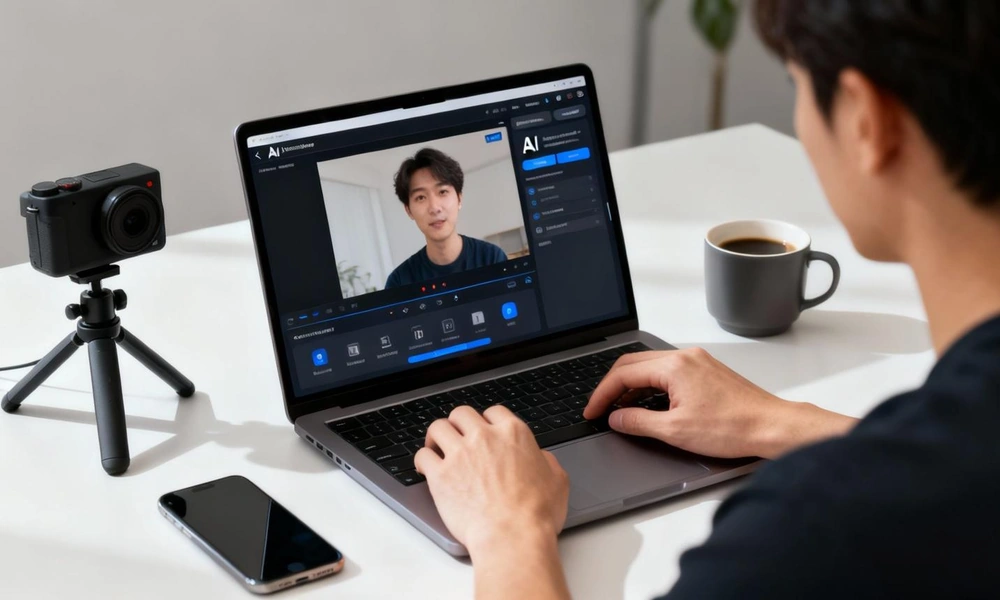
Pika is designed for users who want to create short and interesting videos with AI. It can turn text prompts and images into animated clips and creative visual effects.
- Creates videos from text and images.
- Offers creative video effects.
- Helps animate still images.
- Supports short-form video content.
- Makes experimenting with video ideas easier.
Luma Dream Machine – Best for Natural Motion and Visual Quality
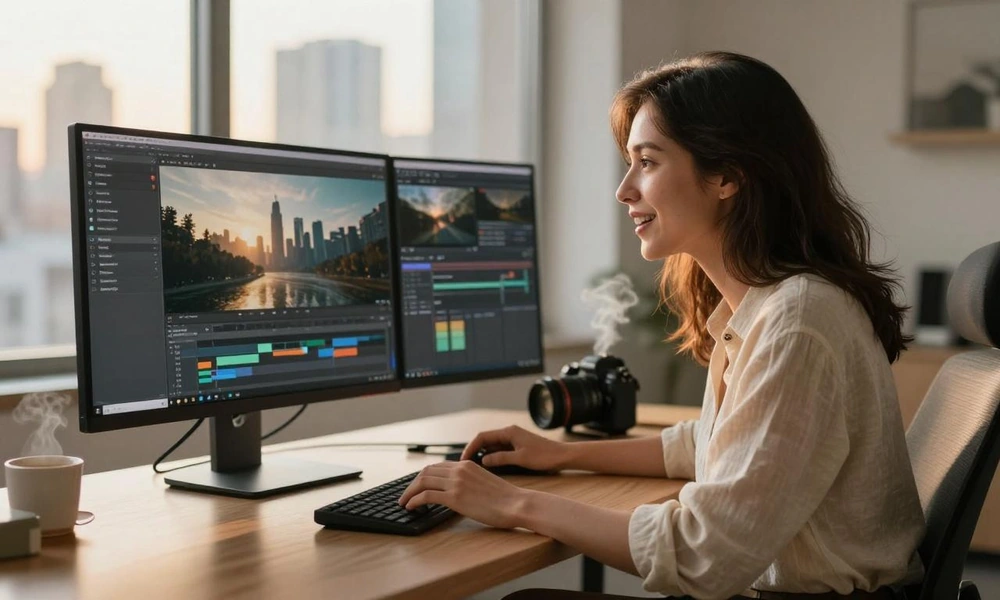
Luma Dream Machine is another option for people who want to turn images and written ideas into videos. It focuses on visual quality, smooth movement, and creative scene generation.
- Text-to-video generation.
- Image-to-video capabilities.
- Smooth camera movement.
- High-quality visual generation.
- Useful for creative storytelling.
HeyGen – Best for AI Avatar Videos
HeyGen is a useful platform for creating videos with AI presenters. Instead of recording yourself in front of a camera, you can use an AI avatar to deliver your message.
- Creates videos with AI avatars.
- Converts scripts into presenter videos.
- Offers AI voice features.
- Supports multiple languages.
- Helps create business and training content.
Synthesia – Best for Business and Training Videos

Synthesia is an AI video platform that focuses on business presentations, training materials, and educational content. It allows users to create videos using AI presenters without setting up a camera or recording studio.
- AI presenter and avatar videos.
- Script-to-video creation.
- Multiple language options.
- Professional presentation templates.
- Useful for training and educational projects.
InVideo AI – Best for Turning Scripts Into Complete Videos

InVideo AI is a helpful choice for people who want to turn written ideas into complete video projects. You can provide a topic or script, and the platform helps build a video using visuals, voiceovers, and editing features. To prepare engaging content, creators can also explore AI tools for YouTube scripts to develop video ideas and create structured scripts before production.
- Turns prompts and scripts into videos.
- Helps select visuals for different scenes.
- Offers AI voiceover options.
- Includes video editing features.
- Supports marketing and social media content.
Comparison of the Best AI Video Generators
| AI Tool | Best Use | Main Strength |
| Google Veo 3.1 | Realistic videos | Generated audio |
| Runway | Professional projects | Editing and creative control |
| Kling AI | Cinematic clips | Realistic motion |
| Pika | Social media | Creative effects |
| Luma Dream Machine | Visual storytelling | Natural movement |
| HeyGen | Presenter videos | AI avatars |
| Synthesia | Training videos | Business presentations |
| InVideo AI | Complete video projects | Script-to-video workflow |
AI Video Creation
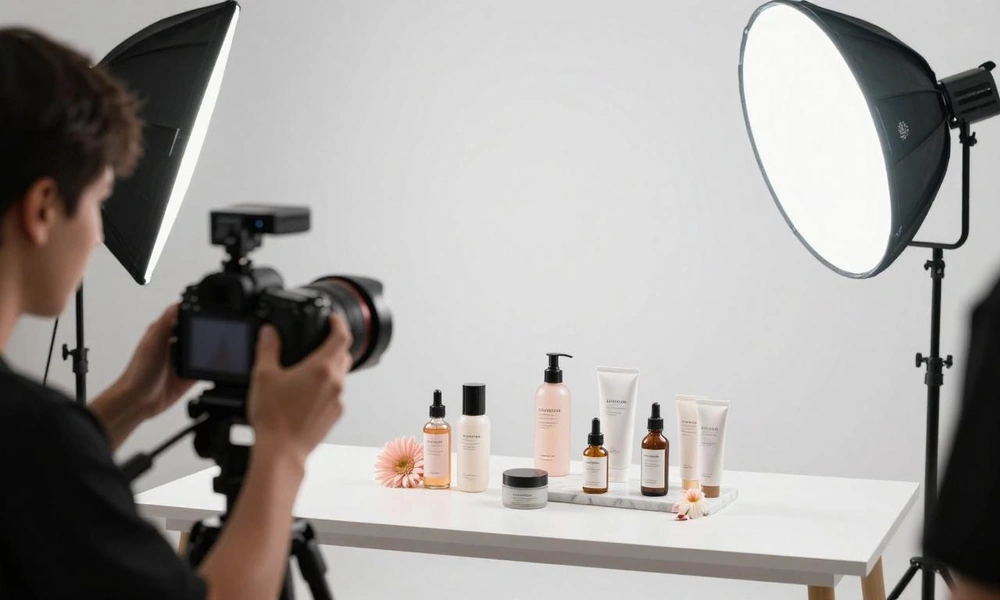
AI video creation is the process of using artificial intelligence to create videos from text, images, scripts, or ideas. These tools make video production easier by reducing the need for cameras, expensive equipment, and advanced editing skills.
Content creators, marketers, and businesses can use AI video creation to produce YouTube videos, social media clips, product advertisements, educational content, and promotional videos. Combining video production with AI tools for SEO research can also help marketers create content aligned with search trends and audience interests. These tools help save time, improve productivity, and turn creative ideas into engaging visual content.
Text-to-Video Software
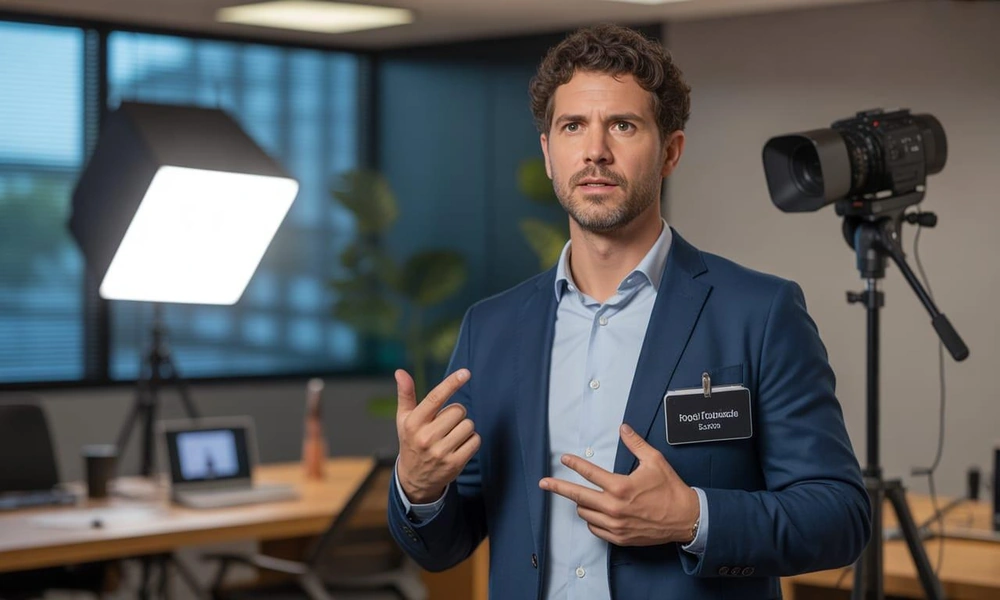
Text-to-video software allows users to create videos simply by entering written descriptions or prompts. The AI understands the instructions and generates video scenes based on the user’s ideas.
For example, you can enter a prompt describing a beautiful beach at sunset, with moving waves and flying birds. The software can turn that description into a video clip.
This technology is useful for beginners, YouTubers, marketers, and businesses that want to create videos without recording everything manually. By incorporating an effective AI content workflow, users can organize their creative process, make video production faster, and turn simple written ideas into attractive visual content.
Comparison of Secondary Keywords
| Secondary Keyword | Meaning | Main Benefits | Common Uses |
| AI Video Creation | Using artificial intelligence to create videos from text, images, scripts, or ideas. | Saves time, reduces editing work, and makes video production easier. | YouTube videos, social media, advertisements, and educational content. |
| Text-to-Video Software | Software that turns written prompts and descriptions into video clips. | Creates videos quickly, requires fewer technical skills, and supports creative ideas. | Marketing videos, product promotions, storytelling, and short video content. |
How to Choose the Right AI Video Generator
Choosing the right tool depends on the type of videos you want to create. Before purchasing a subscription, consider these important points.
- Video Quality
Choose a platform that produces clear visuals, realistic movement, and good scene details. This is especially important for advertisements and professional projects.
- Ease of Use
If you are new to video editing, choose a tool with a simple interface. It should allow you to create videos without complicated editing steps.
- Text-to-Video Features
Look for text-to-video software that can understand written instructions and turn them into useful video clips.
- Editing Options
Some tools only generate clips, while others provide editing features. Choose a platform that lets you adjust scenes, add audio, and improve your final video.
- Pricing and Free Plans
Check the available plans before subscribing. Compare monthly costs, generation credits, video limits, and commercial-use rights.
Frequently Asked Questions (FAQs)
1. What are the best AI video generators in 2026?
Some popular options include Google Veo 3.1, Runway, Kling AI, Pika, Luma Dream Machine, HeyGen, Synthesia, and InVideo AI. Each platform offers different features for video creation.
2. Can AI generate videos from text?
Yes. Many AI video generators can turn written prompts into video clips. You simply describe the scene, characters, actions, and visual style you want.
3. What is the best free AI video generator?
Several platforms offer limited free access or trial credits. Runway, Kling AI, and Pika are worth exploring, but free generation limits and features can change.
4. Can beginners use AI video generators?
Yes. Most AI video generators are designed to make video production easier. Beginners can create videos using simple prompts, images, and ready-made templates.
5. Are AI-generated videos good for YouTube?
Yes. AI-generated videos can be useful for YouTube tutorials, storytelling, educational content, and promotional videos. However, creators should review their videos and add original value before publishing.
6. What is the difference between text-to-video and image-to-video?
Text-to-video creates a video from written instructions, while image-to-video uses an uploaded picture as the starting point and adds movement to it.
Conclusion
AI video generators are changing the way people create and edit videos. They make it easier for beginners, businesses, marketers, and professional creators to turn their ideas into engaging visual content.
The best AI video generators offer different solutions for different needs. Google Veo 3.1 is worth considering for realistic scenes and generated audio, Runway provides creative editing control, Kling AI supports cinematic video generation, and Pika is useful for creative social media clips. HeyGen and Synthesia are strong options for AI presenter videos, while InVideo AI helps turn scripts into complete video projects.
Before choosing a platform, compare its features, pricing, video quality, and editing options. The right tool can make AI video creation faster, easier, and more effective for your content goals.