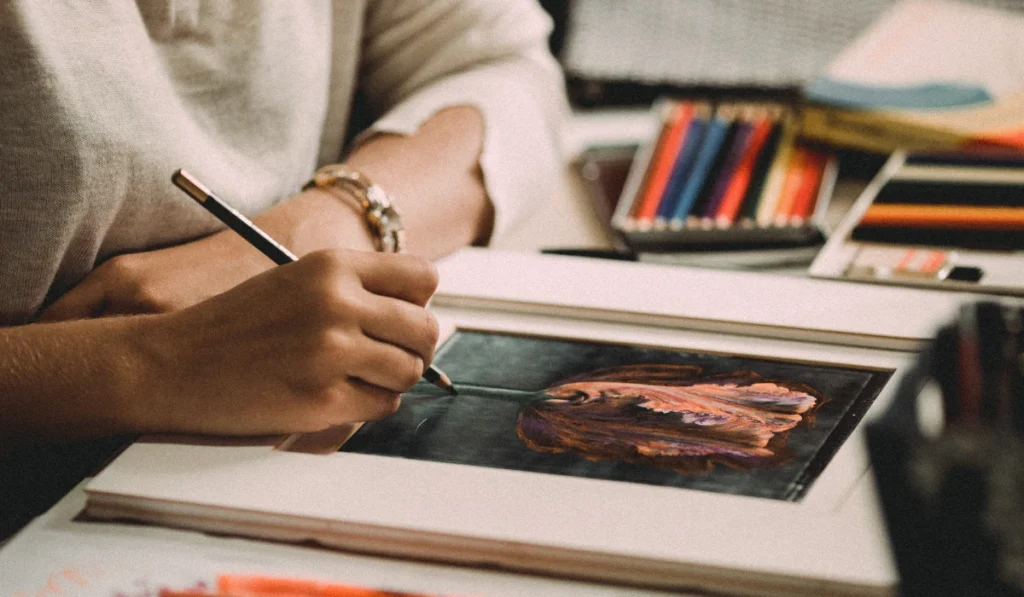
In the rapidly evolving world of digital art, finding the best AI drawing app can completely revolutionize your creative process. Whether you are a professional illustrator, an aspiring designer, or just someone who loves to sketch, AI-powered drawing apps offer tools that simplify complex tasks and boost productivity.
Moreover, as digital art becomes more competitive, using AI tools not only saves time but also allows artists to experiment with styles they might not master manually.Consequently, these apps are not just tools they are creative partners that help you achieve professional results faster.
Why Choose an AI Drawing App?
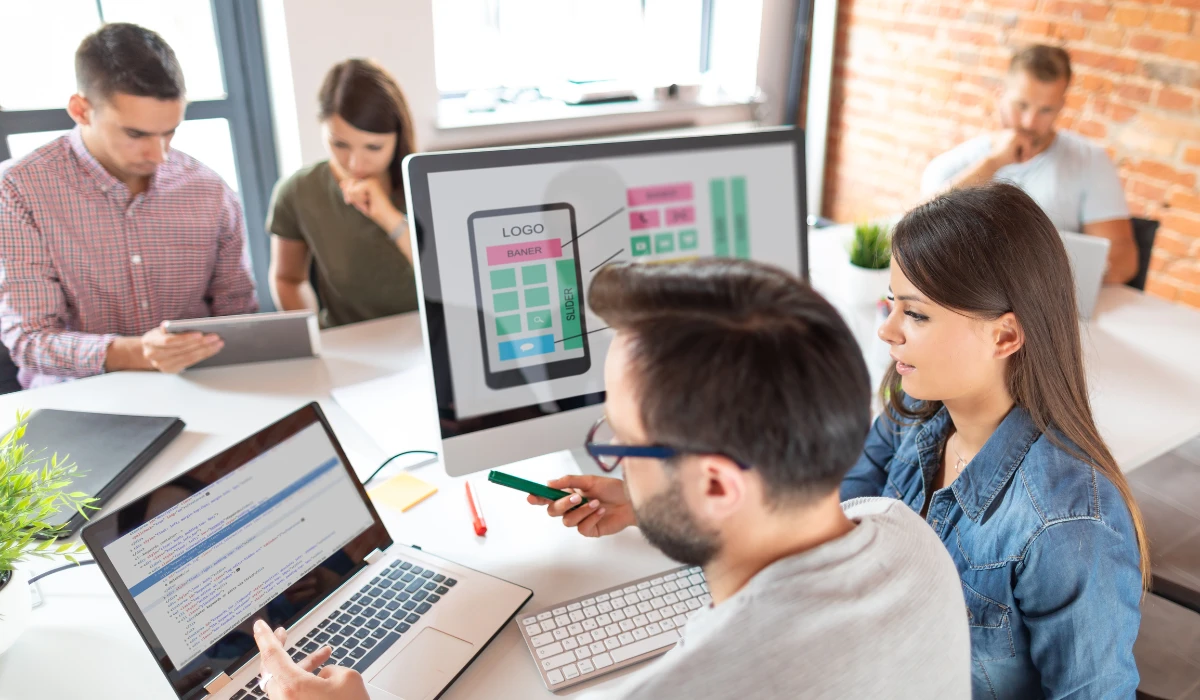
Artificial intelligence has transformed many creative industries, and digital art is no exception.
Using the best AI drawing app allows artists to:
-
Generate ideas faster
-
Create precise illustrations effortlessly
-
Experiment with styles without starting from scratch
-
Save time on repetitive tasks
Furthermore, transitioning from traditional drawing to AI-powered platforms reduces creative blocks. For instance, if you struggle to conceptualize backgrounds, many AI apps can automatically generate realistic or fantastical settings.
Therefore, AI drawing apps are particularly helpful for beginners, offering intuitive interfaces and smart suggestions. With these tools, creativity is not limited by technical skills, enabling anyone to produce professional-grade artwork.
Key Features to Look for in the Best AI Drawing App
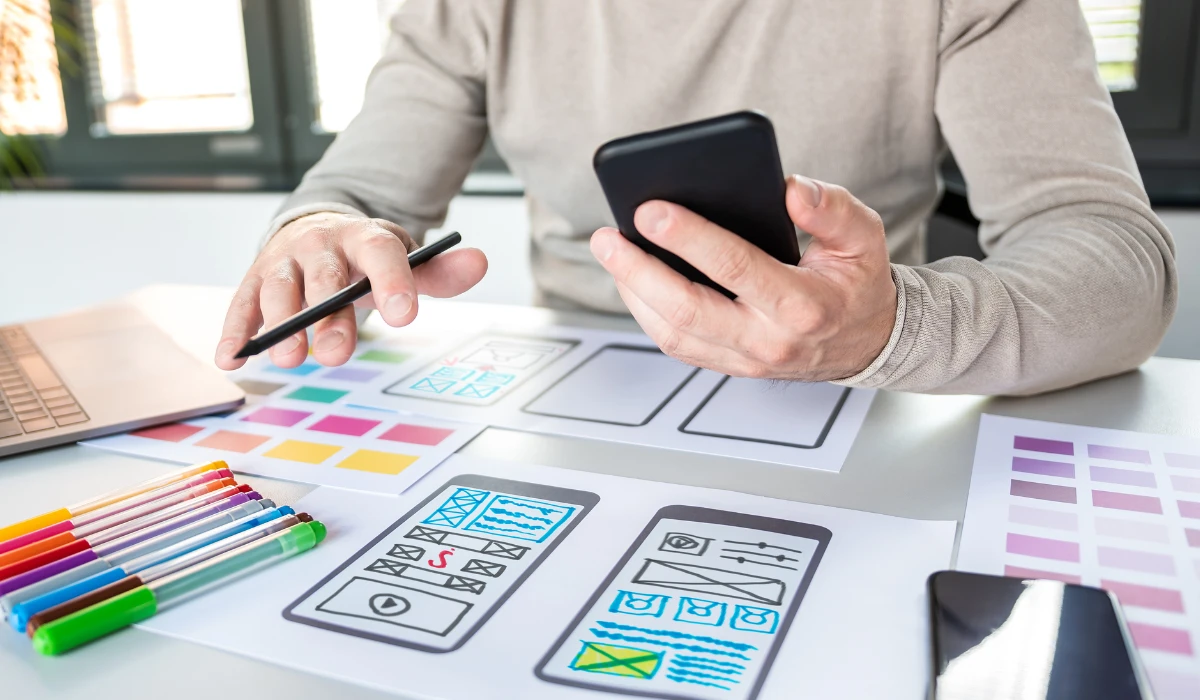
When selecting the best AI drawing app, there are several important features to consider:
1. Smart Brush Technology
Advanced AI apps provide brushes that adjust based on the drawing style. Consequently, smooth lines, realistic textures, and professional results are easier to achieve.
Moreover, transitioning from basic sketches to complex illustrations becomes seamless. Artists can experiment with digital textures like watercolor, oil painting, or charcoal without mastering every technique manually.
2. AI-Powered Style Transfer
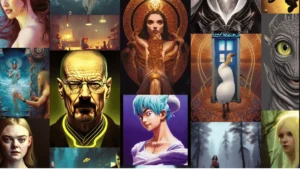
Many AI drawing apps can replicate famous art styles. By simply uploading an image, the app can transform it into a style resembling Van Gogh, Picasso, or modern digital trends.
As a result, artists can explore diverse aesthetics without spending hours learning new techniques. Style transfer also allows designers to maintain a consistent brand style across multiple projects efficiently.
3. Layer Management
Professional artists require multi-layer support to separate sketches, colors, and effects. Top AI drawing apps include advanced layer management, making editing and adjustments easy and efficient.
For example, you can adjust shadows, highlights, or backgrounds individually without affecting the main character or illustration, enhancing precision and flexibility.
4. Real-Time Suggestions
The best AI drawing apps also provide real-time AI suggestions. While drawing a character, the AI might suggest improvements in proportions, colors, or shading.
Therefore, this feature reduces errors, accelerates the creative workflow, and serves as an educational tool for improving your digital art skills over time.
5. Export Options and Integration in Top AI Drawing Apps
A quality AI drawing app should allow exporting in various formats like PNG, SVG, or PSD. Additionally, integration with other design platforms like Adobe Creative Cloud or Canva ensures a seamless workflow for both professional and amateur artists.
Top 5 Best AI Drawing Apps in 2025
Here’s a curated list of the best AI drawing apps that artists should consider:
1. Procreate AI: The Best AI Drawing App for iPad
Procreate AI is a powerhouse for iPad users. With AI-powered brushes, seamless layering, and style transfer capabilities, it’s perfect for professional illustrators. Its user-friendly interface ensures even beginners can produce stunning results quickly.
Moreover, Procreate AI frequently updates its features, offering new brushes and enhanced AI tools that keep up with the latest artistic trends.
2. Adobe Firefly: Top AI Drawing App for Designers
Adobe Firefly integrates AI with Adobe Creative Cloud, making it ideal for designers who work across multiple platforms. The app can auto-generate complex designs, vector art, and textures in seconds.
Consequently, Adobe Firefly is not just a drawing tool; it’s a comprehensive design assistant that accelerates workflow and inspires creativity.
3. DeepArt AI: Best AI App for Style Transfer
DeepArt AI focuses on style transfer and artistic transformation. You can turn photos into professional paintings effortlessly.
Therefore, it’s particularly useful for artists seeking inspiration or those who want to explore different visual styles without manually mastering them.
4. SketchAI: Fast AI Drawing App for Quick Ideas
SketchAI is designed for quick ideation. Artists can sketch rough outlines, and the AI automatically refines shapes, colors, and details.
As a result, turning initial sketches into fully polished artworks becomes faster, allowing more focus on creativity rather than technical perfection.
5. Artbreeder: Collaborative AI Drawing Platform
Artbreeder is a community-driven AI tool that allows collaborative art creation. Using generative AI, you can mix and match features to produce unique characters, landscapes, or abstract art.
Moreover, Artbreeder encourages experimentation and sharing, which inspires artists to think beyond conventional boundaries.
6. Fotor AI: Beginner-Friendly AI Drawing App
Fotor AI is a beginner-friendly app that combines image editing with AI-powered drawing. Its AI sketching feature allows users to convert simple photos into digital artwork.
Therefore, it is ideal for hobbyists and marketers who want high-quality results quickly.
7. Runway ML: Advanced AI Drawing App for Professionals
Runway ML provides professional AI tools for digital artists and video editors. Its creative suite allows style transfer, animation, and AI-assisted storytelling. These tools simplify complex editing tasks, making them accessible even for beginners. Moreover, they enhance productivity by automating repetitive processes. As a result, artists can focus more on creativity rather than technical limitations.
Consequently, Runway ML offers a comprehensive platform for multimedia projects, making it suitable for advanced users.For more information about AI-powered creative tools, you can explore OpenAI’s creative platform for additional inspiration and resources.
Benefits of Using the Best AI Drawing App
Transitioning to AI-powered drawing apps offers several advantages:
-
Time Efficiency: Automated shading, coloring, and style suggestions save hours.
-
Consistency: Maintain a uniform style across multiple artworks.
-
Innovation: Explore multiple art styles without prior training.
-
Accessibility: Both beginners and professionals can achieve high-quality results.
-
Cost-Effectiveness: Reduces the need for expensive art supplies or hiring additional artists.
Moreover, these advantages make AI drawing apps indispensable for modern digital artists who want to remain competitive and productive.
Tips to Maximize Your Creativity Using the Best AI Drawing App
Using the best AI drawing app becomes more rewarding when paired with the right approach. By combining basic sketching skills, experimenting with styles, and learning from AI feedback, artists can unlock their full creative potential. Small adjustments in workflow can lead to big artistic improvements.
1. Start with Rough Sketches in AI Drawing Apps
Even though AI tools are powerful, starting with a rough sketch gives the AI a clear base to work from. As a result, final outputs are more accurate and visually appealing.
2. Experiment with Styles in the Best AI Drawing App
Use style transfer and AI suggestions to explore different artistic directions. Consequently, you can create unique pieces that stand out in digital portfolios.
3. Organize Layers in AI Drawing Apps
Keep elements separate using layers. Therefore, editing parts of your artwork becomes easier and more precise.
4. Learn from AI Suggestions
Many apps offer real-time suggestions. Moreover, paying attention to these insights refines your technique and improves workflow efficiency.
5. Collaborate Using AI Drawing Apps
Some AI drawing platforms, like Artbreeder, allow sharing and collaboration with other artists. As a result, collaborative projects spark innovation and inspire fresh ideas.
6. Explore Tutorials in the Best AI Drawing App
Most apps provide tutorials and community forums. Additionally, learning from these resources helps users unlock advanced features, maximizing creative potential.
Frequently Asked Questions (FAQs)
Q1: Are AI drawing apps suitable for beginners?
Yes, AI drawing apps simplify complex tasks and provide real-time suggestions, making them highly beginner-friendly.
Q2: Can AI apps replace human artists?
No, AI apps enhance creativity and speed up workflows but cannot replicate human imagination, emotional depth, or unique style.
Q3: Are AI-generated artworks copyright-free?
It depends on the platform. Therefore, always review the licensing terms and usage rights to ensure legal compliance.
Q4: Which devices support AI drawing apps?
Most AI drawing apps are available for iPads, tablets, Windows, and macOS. Additionally, some offer cloud-based versions accessible from any device.
Q5: How do AI drawing apps improve productivity?
By automating repetitive tasks, offering style suggestions, and providing intelligent brushes, these apps allow artists to focus on creativity rather than technical challenges.
Conclusion
Finding the best AI drawing app can drastically improve your creative workflow and artistic output. Moreover, features like AI-powered brushes, style transfer, layer management, and real-time suggestions also enable professional-quality results. Additionally, these tools save time, therefore letting artists focus on creativity. Consequently, users can experiment with new styles easily. Furthermore, collaboration and learning features enhance skills, thus benefiting both beginners and experts.
Whether you are a professional illustrator, a hobbyist, or exploring digital art, AI drawing apps offer endless possibilities. Tools like Procreate AI, Adobe Firefly, DeepArt AI, SketchAI, Artbreeder, Fotor AI, and Runway ML allow creativity to flourish. For more options, check out this free graphic designing AI tool.
Transitioning to AI-powered art tools is essential for modern artists. Thus, start exploring the best AI drawing app today, and elevate your creative projects! For further inspiration, you can explore Adobe Firefly for AI-assisted creativity or visit OpenAI to learn more about cutting-edge AI tools shaping the future of digital art.