In today’s fast paced digital industry, tools graphic design have become essential for anyone creating visual content. Whether you’re a beginner or an experienced professional, the right tools can elevate your designs and streamline your workflow.
Graphic design is a powerful way to communicate ideas visually. With so many software options available today, understanding which tools best fit your needs is vital. Choosing wisely ensures quality, saves time, and keeps your creative projects competitive.
Importance of Tools Graphic Design
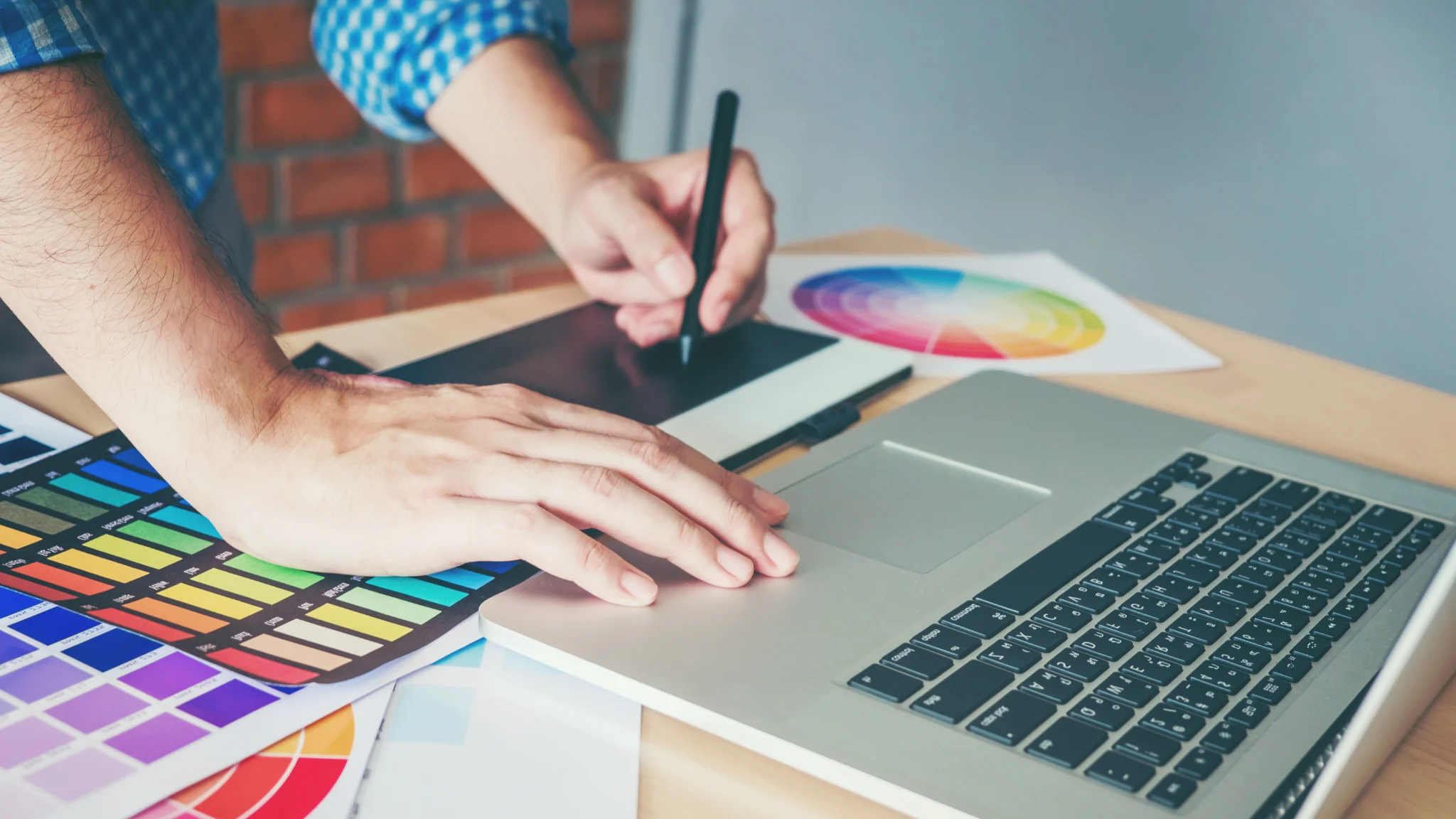
Graphic design tools do more than edit images. They help businesses build strong brand identities and connect with audiences through visuals. As companies compete online, professional designs make content stand out.Moreover, advanced tools improve accuracy and consistency.
For instance, designers working on logos or ads rely on features that support precision, and choosing reliable software ensures your visuals are polished and impactful, helping your brand stand out in competitive markets.
Leading Professional Tools for Graphic Design
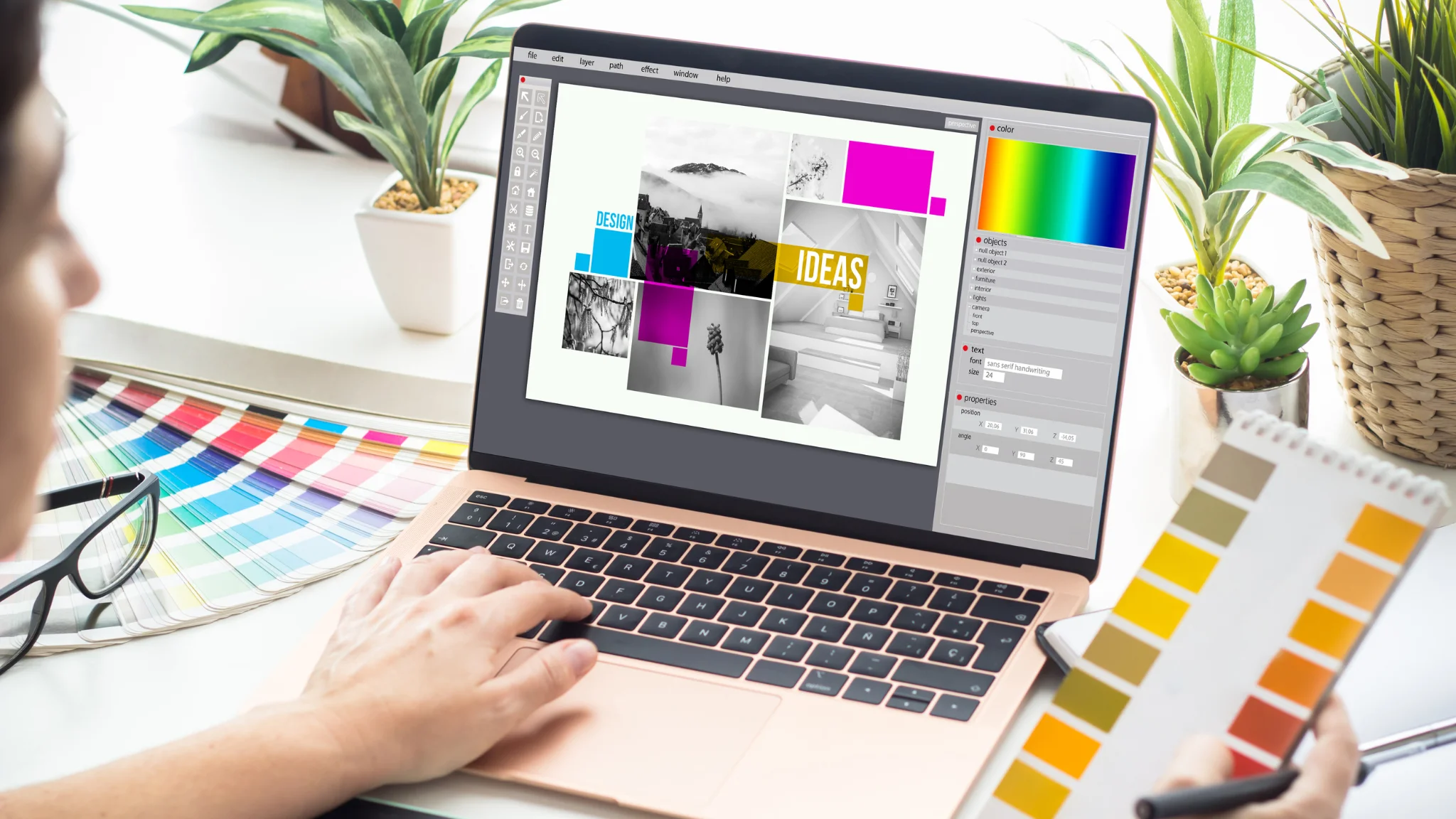
Adobe Photoshop
Adobe Photoshop remains the leading software for photo editing and digital art. Its advanced features, including layers and blending options, make it versatile.Designers use Photoshop for retouching, composite images, and digital illustrations. Its compatibility with multiple file formats also makes collaboration easier.
Adobe Illustrator
Adobe Illustrator is unmatched for vector-based designs. It is perfect for creating scalable logos, icons, and detailed illustrations.The integration between Illustrator and other Adobe products ensures a smooth workflow. Professionals choose it for branding, typography, and high-resolution graphics.
Canva
Canva has revolutionized design for beginners. Its drag-and-drop interface and customizable templates make it easy to use.Even non-designers can create social media graphics, posters, and presentations quickly. Canva Pro adds advanced tools such as brand kits, background removal, and team collaboration.
CorelDRAW
CorelDRAW is well-known among print designers. Its intuitive tools and vector editing capabilities make it a reliable option.Print specialists and illustrators appreciate CorelDRAW for producing professional-grade graphics without complexity.
Affinity Designer
Affinity Designer offers professional features at a budget-friendly price. It works for both vector and raster projects, making it versatile.Freelancers and small businesses often choose Affinity Designer for its affordability and high-quality output.
Figma
Figma is ideal for collaborative work. Its cloud-based design system allows multiple users to edit a project simultaneously.Web and app designers especially value Figma for prototyping and interactive design. Its flexibility enhances teamwork and creative development.
Inkscape
Inkscape is a free, open-source vector graphics editor that, despite being cost-free, offers advanced tools comparable to paid options. Designers on a budget find it perfect for creating scalable graphics without sacrificing quality.
Features to Look for in Tools Graphic Design

When selecting tools, a user-friendly interface is crucial because a simple layout speeds up your learning curve and reduces frustration. Compatibility is equally important, so choose software that works with your operating system and supports multiple file formats. Finally, high export quality ensures professional results for both print and web.
Furthermore, collaboration features have become essential. Tools like Figma and Canva enable teams to work together in real time. Customization options, such as plugins or extensions, can expand creative possibilities and improve efficiency.
Benefits of Using the Right Tools
Using professional tools can significantly boost productivity, as features like templates, shortcuts, and automation save valuable time. For instance, Photoshop’s smart objects allow quick adjustments, while Canva’s ready-made layouts deliver fast results, enabling designers to focus on their creative vision rather than repetitive tasks.
Additionally, updated tools keep you aligned with industry trends, as regular updates introduce new features and improve performance, ensuring you stay competitive. For advanced resources, you can visit Adobe Creative Cloud for tutorials and insights.
Tips for Maximizing Your Graphic Design Tools
Practice consistently to become proficient, as regular use builds confidence with a tool’s features. Learning shortcuts and advanced techniques can save time, while experimenting with various styles helps you discover your creative voice. Additionally, joining communities like Behance or Dribbble inspires, and engaging with other designers offers opportunities to learn new methods and stay motivated.
Transitioning Between Tools for Growth
As your skills grow, exploring different platforms can help you discover fresh techniques and creative approaches. For example, moving from Canva to Illustrator can open doors to advanced vector work, while trying Figma may enhance your collaboration skills when working with a team. Being adaptable keeps your abilities relevant in a rapidly changing industry, and exploring diverse tools ensures you are prepared for a wide range of design challenges.
Common Mistakes to Avoid
Many beginners stick to a single tool without exploring alternatives, which can limit creative potential. Neglecting updates or new features is another common mistake, as staying current ensures you benefit from the latest enhancements and security improvements. Finally, rushing through projects without understanding a tool’s capabilities can compromise quality, so taking the time to learn your tools will always pay off in professional results.
Conclusion
In summary, tools graphic design are the backbone of modern creative work. Firstly, from Photoshop and Illustrator for advanced projects to Canva and Figma for quick designs, there is software for every skill level and budget. Moreover, choosing the right tools therefore improves efficiency, furthermore enhances creativity, and consequently ensures professional quality output.
Moreover, by exploring multiple platforms, learning new features, and practicing regularly, you can elevate your design skills. For beginners and professionals alike, discovering the best free AI and design tools can be a game-changer for creative projects (check out this guide here). Ultimately, whether you are a freelancer, business owner, or hobbyist, investing time in the right tools will make your designs stand out. With the best graphic design tools, your creative projects can achieve lasting impact in today’s competitive visual world.