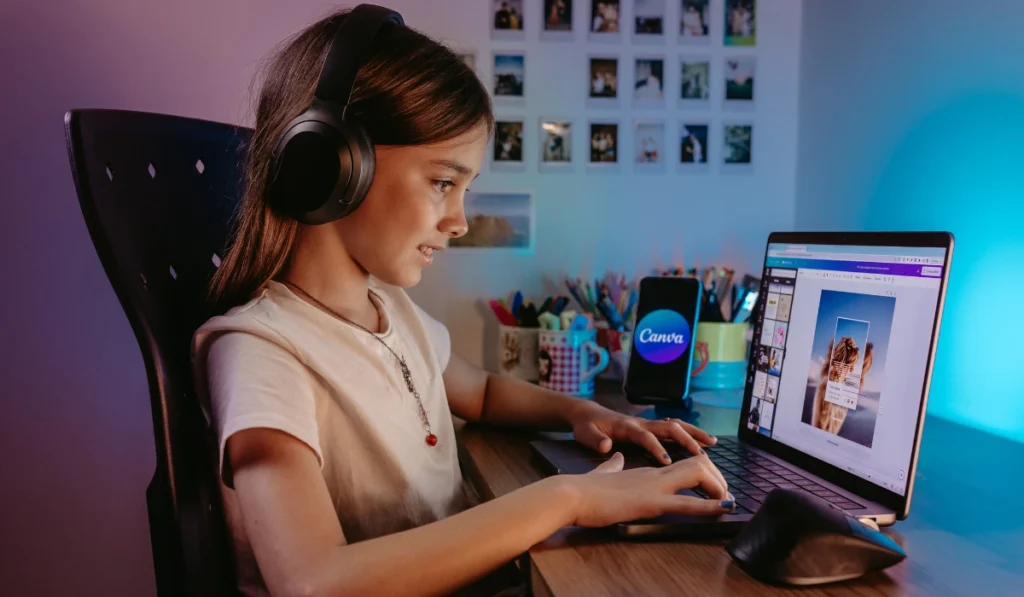
Artificial intelligence has dramatically transformed the way we approach creative tasks, and Canva is at the forefront of this innovation. Indeed, AI tools integrated into Canva streamline design, simplify complex tasks, and empower even beginners to produce professional-quality visuals.
From automated image editing to intelligent design suggestions, AI makes Canva a powerhouse for marketers, educators, and creators alike.Moreover, by leveraging AI, Canva users can focus more on creativity rather than tedious manual adjustments.
Features like Magic Resize, text-to-image generation, and AI-powered color palettes reduce time spent on repetitive tasks. Consequently, this combination of efficiency and innovation has made Canva indispensable for both personal and professional projects.
How AI Enhances Canva’s Functionality
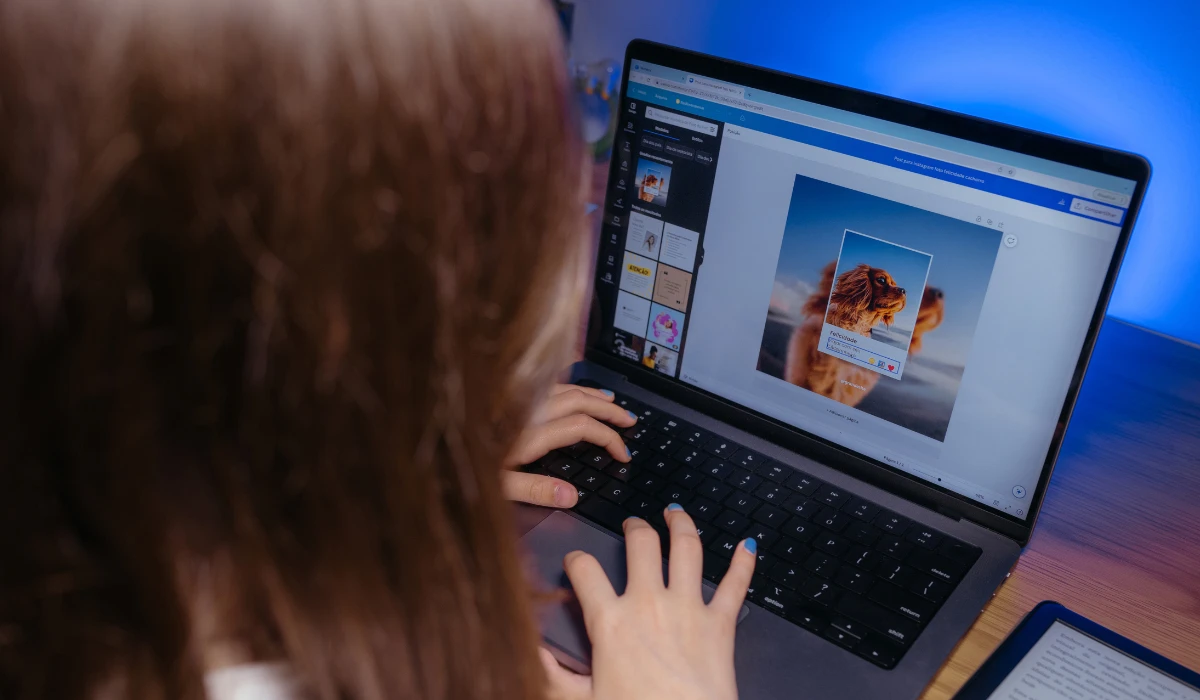
Canva’s AI tools have revolutionized how design projects are executed. Although traditional design often requires extensive technical skills, AI simplifies these processes through intuitive suggestions and automation. For instance, Canva’s AI-powered background remover instantly isolates subjects in images, saving hours of meticulous editing.
Furthermore, Canva uses AI algorithms to analyze design trends and suggest layouts that align with the user’s content. Whether you are designing social media posts, presentations, or posters, AI ensures that your creations are visually appealing and effective. In addition, AI tools in Canva can generate content, suggest fonts, and even help in writing catchy headlines, making it a complete design ecosystem.
Popular AI Features That Simplify Design
Canva integrates several AI-powered tools that make creative workflows easier. As a result, these tools save time while improving design quality, making them accessible to users without prior experience. Ultimately, AI in Canva transforms ordinary ideas into professional designs quickly and effortlessly.
-
Magic Write: Generates text content for social media captions, blog intros, and marketing materials.
-
Text to Image: Converts written prompts into realistic or artistic images instantly.
-
Background Remover: Quickly isolates subjects in photos for professional edits.
-
Design Suggestions: AI analyzes your content and recommends layouts, colors, and fonts.
-
Audio and Video Editing AI: Automates background music, voiceovers, and video trimming.
Benefits for Creators Using AI Canva
AI Canva brings multiple advantages for creative professionals and hobbyists alike. In particular, here’s why it has become a preferred choice:
-
Speeds up the design process significantly.
-
Reduces the need for advanced technical skills.
-
Ensures consistency across multiple design projects.
-
Enhances creativity by offering intelligent suggestions.
-
Helps maintain brand aesthetics with AI-powered templates.
Integrating AI Tools into Marketing Strategies
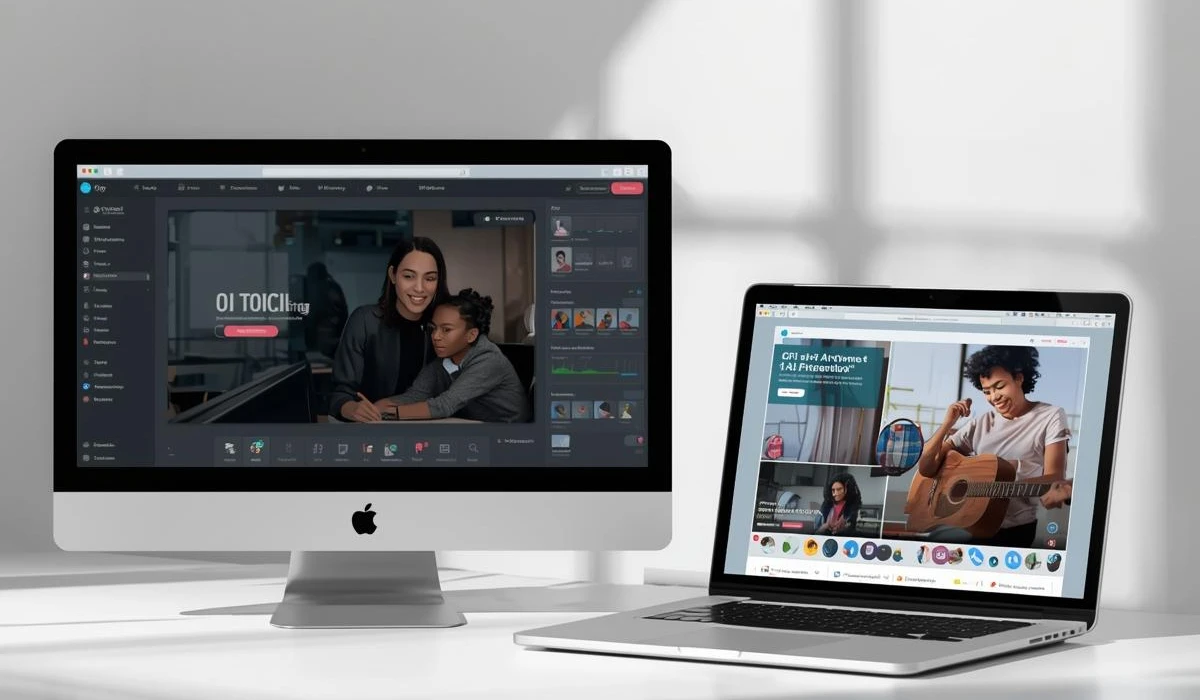
Using AI in Canva isn’t limited to design it can also enhance marketing and branding efforts. Businesses can create visually consistent campaigns with minimal effort, therefore ensuring messages resonate with their audience. By leveraging AI, marketers can quickly produce engaging visuals for social media, advertisements, and newsletters.
For example, a travel agency highlighting Hamburg places to visit could use Canva’s AI to generate eye-catching posts for Instagram or blog visuals, making promotions both attractive and efficient. Furthermore, AI tools allow marketers to experiment with styles, colors, and content layouts without investing in additional design resources.
AI Canva for Educational Projects
Educators and students also benefit from AI Canva’s versatile tools. As a result, from creating infographics to interactive presentations, AI automates complex tasks, allowing focus on content quality rather than design hurdles. AI-powered templates ensure clarity and engagement, which is crucial in academic settings.
Additionally, AI Canva supports collaboration, enabling students and teachers to co-create materials in real-time. Thus, by integrating AI, educational institutions can produce visually appealing resources without hiring professional designers, making learning both interactive and accessible.
Personal Creativity Made Easy with AI Canva
AI Canva isn’t just for businesses or education it’s perfect for personal projects too. Whether you are designing invitations, photo albums, or digital art, AI tools enhance creativity and simplify tasks. Users can transform ideas into polished visuals in minutes, making personal projects enjoyable and professional-looking.
-
Create customized greeting cards with AI design suggestions.
-
Generate travel scrapbooks, including destinations like Hamburg places to visit, using text-to-image tools.
-
Edit personal photos seamlessly with background removal and AI filters.
-
Produce social media posts that stand out with minimal effort.
Optimizing Social Media Graphics with AI
Social media success depends heavily on visuals, and AI Canva provides the tools to optimize graphics for engagement. Indeed, AI assists in resizing images for different platforms, enhancing colors, and selecting trendy templates. These automated features ensure your content is always platform-ready and visually appealing.
-
Automatically resize graphics for Instagram, Facebook, and Pinterest.
-
Generate captions and hashtags using AI content tools.
-
Use AI analytics to track engagement patterns for continuous improvement.
-
Maintain consistent branding across all social channels.
The Future of Artificial Intelligence in Design
The future of AI Canva looks promising, with continuous improvements in machine learning and design automation. For instance, advanced AI will likely provide more personalized design suggestions based on user behavior and project history. Features like predictive content creation and real-time collaborative AI assistance could redefine creativity for professionals and hobbyists alike.
-
Predictive text-to-image generation based on user preferences.
-
AI-assisted collaboration for global teams.
-
Enhanced automation for marketing campaigns and educational content.
-
Integration with AR/VR for immersive design experiences.
FAQs
Q: Is Canva AI suitable for beginners?
A: Yes, AI Canva simplifies design processes, making it accessible even for users without prior experience.
Q: Can AI Canva replace professional designers?
A: Not entirely, but it significantly enhances efficiency and creativity, complementing professional skills.
Q: How can I use AI Canva for travel-related content?
A: You can generate visuals for destinations, such as Hamburg places to visit, using AI text-to-image tools and design templates.
Conclusion: Leveraging AI Tools for Stunning Visuals
AI Canva is revolutionizing how people and brands bring ideas to life. Its smart tools make creating stunning visuals simpler, faster, and more intuitive than ever. With Magic Write, background removal, and text-to-image features, anyone can design professional content effortlessly.
To explore more innovative platforms like Canva, check out this detailed guide on AI tools available today and discover how different AI technologies are shaping creativity and productivity across industries.For those looking to promote or document experiences, including Hamburg places to visit, AI Canva provides the perfect platform to turn ideas into engaging visuals.
If you’re exploring more innovative platforms like this, check out our guide on cool AI tools to discover other creative technologies that can enhance your projects. In conclusion, as AI continues to evolve, Canva is set to remain an indispensable tool for creators worldwide.