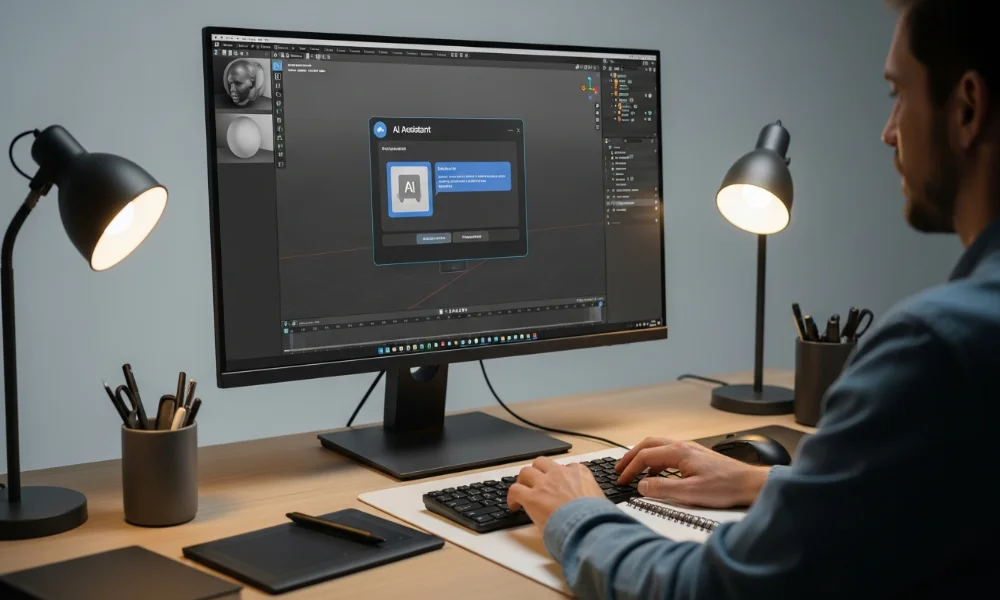
Blender Copilot is an AI assistant designed to make Blender workflows easier. Many 3D artists face challenges with complex modeling, animation, and scripting tasks. This AI tool simplifies repetitive work by offering guidance directly inside Blender. Both beginners and professionals can save time while maintaining creative control.
This AI assistant for Blender helps users automate tasks efficiently.
It provides real-time suggestions for modeling, scripting, and animation. Users can ask questions in plain language and get actionable results. This makes creative processes faster and less stressful.
What Is Blender Copilot?
Blender Copilot is a productivity assistant that supports users while working in Blender. It understands prompts and offers guidance, commands, and scripting help. Artists can reduce errors and complete tasks faster using this AI tool. It focuses on enhancing workflows without replacing artistic creativity.
How Blender Copilot Works Inside Blender

The tool integrates as a plugin and responds to user prompts instantly. Users can type commands or questions in simple language. It provides scripts, suggestions, and workflow guidance in real time. This eliminates the need to search multiple Blender resources.
Is Blender Copilot an Official Blender Tool?
Blender Copilot is not developed by the Blender Foundation. It is a third-party AI tool designed specifically for Blender users. Many useful Blender plugins follow this independent development approach. Users should check plugin compatibility with their Blender version.
Key Features
Blender Copilot offers features that significantly improve 3D workflows. The AI assistant focuses on automation, guidance, and faster task execution. Users receive instant suggestions and scripts, saving time and reducing errors. Beginners and professionals alike benefit from this Blender AI tool.
Key features include:
-
AI-powered command execution
-
Python script generation for automation
-
Real-time workflow guidance
-
Error reduction and faster task completion
AI-Powered Blender Commands
This AI assistant for Blender allows users to run commands naturally. Users describe tasks instead of memorizing complex shortcuts. Beginners learn tools faster while professionals streamline their workflows. It improves productivity without interrupting creative processes.
Script Generation and Automation
Blender Copilot can generate Python scripts automatically for repetitive tasks. Users no longer need advanced coding knowledge to automate actions. Automation ensures consistency and reduces manual errors in projects. This makes workflows more reliable and efficient.
Real-Time Workflow Assistance
The tool provides live guidance as you work in Blender. It can suggest improvements, fixes, and alternative approaches. Real-time assistance helps maintain a smooth creative flow. It acts like a virtual Blender mentor for everyday tasks.
Error Reduction and Time Saving
By guiding users correctly, Blender Copilot reduces mistakes in workflows. It helps avoid broken scripts and incorrect settings. Less trial and error saves time and energy. Users can focus more on creative refinement and complex projects.
Blender Copilot Use Cases
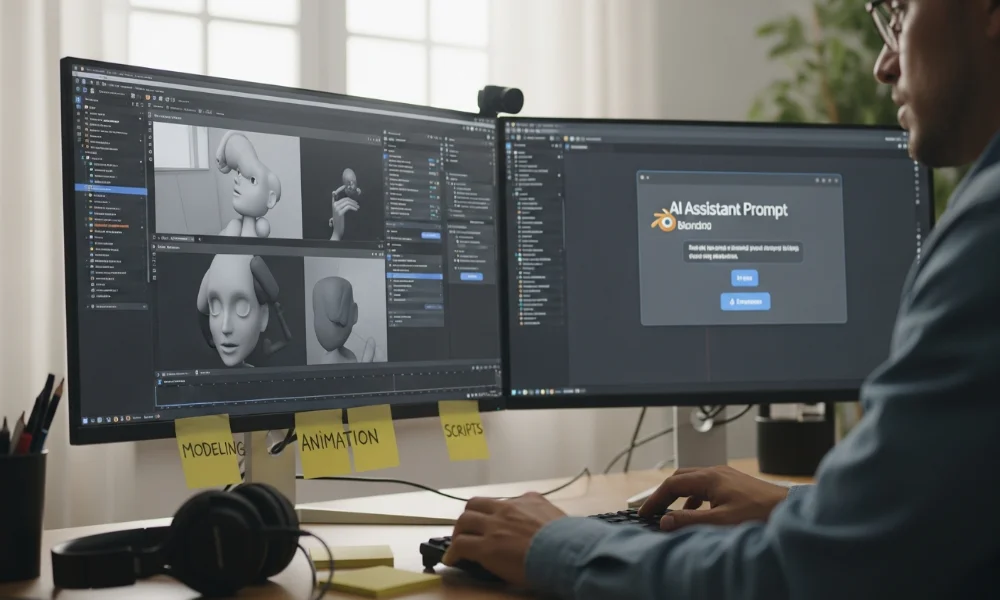
This 3D workflow assistant fits multiple scenarios for different skill levels. Beginners, freelancers, and professionals can all benefit. The AI focuses on solving practical workflow problems efficiently. Understanding these use cases highlights the tool’s real-world value.
Blender Copilot for 3D Modeling
Modeling is easier with real-time AI guidance. Blender Copilot suggests tools, modifiers, and techniques as needed. Beginners learn faster, while professionals save valuable time. It improves modeling speed without compromising on quality.
Blender Copilot for Animation Workflows
Animation often involves timelines, constraints, and motion adjustments. Blender Copilot explains animation tools and offers workflow suggestions. Users can fix timing and motion issues faster. It reduces unnecessary experimentation and improves productivity.
Blender Copilot for Python Scripting
Python scripting is challenging for many Blender users. This Blender AI tool generates usable code snippets instantly. Users can modify scripts instead of writing everything manually. It lowers barriers for automation in projects of any size.
Blender Copilot for Beginners vs Professionals
Beginners benefit from step-by-step guidance and easy explanations. Professionals benefit from automation and faster execution of tasks. The AI adapts to user interaction and skill level. This makes it valuable for both new and advanced users.
Pricing and Availability
Pricing matters when selecting an AI tool for Blender. Blender Copilot offers multiple plans depending on feature access. Users should compare options carefully before committing. Flexible plans cater to beginners and professionals alike.
Pricing depends on feature access and usage limits.
Free plans provide basic AI assistance, while paid plans unlock advanced automation features.
Pricing Overview
| Plan | Features Included | Best For |
|---|---|---|
| Free | Limited commands, basic AI guidance | Beginners |
| Paid | Full AI access, automation, scripting tools | Professionals |
The free plan allows testing the assistant safely. Paid plans focus on full workflow automation and productivity improvements.
Platform and Version Compatibility
Blender Copilot supports modern Blender versions as a plugin. Users should verify system requirements before installing. Proper compatibility ensures smooth performance without errors. Regular updates maintain stability and introduce new features.
Who Should Use Blender Copilot?

Its ideal for users seeking faster workflows and guidance. It helps people working on tight deadlines or complex projects. Beginners, freelancers, and studios can benefit uniquely. Understanding user needs ensures optimal tool adoption.
Best suited for:
-
Beginners learning Blender workflows
-
Freelancers working under tight project deadlines
-
3D artists aiming for faster modeling and animation
-
Developers needing quick Blender scripting assistance
Ideal Use Scenarios
The AI assistant works best when productivity matters most. Learning environments benefit from step-by-step explanations. Professional studios gain efficiency from automation and reduced errors. This flexibility makes the tool practical for multiple scenarios.
Pros and Cons
Every AI tool has advantages and limitations. Blender Copilot improves efficiency but cannot fully replace human expertise. Evaluating strengths and weaknesses helps users set realistic expectations.
Advantages of Using Blender Copilot
The assistant reduces learning curves for beginners effectively. Automation and real-time suggestions save significant time. The interface is intuitive and user-friendly. Productivity improvements become apparent in daily workflows.
Limitations and Potential Drawbacks
The AI relies on prompt clarity and user input. Advanced workflows may still require manual intervention. Some tasks cannot be fully automated yet. Users should consider it a helper, not a replacement.
Blender Copilot vs Other Blender AI Tools

Several AI tools exist for Blender users today. Comparing options helps determine the most suitable assistant. Blender Copilot focuses on workflow guidance, not asset generation. This differentiates it from other AI plugins.
Comparison With Other AI Tools
| Feature | Blender Copilot | Other AI Tools |
|---|---|---|
| Workflow Assistance | Yes | Limited |
| Script Generation | Yes | Sometimes |
| Asset Generation | No | Yes |
| Beginner Guidance | Strong | Moderate |
This highlights where the assistant excels over alternatives.
When Blender Copilot Is the Better Choice
Choose it when guidance and workflow automation are top priorities. It is ideal for learning and productivity enhancement. Asset-generation tools serve different creative purposes. Selecting depends on your project goals.
Final Verdict
This AI assistant offers real value for Blender users. It improves workflows without removing creative control. Beginners gain confidence while professionals save time. For most users, it is a practical and worthwhile addition.
Free plans allow testing before commitment. Its workflow-focused approach stands out among Blender AI tools. Overall, it bridges learning and productivity effectively for all skill levels.