In the modern digital world, thumbnails are the first thing viewers notice before clicking a video. A well-designed thumbnail can significantly increase the click-through rate and engagement. For creators without strong design skills, AI tools for thumbnail design have become essential.
These tools leverage artificial intelligence to generate visually appealing, professional-quality thumbnails quickly. They not only save time but also enhance creativity by suggesting design layouts, colour palettes, and text styles optimized for viewer engagement.
How AI Tools Transform Thumbnail Design
AI has transformed thumbnail design in multiple ways. Traditional design required manual image editing and constant experimentation, but now AI automates most processes. By analyzing trends and viewer behaviour, AI tools can suggest elements that are most likely to attract clicks.
For instance, AI can recommend bright colours, bold text, or emotional expressions in faces to enhance viewer interest. These AI systems can also generate multiple variations in seconds, making A/B testing easy and efficient.
This is invaluable because thumbnails are often the deciding factor in whether a viewer clicks a video. The combination of speed, data-driven creativity, and automation has made AI tools for thumbnail design indispensable for content creators aiming for growth.
Popular AI Tools for Thumbnail Design
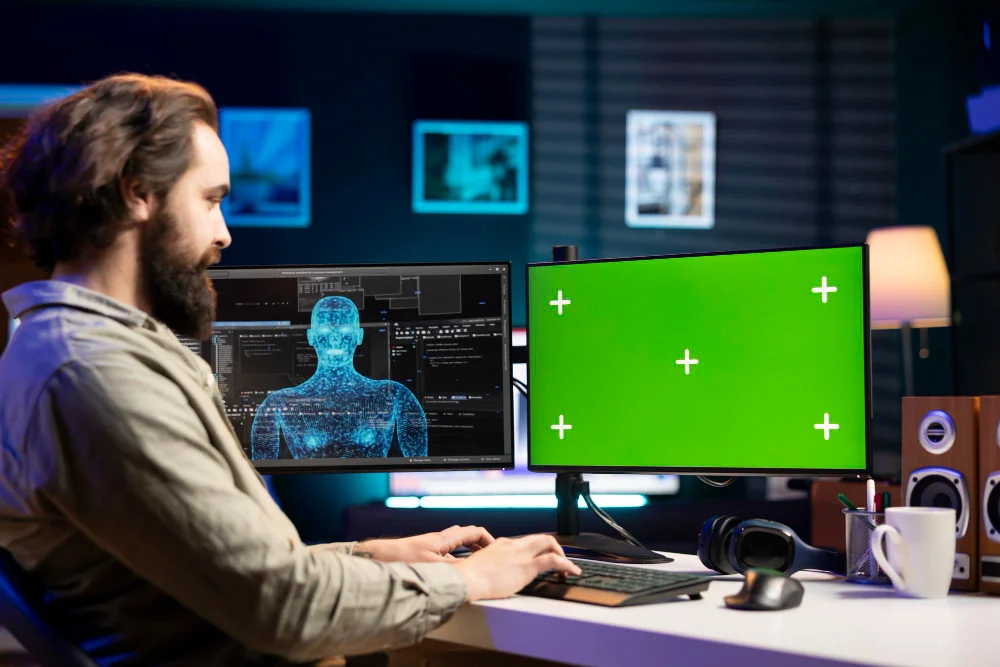
Today, there are several AI tools that make thumbnail creation faster, easier, and more effective. Each tool has unique features, helping creators generate professional-quality visuals with minimal effort. Below are some of the most popular AI tools for thumbnail design, explained in detail.
Thumbnail.AI
Thumbnail.AI is a text-to-thumbnail generator that allows creators to input simple prompts. The AI then produces multiple thumbnail options in just minutes. This tool is especially useful for beginners or creators with limited design knowledge because it automates the design process.
It offers various styles and layouts, ensuring each thumbnail is visually appealing and click-worthy. Users can also refine the AI suggestions to match their branding and video theme, making it a versatile choice for YouTubers and content marketers.
Vmake AI
Vmake AI is designed for video creators who want thumbnails that perfectly capture the essence of their content. The AI automatically analyzes video footage, identifies the most engaging frames, and suggests layouts and text overlays.
This reduces the time spent manually selecting frames and designing thumbnails. Vmake AI is particularly helpful for creators who produce high volumes of content, as it speeds up thumbnail production while maintaining quality and engagement potential.
VEED AI Thumbnail Maker
VEED AI Thumbnail Maker allows users to create thumbnails through prompt-based AI generation. You can describe the desired look, emotion, or message, and the AI will generate options tailored to your specifications.
This tool also lets creators customize colors, fonts, and design elements for a polished final thumbnail. It’s user-friendly and works well for both social media posts and YouTube videos, making it a flexible choice for creators at any skill level.
Piktochart AI Studio
Piktochart AI Studio merges AI technology with professional design principles. Its AI assists in creating visually balanced thumbnails that maintain brand consistency across multiple videos or platforms.
Marketers and social media managers benefit from Piktochart’s ability to provide aesthetically pleasing templates and layouts, ensuring every thumbnail is engaging and professional. It’s ideal for teams who need consistent branding and high-quality visuals without manual design work.
getimg.ai
getimg.ai focuses on generating high-resolution images from text prompts. Users describe the concept, style, or content of the thumbnail, and the AI produces ready-to-use visuals.
This tool is perfect for creators looking for unique, professional thumbnails quickly, especially when traditional design software might be too time-consuming. getimg.ai also supports various image formats suitable for YouTube, Instagram, and other platforms.
Dzine.ai Thumbnail Maker
Dzine.ai Thumbnail Maker offers a combination of AI-enhanced design templates and A/B testing capabilities. Creators can generate multiple thumbnails, test their performance, and select the one with the highest engagement potential.
The tool provides both automation and control, letting users tweak layouts, text, and colors. Dzine.ai is especially valuable for content marketers and social media managers who want data-driven results and thumbnails optimized for maximum clicks.
Key Features to Look for in AI Thumbnail Tools
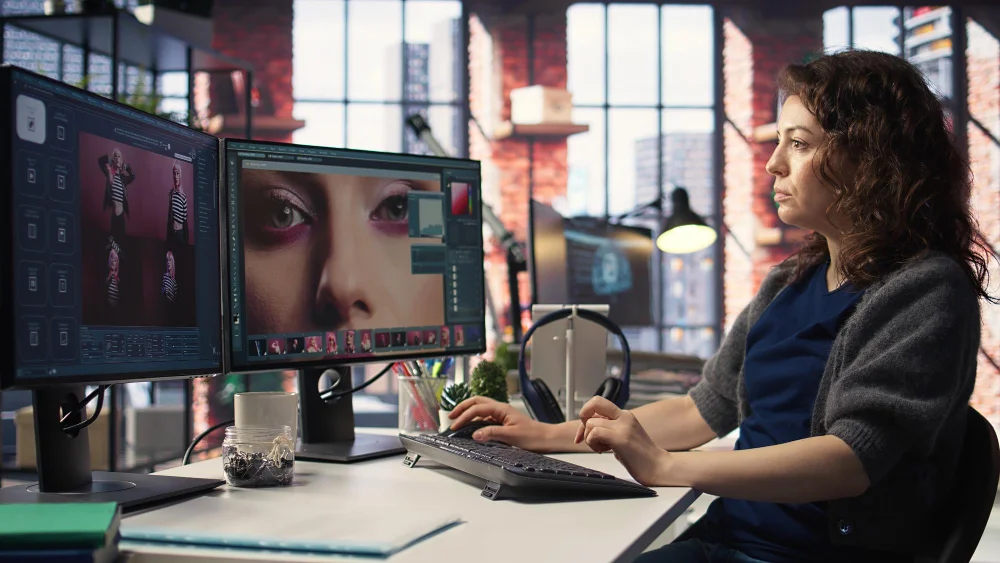
Choosing the right AI thumbnail tool is crucial for creating effective thumbnails quickly. The tool should offer customization for text, colors, and layout while supporting platform-specific sizes like YouTube or Instagram. Cost and testing capabilities are also important to ensure efficient workflow and optimized click-through rates.
Main Features
- Speed: Tools like Thumbnail.AI can generate thumbnails in seconds.
- Customization: Choose tools allowing text, colour, and layout tweaks.
- Platform Optimization: Ensure the tool supports platform-specific sizes like YouTube 16:9 or Instagram 1:1.
- Cost: Free tiers are good for beginners, while paid plans may offer advanced features.
- Testing Capabilities: AI tools that let you create multiple versions help in A/B testing to improve click-through rates.
Benefits of Using AI Tools for Thumbnails
Using AI for thumbnail creation offers significant advantages over traditional manual design methods. It saves time, as thumbnails can be generated in seconds, allowing creators to focus more on content creation.
Even without advanced design skills, AI produces professional, visually appealing images that attract the viewer’s attention. AI tools also provide data-driven suggestions for layouts, fonts, and colours based on trends and analytics.
They help maintain consistent branding across multiple videos and platforms effortlessly. Additionally, AI makes it easy to generate multiple thumbnail variations, enabling creators to test and select the best-performing design.
Common Mistakes to Avoid
Even with powerful AI tools, creators can make mistakes that reduce thumbnail effectiveness. Relying entirely on AI often produces generic or repetitive designs that fail to stand out. Poorly written prompts may generate irrelevant or low-quality thumbnails.
Ignoring copyright or licensing rules can also create legal complications for your content. Skipping A/B testing is another common error, as it prevents understanding which thumbnails drive higher engagement.
Excessive text or clutter can distract viewers from the main visual message. By avoiding these mistakes, creators can maximize the impact of AI-generated thumbnails and maintain professional quality across all content. For even better results, many creators also explore advanced strategies mentioned in this helpful guide on AI tools for B2B marketing.
Step-by-Step Workflow Using AI Tools
A systematic workflow is essential to make the most of AI-generated thumbnails and ensure they maximize viewer engagement. Start by planning your thumbnail, deciding the main hook or emotion to convey. Then, select an AI tool such as Vmake, Thumbnail.AI, or VEED based on your needs.
Generate multiple thumbnail variations using AI prompts, and customize colors, fonts, or layouts to maintain brand consistency. Finally, perform A/B testing to identify which thumbnail attracts the highest clicks, then implement the winning design while saving others for future use.
Workflow Steps
- Plan your thumbnail: Determine the main hook or emotion to convey.
- Select an AI tool: Use Vmake, Thumbnail.AI, or VEED, depending on your needs.
- Generate multiple thumbnails: Input prompts and let the AI create variations.
- Customize: Adjust colours, fonts, or layouts for brand consistency.
- A/B test: Upload multiple designs to evaluate which thumbnail attracts the most clicks.
- Implement: Use the winning thumbnail on your video and save others for future tests.
Future Trends in AI Thumbnail Design
AI technology is advancing quickly, offering creators more creative freedom and efficiency. Future tools will likely use multimodal AI to analyze audio, visuals, and emotions simultaneously, helping select the most compelling frames.
This will enable more personalized and attention-grabbing thumbnails for different audiences. Batch creation will allow designers to generate large sets of thumbnails while maintaining a consistent style across multiple videos.
Co-creation features will help refine human sketches and ideas into polished designs. Predictive design may also suggest thumbnails based on historical audience engagement, optimizing click-through rates automatically.
Conclusion: AI Tools for Thumbnail Design
AI tools for thumbnail design have transformed the way creators produce visuals for videos and social media. By automating the design process, these tools save time, reduce costs, and allow even beginners to generate professional-quality thumbnails.
The ability to customize, test, and refine thumbnails ensures that each visual is optimized for maximum viewer engagement. Using AI not only improves efficiency but also encourages creativity. Tools like Thumbnail.AI, Vmake, and VEED offer multiple design options, data-driven suggestions, and platform-specific optimization.
This helps creators maintain consistent branding while experimenting with new styles and ideas, ultimately boosting click-through rates and audience retention.