With the rise of artificial intelligence in every field, many developers and beginners ask: Can I use AI to write code? The short answer is yes, but it’s not as simple as just letting an AI tool generate your software.
Artificial intelligence for coding has grown rapidly in the past few years. Tools like GitHub Copilot, OpenAI Codex, and ChatGPT are being adopted by programmers worldwide to save time and reduce errors.
These tools can generate functions, suggest fixes, and even create documentation. However, relying solely on AI without understanding the code can lead to serious security vulnerabilities and inefficiencies.
Why AI Can Be a Game-Changer in Coding
AI is not just a futuristic concept; it’s a practical tool for real-world programming.
There are two main reasons why developers are increasingly using AI to write code:
- Boosting Productivity
AI can automate repetitive tasks. Tasks like creating boilerplate code, setting up templates, or writing repetitive functions can take hours when done manually. AI can generate these quickly, allowing developers to focus on more creative and complex logic. This is especially useful in large projects where repetitive coding tasks are frequent. - Providing Guidance and Error Detection
AI can act as a virtual assistant for coding. It can highlight syntax errors, suggest better coding practices, and even provide alternative solutions to problems. For beginners, this means faster learning. For experts, it translates to fewer mistakes and quicker development cycles.
Limitations and Risks of Using AI for Coding
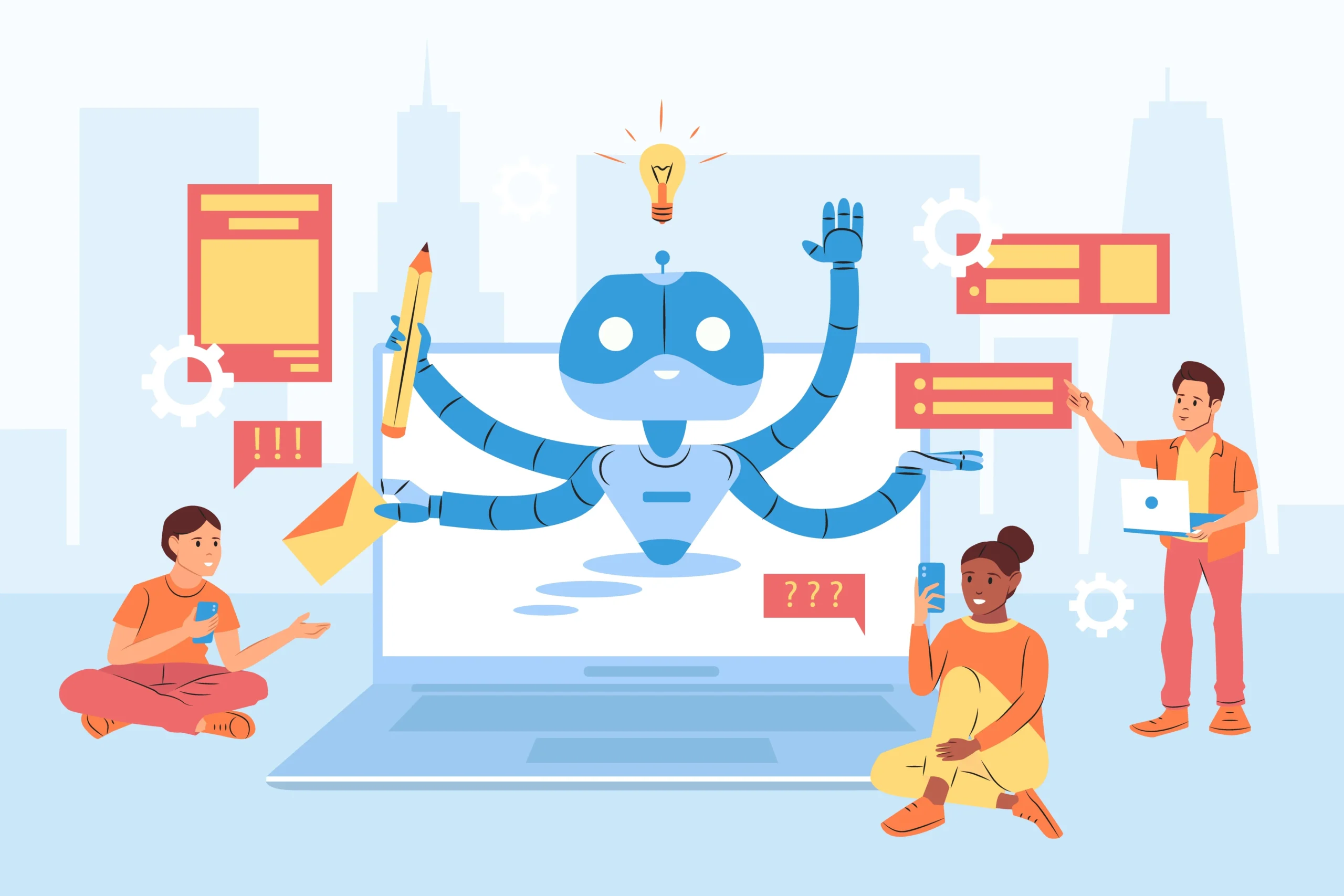
AI coding tools offer convenience, but they also come with serious limitations. One major concern is security, as AI-generated code can unintentionally introduce vulnerabilities when not reviewed properly. Studies indicate that a large portion of AI-written code may contain flaws that attackers could exploit.
This makes careful human oversight essential for any project involving sensitive or complex operations. Another limitation is the AI’s lack of deep contextual understanding.
Although it can generate working code, it often fails to consider project-specific architecture, long-term maintainability, or unique business requirements.
How to Use AI Responsibly to Code Write
Using AI responsibly in coding requires a balanced approach where AI supports your workflow without replacing essential human decision-making. Developers should treat AI as a smart assistant that speeds up routine tasks, but still rely on their own expertise for critical logic, architecture, and security.
When AI-generated code is reviewed, tested, and guided with clear instructions, it becomes a valuable tool rather than a risk. This balanced method ensures your projects remain secure, efficient, and maintainable while you continue improving your own coding skills.
Best Practices to use AI to Write Code?
-
Review AI-generated code thoroughly before adding it to your project
-
Use AI mainly for repetitive tasks, scaffolding, and documentation
-
Provide clear, detailed prompts with language and behaviour requirements
-
Test and analyze AI-written code for quality, security, and reliability
-
Keep strengthening your own programming skills to avoid overdependence
Real-Life Examples of AI-Assisted Coding
Real-life examples of AI-assisted coding show how developers at every skill level can benefit from faster prototyping, easier debugging, and support across multiple programming languages, making AI a valuable companion instead of a replacement for genuine coding expertise.
Boilerplate Code Generation
AI makes it easy to generate repetitive or foundational code structures such as REST API skeletons, route setups, and data models, allowing developers to skip routine boilerplate and focus more on advanced logic and project-specific requirements.
Bug Fixing and Debugging
AI tools can scan your code to identify syntax issues, logical flaws, or performance inefficiencies, offering instant suggestions that help resolve unexpected behaviour quickly and reduce debugging time significantly.
Learning New Languages
When learning languages like Rust or Go, AI can provide example snippets, syntax explanations, and real-time comparisons of language constructs, helping beginners understand concepts faster while still requiring hands-on practice for mastery.
AI Helps Beginners Understand Code Faster
AI breaks down complex functions, algorithms, or patterns into simpler terms, enabling new developers to grasp coding principles more easily and build confidence while analyzing real-world code.
Experts Save Time on Repetitive Tasks
Experienced developers can delegate routine tasks such as formatting, refactoring, or generating setup files to AI, freeing up time to focus on system architecture, optimization, and creative problem-solving.
Quick Prototyping and Testing Becomes Easier
AI accelerates the early stages of development by helping generate prototypes, mock data, test cases, and basic project structures, allowing teams to validate ideas quickly without heavy manual effort.
AI Suggestions Act as a Second Opinion
AI works like an always-available reviewer by offering alternate logic paths, refactoring recommendations, and style improvements, giving developers a helpful second perspective before finalizing their code. If you want to understand how different AI modes support creativity during this process, you can explore which ChatGPT mode is best for creative writing.
Supports Multiple Languages and Frameworks
AI assists in a wide range of languages and frameworks like Python, JavaScript, Rust, Go, Django, and React making it easier to switch tech stacks, explore new tools, and stay adaptable in evolving development environments.
Situations Where AI Works Best

AI works best in situations where speed, structure, and repetition are key. Tasks like prototyping, building MVPs, generating CRUD functions, writing documentation, and producing unit tests become significantly faster with AI support.
It also helps developers quickly learn or experiment with new frameworks by providing instant examples and guidance. In debugging scenarios, AI can spot common syntax or structural issues that might otherwise take longer to identify manually.
In these moments, AI acts as a smart, time-saving assistant rather than a replacement for human decision-making. It reduces routine workload so developers can spend more energy on complex logic, architecture, and user-focused features. By automating repetitive parts of the workflow, AI boosts productivity without compromising creativity or technical ownership.
Situations Where You Should Be Cautious Using AI to Write Code?
AI should be used carefully in scenarios where accuracy, stability, and deep contextual understanding are essential. Critical systems like finance, healthcare, and infrastructure depend on flawless logic, making AI-generated code risky without expert review.
Large legacy projects and complex algorithms also require human insight that AI may not fully grasp. For long-term maintainability, AI-written code might fail to follow team standards, causing issues in future development.
When to Be Cautious Using AI
-
Critical systems such as banking, healthcare, or infrastructure
-
Large legacy codebases with complex architectures
-
Implementing advanced or highly specialized algorithms
-
Projects requiring long-term maintainability and strict team conventions
Future Trends in AI-Assisted Coding
AI-assisted coding is advancing quickly, with virtual coding assistants becoming more capable of generating, testing, and refactoring complex code workflows. Voice- and prompt-driven development is also growing, allowing developers to delegate repetitive tasks with simple commands.
Automated security analysis is improving, helping catch vulnerabilities in AI-generated code earlier. These innovations point toward a more streamlined and efficient development process.
Despite this growth, AI is shaping the future as a partner rather than a replacement for developers. The strongest results come from combining human architectural thinking and creativity with AI’s speed and automation.
Conclusion: Can I Use AI to Write Code?
So, can I use AI to write code? The answer is yes, but with responsibility. AI is a tool to accelerate development, reduce routine errors, and assist in learning. However, it cannot replace human creativity, security judgment, and problem-solving skills.
By providing clear instructions, reviewing output carefully, and using AI where it truly adds value, developers can significantly boost productivity without compromising quality.