In a world where attention spans are shorter than ever, brands and creators are racing to captivate audiences. One of the fastest ways to grab attention is video, and when video creation is driven by AI, the process can become far more accessible, faster, and scalable.
AI-powered video tools allow you to convert scripts into animated scenes, move virtual avatars, add voiceovers, transitions, and effects, often with minimal manual effort. These advances are reshaping how content is made, distributed, and consumed.
What Does “AI Video” Really Mean?
AI video refers to video content that is generated, enhanced, or assisted by artificial intelligence. It enables creators to turn ideas or scripts into complete visual stories without needing traditional filming or editing setups. This technology uses deep learning models to interpret text, mimic voices, generate visuals, and automate production tasks helping users create professional-quality videos quickly and efficiently.
Here are some common forms of AI video creation:
-
Text-to-Video: You input a script or prompt, and the AI converts it into animated or realistic scenes.
-
Video Editing Assistance: AI suggests cuts, transitions, B-rolls, captions, and other refinements to enhance flow.
-
Voice Synthesis & Lip-Sync: AI generates natural-sounding voiceovers and aligns them with character lip movements.
-
Automation Tools: Auto-captions, background music selection, and colour grading features save time and ensure consistency.
These AI-driven capabilities reduce manual work, making video production faster, scalable, and more accessible to everyone, from marketers to educators and independent creators.
Why It Works: Advantages of AI Video
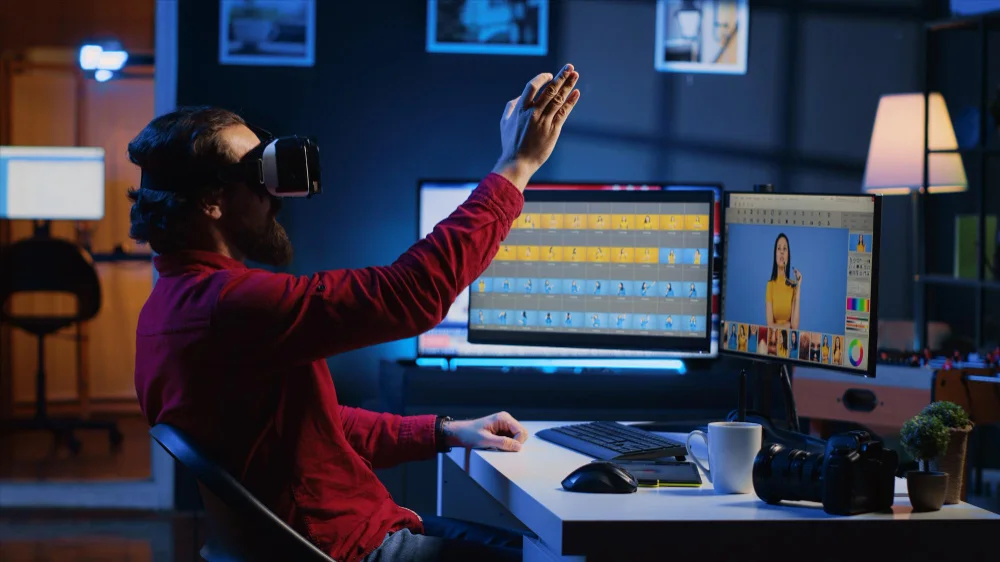
AI video technology has revolutionized how visual content is created and shared. One of its biggest advantages is speed, which used to take days of shooting, editing, and rendering can now be done in a few hours. With AI handling repetitive production tasks, creators can focus on storytelling and creativity instead of spending endless hours on manual work.
This automation doesn’t just save time; it also makes high-quality content creation accessible to individuals and small businesses that might not have professional teams or big budgets. Another reason AI video works so effectively is its flexibility and consistency.
These tools ensure every video looks polished and professional, whether it’s used for marketing, education, or entertainment.
Strategic Steps to Make a Video AI
Below is one paragraph of explanation followed by actionable bullet points.
First, before launching into a tool, you need an idea-to-structure pipeline, a clear storyboard, script, and content plan adapted to your audience.
Script & Narrative
Every great video starts with a strong script. Define your core message, structure your scenes, and decide the tone of voice that best fits your audience. A clear narrative ensures your AI-generated video delivers a cohesive story that captures attention from start to finish.
Storyboard & Shot List
Once the script is ready, visualize it scene by scene through a storyboard. This helps the AI tool understand your vision and ensures that transitions, movements, and visuals align with your story’s flow and purpose.
Prompt Engineering
The success of your AI video often depends on the prompts you use. Craft detailed text inputs with descriptions, moods, and style cues so the AI can generate scenes that match your creative direction.
Asset Preparation
Before generating your video, gather all necessary assets like logos, background music, brand colours, and reference images. These elements add personality and brand consistency to your final product.
Generation & Editing
Use your chosen AI video tool to bring your ideas to life. Review the first output carefully, make prompt adjustments, and refine transitions or visuals until the flow feels natural and engaging.
Polishing & Export
After editing, enhance your video with transitions, background scores, and captions. Export it in a web-friendly format, ensuring it looks professional and optimized for all devices.
SEO & Publishing
When uploading your video, focus on discoverability. Add transcripts, meta descriptions, and schema markup so search engines can easily understand and rank your video content effectively.
Each bullet is a step, but you must revisit earlier steps if the generated output deviates. This pipeline ensures both quality and control.
Two Key Optimization Strategies for Making a Video AI
To make your AI-generated video truly rank and perform, you should focus on two critical strategies that feed into Google’s algorithms and AI search systems.
Two Core Optimization Methods
- Structured Data / Schema Markup
Use theVideoObjectschema to markup video-related fields such as title, description, upload date, duration, thumbnail URL, and transcript. This helps search engines detect and index your video content more accurately. - Transcript & Caption Integration
Always include a full transcript (text) and accurate captions. These allow search crawlers and AI tools to “read” your video, match queries to your content, and surface it as relevant answers or rich snippets.
When combined, these two strategies significantly increase your chances of being discovered by both human users and AI-powered search systems.
Tools & Platforms You Can Use to Make a Video AI
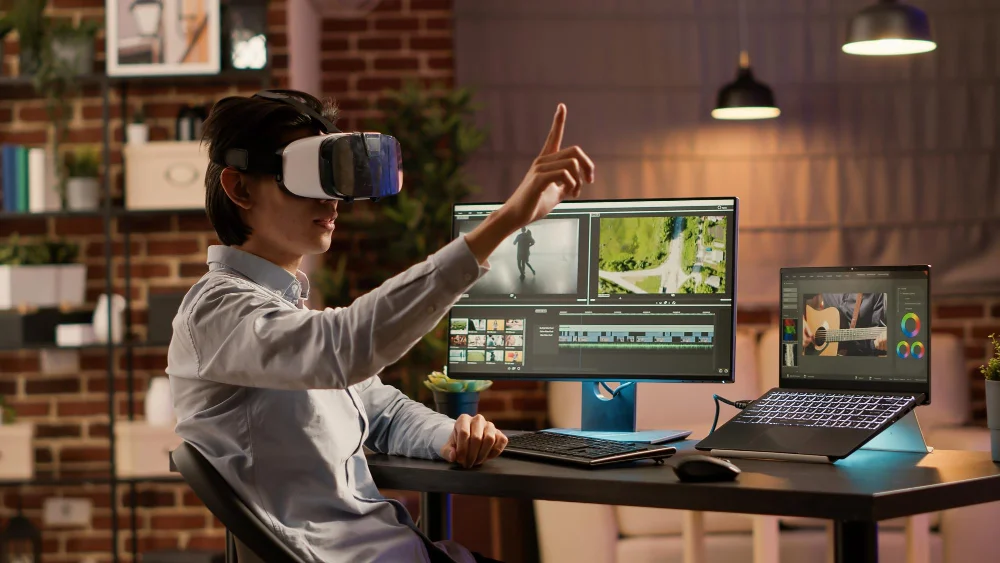
The world of AI video creation is evolving rapidly, offering diverse tools for every type of creator. Whether you want to turn text into animation or generate realistic avatars for business videos, AI platforms now make professional-quality production accessible to everyone. Here are some of the most effective tools available today.
Runway ML
Runway ML allows users to generate, edit, and stylise videos through simple text prompts, giving creators both automation and creative freedom in one platform.
Pika Labs
Pika Labs focuses on creating realistic motion and cinematic effects, making it ideal for short films, ads, and high-quality creative visuals.
Synthesia
Synthesia helps you produce videos using AI avatars that speak your script naturally, making it perfect for tutorials, corporate explainers, and multilingual content.
Lumen5
Lumen5 converts written articles or blog posts into eye-catching videos with templates, brand customization, and quick editing options for social media marketing.
Runway Gen-2 and Google Veo
Runway Gen-2 enables ultra-realistic text-to-video generation, while Google Veo pushes creative limits by turning natural language prompts into stunning, cinematic footage.
These tools prove how accessible and efficient AI video creation has become, empowering creators, marketers, and educators to produce compelling visual content in a fraction of the traditional time.
How to Optimize AI Videos for SEO & AI Discoverability
Optimizing your AI videos ensures they not only look great but also perform effectively in search rankings. Proper SEO practices help search engines understand your content, improve click-through rates, and increase discoverability across AI-driven platforms. By refining metadata, using structured data, and ensuring contextual relevance, your videos can reach the right audience at the right time.
Key Optimization Techniques for Making a Video AI
-
Optimize Titles and Descriptions: Write clear, keyword-focused titles and engaging descriptions that reflect user intent.
-
Add Transcripts and Captions: Include full transcripts and accurate captions to make videos searchable and accessible.
-
Use Structured Data Markup: Apply VideoObject schema to highlight your video’s title, duration, and thumbnail.
-
Optimize Thumbnails: Create high-quality thumbnails that visually summarize your content and attract clicks.
-
Integrate Keywords Naturally: Place main and related keywords organically in metadata, transcripts, and captions.
-
Publish with Contextual Content: Embed your videos within relevant blog posts or articles to build semantic strength.
-
Ensure Mobile Optimization: Use responsive video players that load quickly and maintain quality on all devices.
-
Encourage Engagement: Add calls-to-action (CTAs) such as “Watch Next” or “Subscribe” to increase interaction.
By applying these techniques consistently, your AI videos can gain higher visibility, boost engagement, and perform better across both traditional and AI-based search systems.
Measuring Success & Iteration

Once your AI video is live, you need to monitor how it’s performing, not just views, but engagement, retention, and SEO impact. Metrics like watch time, drop-off points, click-through rate, and how much of it converts or leads users deeper into your content funnel are key. Also, monitor how often it’s featured in AI-powered answers or how often it appears in search suggestions.
From those insights, iterate. If retention is low, consider trimming or reworking scenes. If it’s ranking poorly, revise your metadata, transcript, or structural context. A/B test thumbnail styles, title variations, and opening seconds. Over time, your AI video creation plus feedback loop will sharpen its performance and authority.
Overcoming Challenges & Quality Guardrails
The journey isn’t without its pitfalls. Here are major challenges you must guard against, with practical mitigation ideas:
Major Ideas:
- Unrealistic visuals or motion glitches: AI may struggle with human movement or complex scenes. Mitigation: use more abstract visuals, limit motion complexity, or intervene manually.
- Brand inconsistency: style drift between scenes. Use style guides and promote consistency.
- Copyright or licensing risk: Many AI models are trained on huge datasets with murky licenses. Always check policies.
- Overuse of AI artefacts: over-smoothing, repetitive backgrounds, or unnatural faces. Mitigation: human review and selective regeneration.
- Keyword stuffing temptation: trying to “force SEO into video” can make your script robotic. Keep natural language first, SEO second.
By anticipating these issues, you can maintain quality while scaling with AI.
Best Practices for Ethical & Trustworthy AI Videos
To satisfy Google’s E-E-A-T (Experience, Expertise, Authoritativeness, Trustworthiness), your AI videos must reflect real knowledge and integrity. Always credit sources of data, use accurate voices, label synthetic content transparently when necessary, and avoid misleading visuals. This fosters trust not only with your human audience but with AI systems assessing credibility.
Be mindful of representation. If you use avatars or face generation, avoid reinforcing harmful stereotypes. Aim for inclusivity and authenticity. When dealing with sensitive topics, back up your statements with evidence, data, or citations just as you would in text content.
Finally, maintain a clear fallback: always include a human review step. No matter how good AI becomes, human judgment should vet scripts, visuals, and ethical implications. Using the right AI tools for video editing can speed up the process, but that hybrid approach balances efficiency with responsibility.
Conclusion: Make a Video AI
In summary, the ability to make a video AI empowers creators to scale high-quality video content faster than ever. But merely generating something isn’t enough; the real power lies in combining creative strategy, SEO-aware metadata, structured markup, transcripts, and human oversight.
With the right pipeline, tools, and optimization practices, you can produce videos that not only captivate viewers but also satisfy Google’s E-E-A-T and rank well in AI-driven search landscapes. Start small, iterate, and keep refining with metrics and feedback.