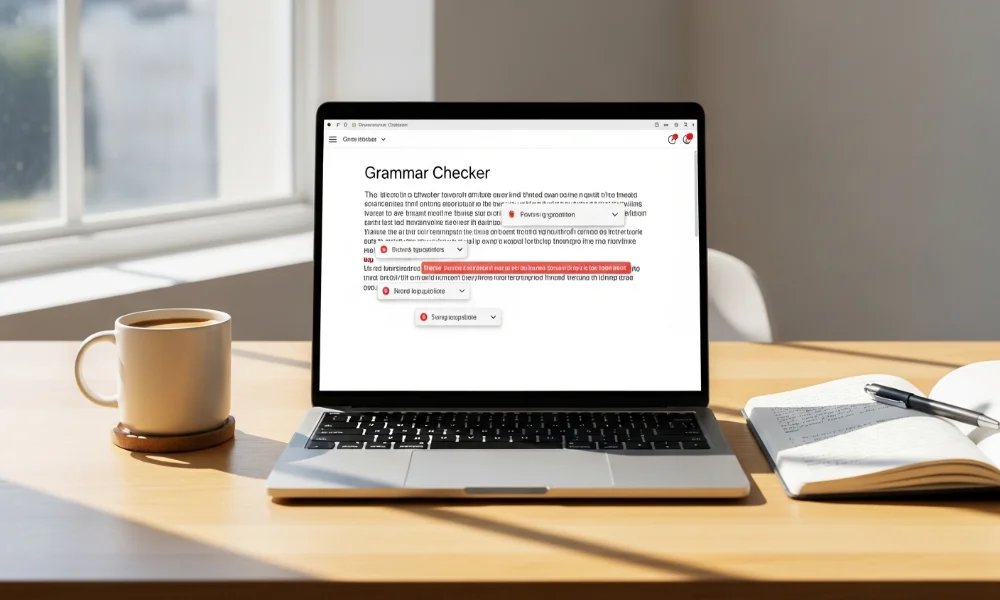
Many writers look for simple tools that fix grammar mistakes quickly. This Scribens AI review explains how the tool works for everyday writing needs. People want clarity, accuracy, and ease while editing text. This guide helps you decide if Scribens fits your workflow.
What Is Scribens?
Scribens is an online grammar checker designed to improve writing quality. It focuses on grammar accuracy, spelling, and sentence structure corrections. The tool works through a web editor and browser extensions. Many users rely on it for quick grammar checks.
Scribens Features
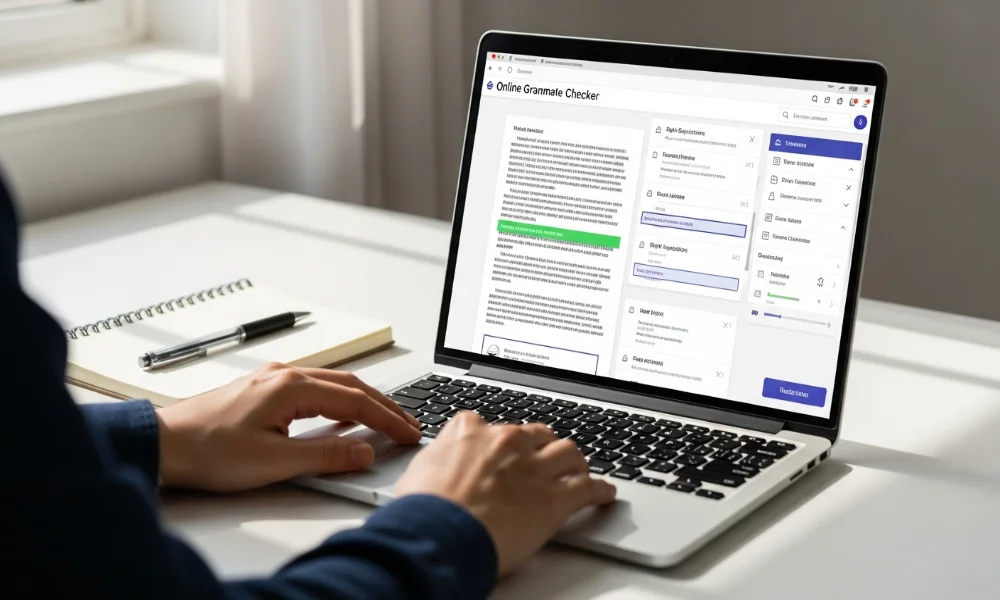
This grammar checker offers several tools to improve writing clarity. Its features focus on accuracy, readability, and simple editing. The interface remains easy for beginners to understand. Below are the main features explained clearly.
Grammar and Spelling Checks
The tool identifies grammar and spelling mistakes instantly. It highlights errors and suggests corrections in real time. Verb agreement and punctuation issues are handled well. This feature saves time during proofreading sessions.
Style Suggestions and Readability Tools
Scribens also improves sentence flow and writing clarity. It detects repetitive words and awkward phrasing patterns. Readability tools help simplify long or confusing sentences. Bloggers often find this feature very useful.
Multilingual Support and Integrations
The platform supports multiple languages for global users. Writers can check English, French, and several other languages. Browser extensions work smoothly with Chrome and Firefox. Integration with word processors improves daily productivity.
Writing Statistics and Reports
After editing, the tool generates detailed writing reports. These reports show sentence length, repetition, and readability levels. Writers gain insight into their writing habits. This helps improve long-term writing quality.
Pros and Cons
Every grammar tool has strengths and limitations to consider. Scribens offers helpful features but lacks advanced AI rewriting. Understanding both sides helps set realistic expectations. The table below explains advantages and drawbacks clearly.
| Pros | Cons |
|---|---|
| Free version available | Interface feels outdated |
| Easy for beginners | Limited advanced rewriting |
| Supports multiple languages | Fewer tone suggestions |
| Browser and document support | Premium features are basic |
Accuracy and Performance
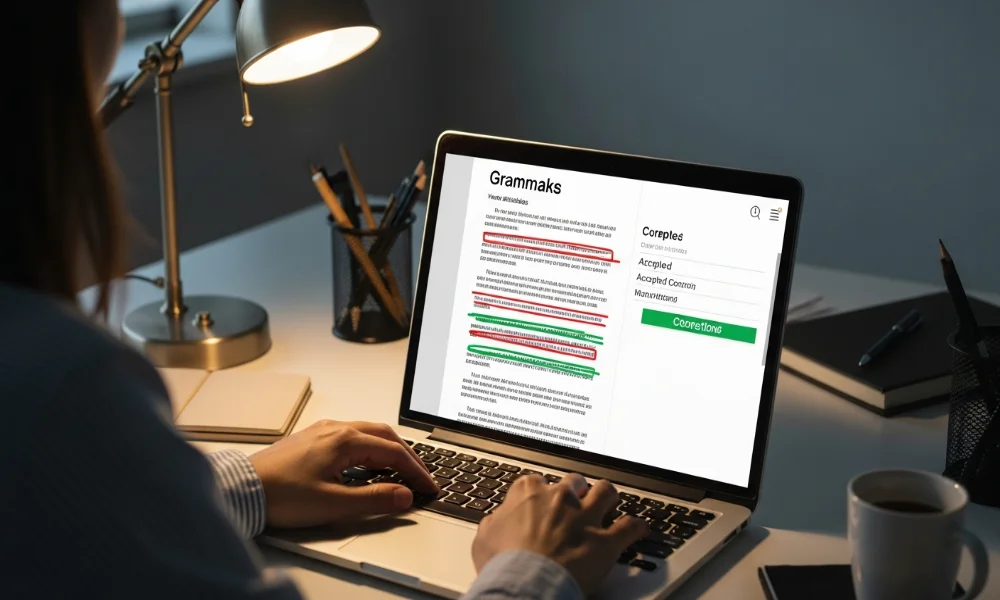
Accuracy matters when choosing a grammar checker for writing. This tool performs well for basic grammar and spelling corrections. It handles punctuation and sentence structure efficiently. Some advanced contextual errors may still require manual editing.
How Accurate Is It Compared to Other Tools?
The accuracy level suits students and casual writers well. It detects more errors than basic spellcheck software. Premium competitors provide deeper context analysis. Still, this tool remains reliable for everyday use.
Pricing: Free vs Premium
Pricing plays an important role for budget-conscious users. Scribens offers both free and paid plans. Each plan includes different access levels and features. Understanding these differences helps choose wisely.
Free Version Limitations
The free plan supports basic grammar and spelling checks. Users face character limits during text analysis. Advertisements appear while editing documents. It works well for short writing tasks.
Premium Version Features
The premium plan removes ads completely. It allows longer texts and detailed writing reports. Users get improved stylistic suggestions and insights. Pricing remains affordable compared to similar tools.
Comparison With Other Grammar Tools
Many writers compare Scribens with popular grammar checkers. Each option serves different writing needs and budgets. Comparing features helps users decide better. Below are direct comparisons with major competitors.
Scribens vs Grammarly
Grammarly offers advanced tone and clarity suggestions. Scribens focuses more on grammar fundamentals. Grammarly suits professional and marketing writing better. Scribens works well for simple editing needs.
Scribens vs ProWritingAid
ProWritingAid provides deep writing analysis and reports. Scribens remains simpler and easier to use. Long-form writers prefer ProWritingAid features. Scribens suits quick grammar corrections.
Scribens vs LanguageTool
LanguageTool supports more languages globally. Scribens provides clearer grammar explanations for beginners. Both tools perform well for multilingual writing. Choice depends on language requirements.
Best Alternatives to Scribens
Some users prefer tools with stronger AI writing features. Several alternatives offer advanced grammar and style improvements. Choosing the right option depends on writing goals. Below are popular alternatives worth considering.
Grammarly
Grammarly provides advanced grammar, clarity, and tone suggestions. It suits professionals and content marketers. The premium version includes plagiarism detection. Grammarly remains a strong competitor.
ProWritingAid
ProWritingAid focuses on deep writing improvement reports. It works best for authors and editors. The tool analyzes structure and readability deeply. Long-form writers benefit most from it.
LanguageTool
LanguageTool supports over twenty global languages. It offers grammar and style corrections efficiently. The interface feels clean and modern. Multilingual writers prefer this option.
Hemingway Editor
Hemingway improves readability and sentence simplicity. It highlights complex sentences and passive voice. Grammar correction is not its main strength. This tool suits bold writing styles.
Ginger Software
Ginger offers grammar correction and sentence rephrasing tools. It includes translation and text-to-speech features. The interface remains user friendly. Non-native writers benefit greatly from it.
Who Should Use This Tool?

This grammar checker suits specific types of writers. It focuses on grammar accuracy and writing clarity. Understanding the ideal audience helps avoid disappointment. Below are users who benefit most.
Students and Academic Writers
Students use this tool to fix grammar mistakes easily. It helps improve essays and assignments quickly. The free version suits academic writing needs. Grammar explanations support learning effectively.
Bloggers and Content Creators
Bloggers rely on it for quick proofreading. It helps remove basic errors before publishing content. Readability tools improve audience engagement. Casual content writers find it helpful.
Professionals and Office Users
Professionals use it for emails and reports. It ensures clear and error-free communication. Browser extensions save editing time daily. Office writing becomes more polished.
Final Verdict: Is Scribens AI Worth Using?
This Scribens AI review shows the tool performs well for basic grammar needs. It offers simplicity, affordability, and solid accuracy. Advanced AI rewriting remains limited compared to competitors. Overall, it is a reliable choice for students and casual writers.
Frequently Asked Questions
What is Scribens used for?
Scribens is used to check grammar, spelling, and sentence structure errors. It helps writers improve clarity and readability in their content. The tool works well for essays, emails, and blog posts. Many users rely on it for quick proofreading.
Is Scribens AI free to use?
Yes, Scribens offers a free version with basic grammar checking features. The free plan has character limits and displays ads. It is suitable for short texts and casual writing. Premium access removes limitations and ads.
How accurate is Scribens for grammar checking?
Scribens provides good accuracy for basic grammar and spelling errors. It handles punctuation, agreement, and sentence flow well. Advanced context-based suggestions are more limited. For everyday writing, the accuracy is reliable.
Is Scribens better than Grammarly?
Scribens is simpler and easier for beginners to use. Grammarly offers more advanced tone, clarity, and AI-based suggestions. Scribens works best for basic grammar correction. Grammarly suits professional and marketing writing better.
Who should use Scribens?
Students, bloggers, and casual writers benefit most from Scribens. It helps improve grammar without overwhelming users. Professionals can use it for emails and reports. Advanced writers may prefer tools with deeper analysis.
Does Scribens support multiple languages?
Yes, Scribens supports several languages including English and French. It is useful for multilingual writers and students. Language support depends on the selected mode. This makes it suitable for international users.
Is Scribens safe to use?
Scribens is safe to use for grammar checking tasks. It does not require complex installations for basic use. Browser extensions work securely with supported platforms. Users should still avoid sharing sensitive content online.